How-to guide
Teach with Augmented Reality
Students turn their own drawings, posters and diagrams into AR. No code, just a browser and a phone.


What it is
Analogue and digital, in one lesson
With Artivive, students give their own work a digital layer. A drawing tells its story, a diagram turns into a 3D model, a history poster plays the film behind it.
They learn to plan, film, animate and present, with the analogue work at the centre. Teachers need no technical background.
It fits art, science, history and languages, in class, in a workshop or at a school exhibition.
Why it works
Why it works in class
Students make, not watch
They plan, film, animate and present their own work. AR is the result of the lesson, not a video they consume.
Hard ideas get visible
A 3D molecule, a historical building or a process that plays makes abstract subjects easier to grasp.
Digital skills, real work
Storytelling, image editing and presenting, with the drawing or the poster still at the centre.
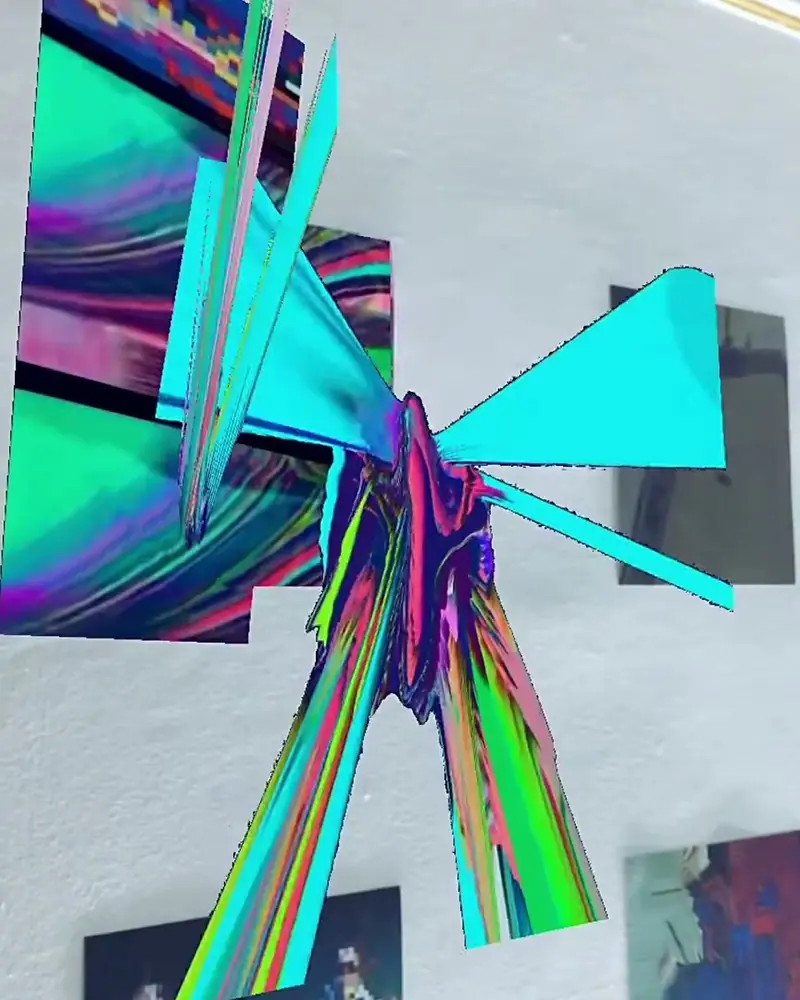
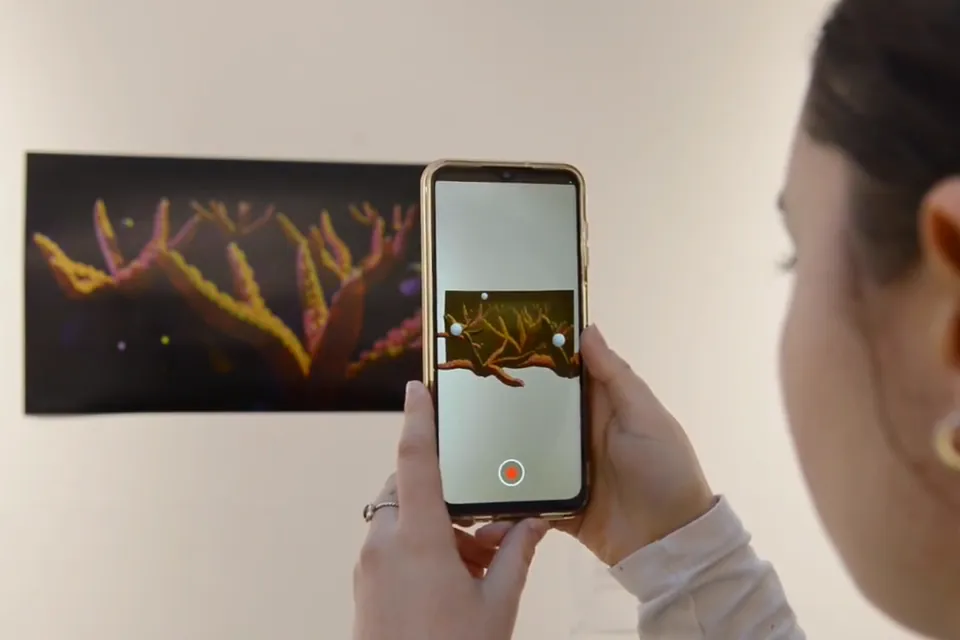 n[ar]ratives: student AR works at UALStudents from all six UAL colleges produced and exhibited AR works after a two day workshop.Students of all six UAL colleges, curated by Sophie RisnerWatch on Stories
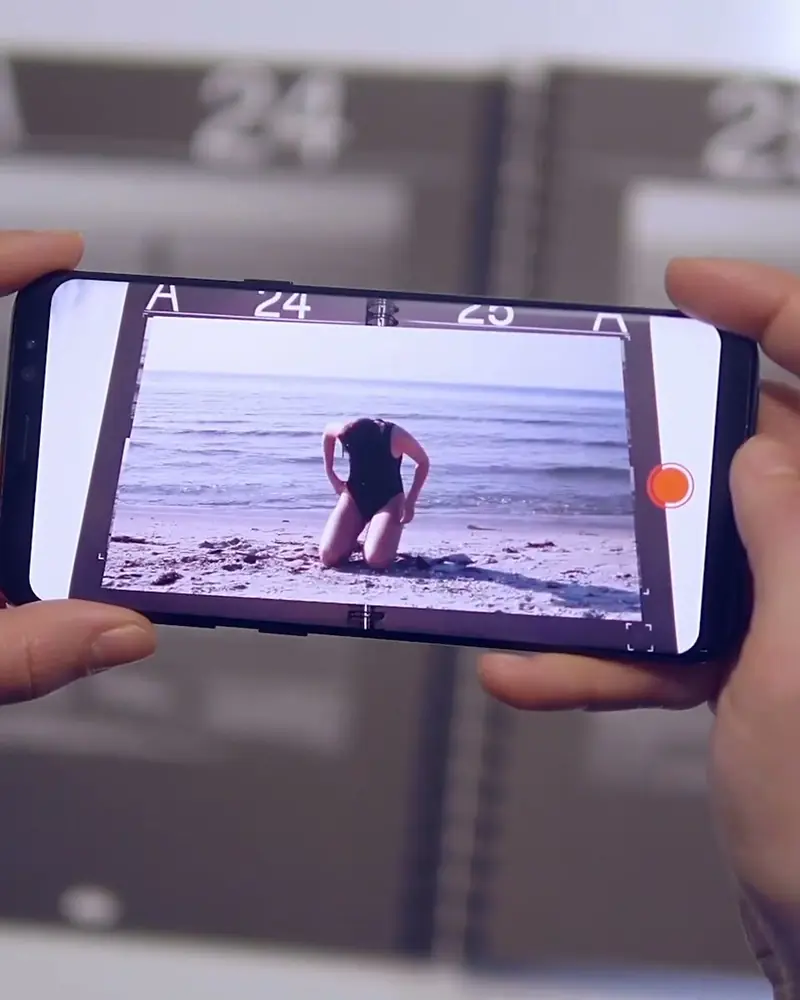 PORT: a university magazine in ARArticles marked with a number open into animation when a reader scans the spread.Students of Bauhaus-Universität WeimarWatch on Stories
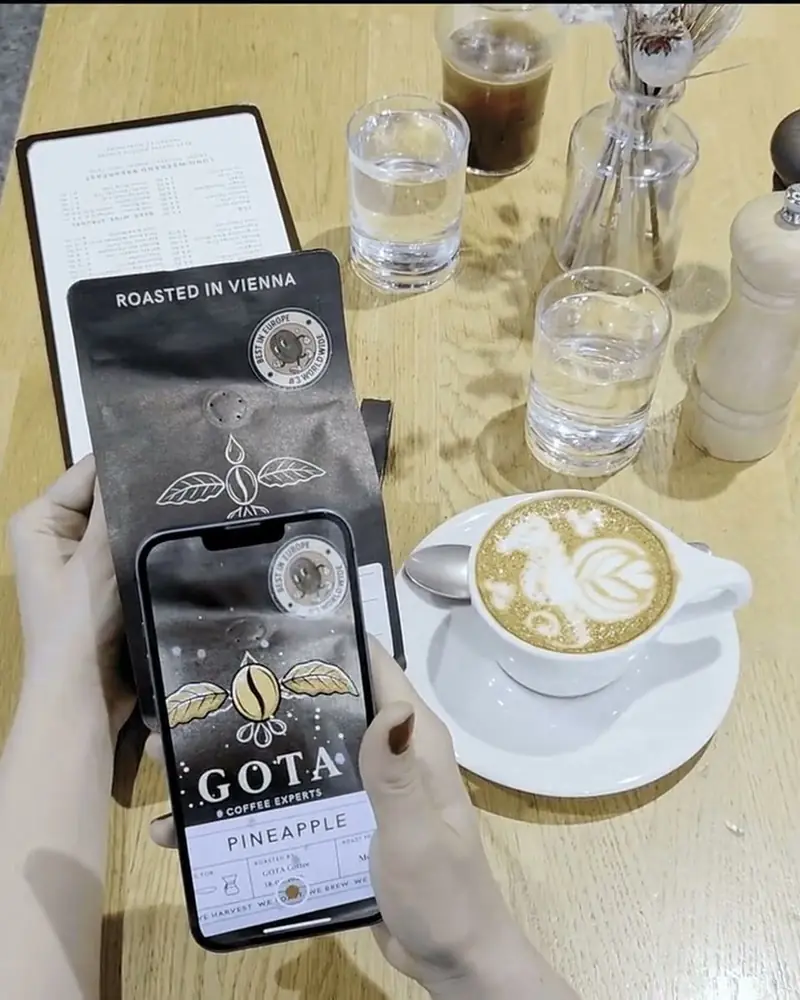
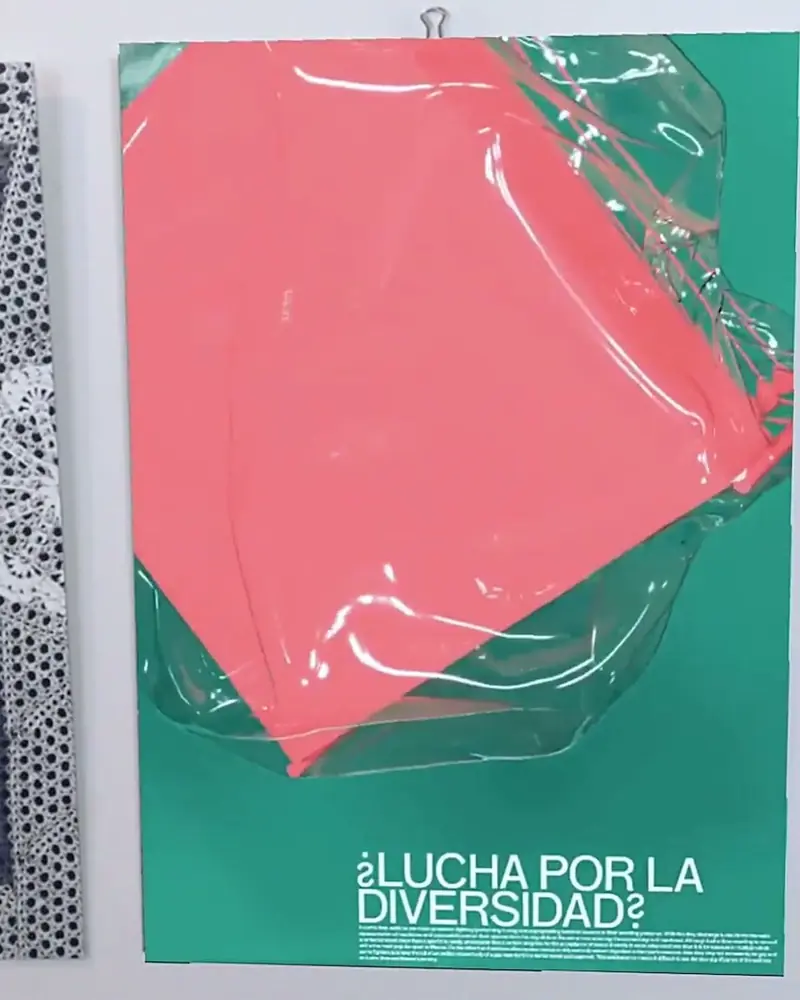 Student AR works at the Angewandte FestivalPrints, murals and packaging by students came to life for festival visitors.Applied Photography and Time-Based Media class, University of Applied Arts ViennaWatch on Stories
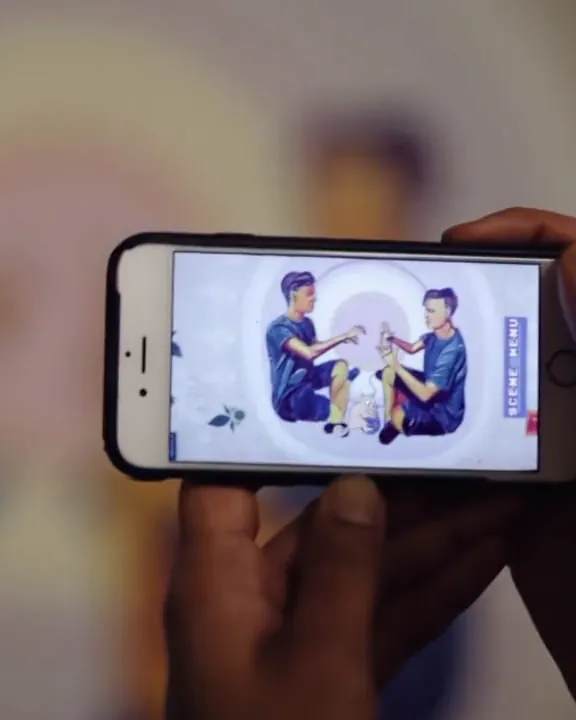
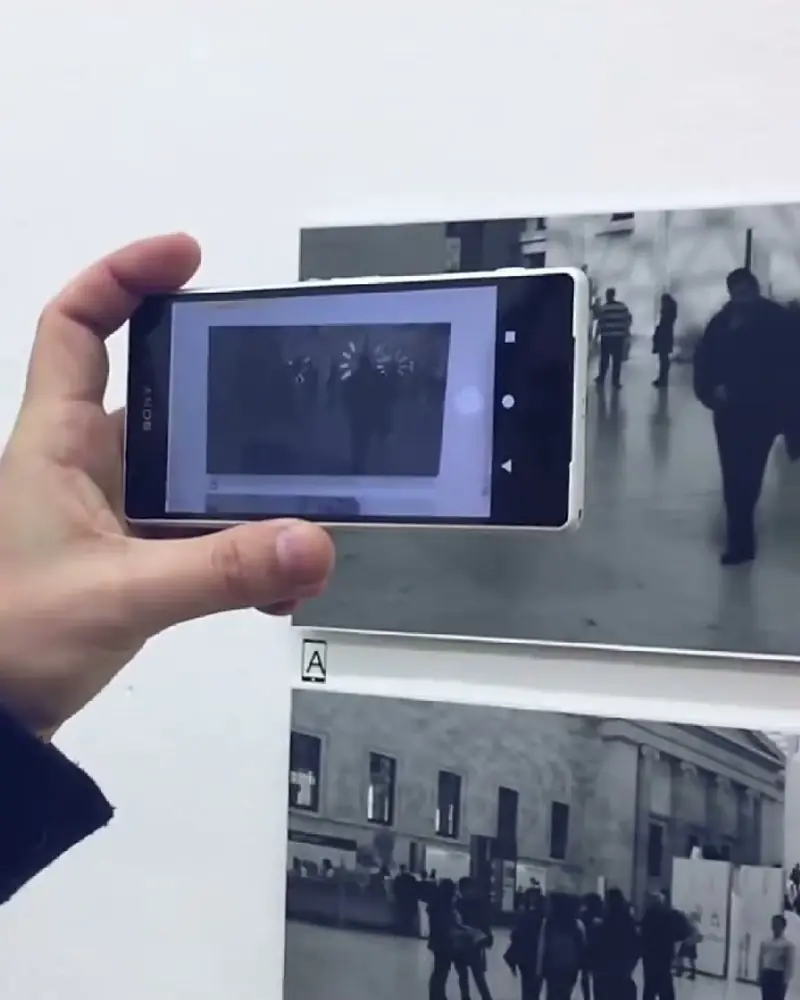 Open days at the Academy of Fine ArtsSmall drawings on a studio wall fill with footage when visitors hold up a phone.Ted Green, artistWatch on Stories
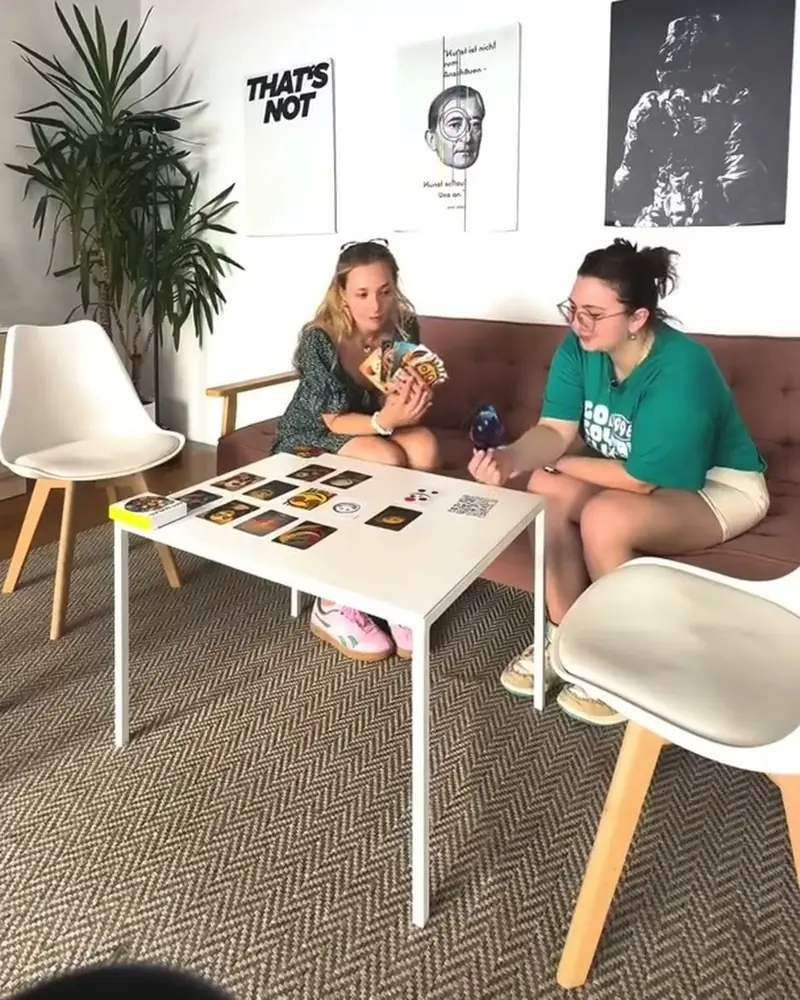 ArtSmiles: art history as a card game44 cards, one art movement each, that explain themselves when scanned.ArtSmilesWatch on Stories
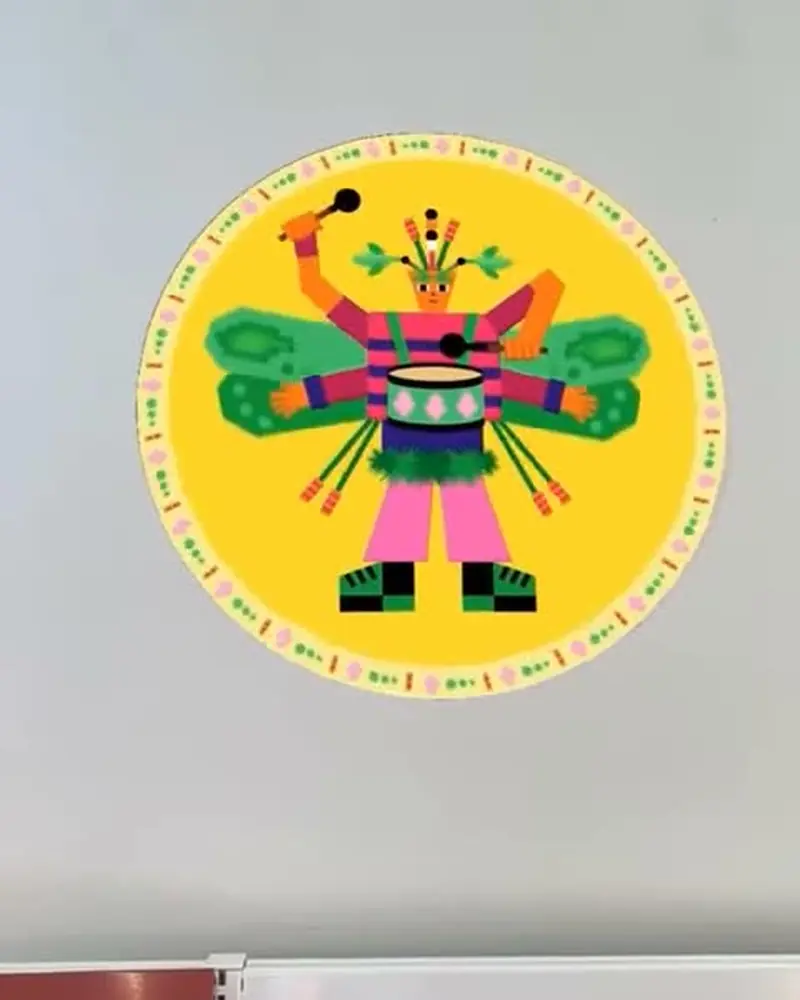 Play with insects in Brest’s librariesRound insect characters on stickers and cards that dance when scanned.Guillaumit for the Médiathèques de BrestWatch on Stories
Ideas to try
Lessons to try
Art class: drawings that come to life
Students draw on paper, then animate their own drawing. One picture and one short video is a full first project.
Science: a poster with a 3D model
A diagram of the heart, a cell or a planet, with a 3D model students can look at from every side.
History: a photo that tells its story
A historical photo with a narration or a short documentary clip on top.
Languages: hear the word
Vocabulary cards with a voice layer for pronunciation.
A school exhibition
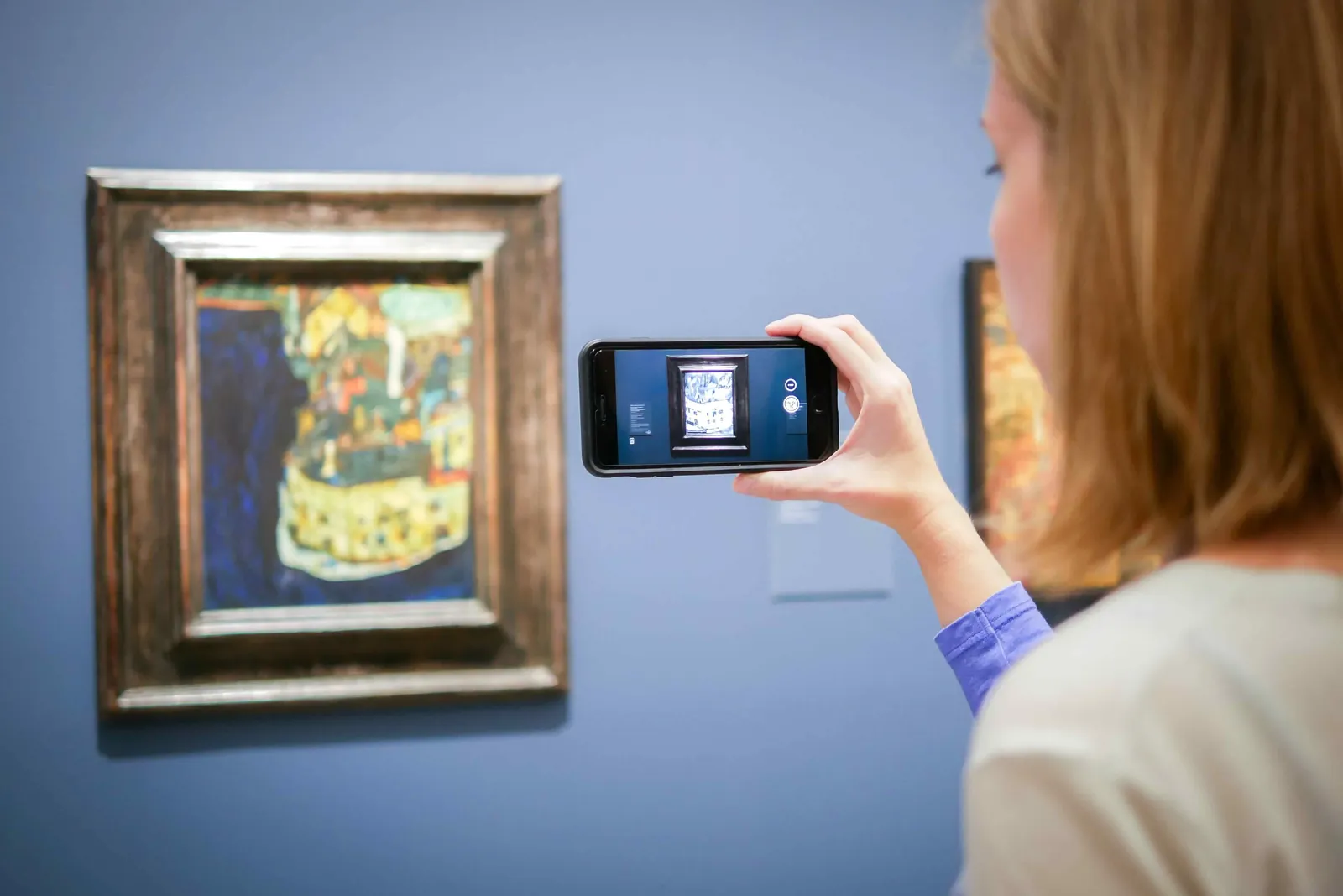
Hang the class’s work and let visitors scan it, as students do at the University of the Arts London and the Angewandte in Vienna.
A school magazine
Articles that open into video, as the students of Bauhaus-Universität Weimar did with PORT.
What you need
Before you start
A short checklist. Everything else happens in Bridge.
- Pictures to start from Students’ drawings, posters or photos as .jpg or .png. Detail and contrast scan best. Optimise recognition.
- Something to add Short videos filmed on a phone (.mp4 or .mov, up to 100 MB), narration, images or 3D models. File types.
- Accounts for the class Try it alone on the free plan, then give every student a Pro account with the educational package.
- Devices A browser to create in Bridge, and phones or tablets with the free Artivive app to view.
How to make it
Make yours in five steps
All in Bridge, the Artivive editor, in your browser. No code.
Choose the picture
A student drawing, a historical photo, a poster or a science diagram becomes the trigger image.
Upload it to Bridge
Students click Create Artwork and upload the picture. Bridge runs in the browser.
Add the layers
A video, a narration, a 3D model of a molecule or a building, effects. Position, rotate and scale each one.
Preview and publish
Test it in the editor, publish, then scan the printed picture with the Artivive app.
Show it
Print the work for the classroom wall or a school exhibition, or share it as a WebAR QR code.
New to Bridge? Your first AR artwork, step by step, or the free course.
Tips
Small things that make it work
Start simple
One picture and one short video is a complete first project. 3D and effects can come in the next lesson.
Let students present
A class exhibition gives the work an audience. Our templates help visitors scan.
Book a workshop
In one hands-on workshop, every student builds an AR piece of their own.
Questions
Questions and answers
Is it hard to learn?
No. Bridge is a drag-and-drop editor, made for people who don’t code. The free course walks through it.
What do students need?
A computer or tablet with a browser to create, and a phone or tablet with the free Artivive app to view.
Is there a package for schools?
Yes. The educational package gives every student a Pro account. How the package works.
What data does Artivive store?
Creating needs an account with an email address; viewing needs none. Data is processed in the European Economic Area, with our main servers in Frankfurt. Privacy policy.
Do you offer workshops?
Yes, for schools, universities and teams, from the basics to a finished AR piece. Workshops.
Do viewers need an account?
No. Anyone can scan and view for free, in the app or in the browser.