How-to guide
How to create Augmented Reality movie posters that come to life
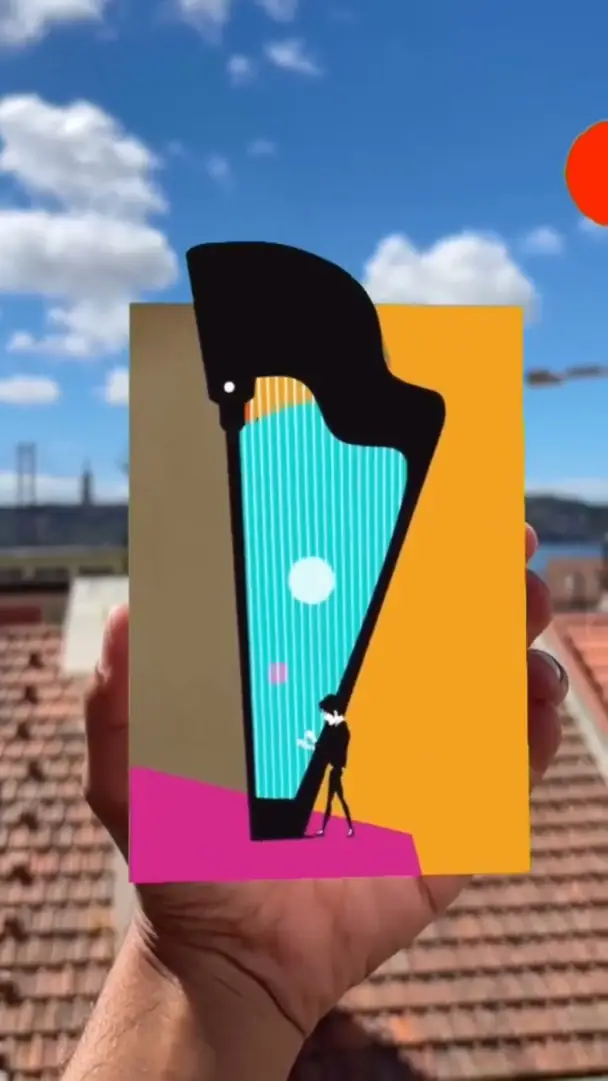
Scan the poster and the trailer plays, the title catches fire, the lead steps forward.


What it is
The poster plays the film
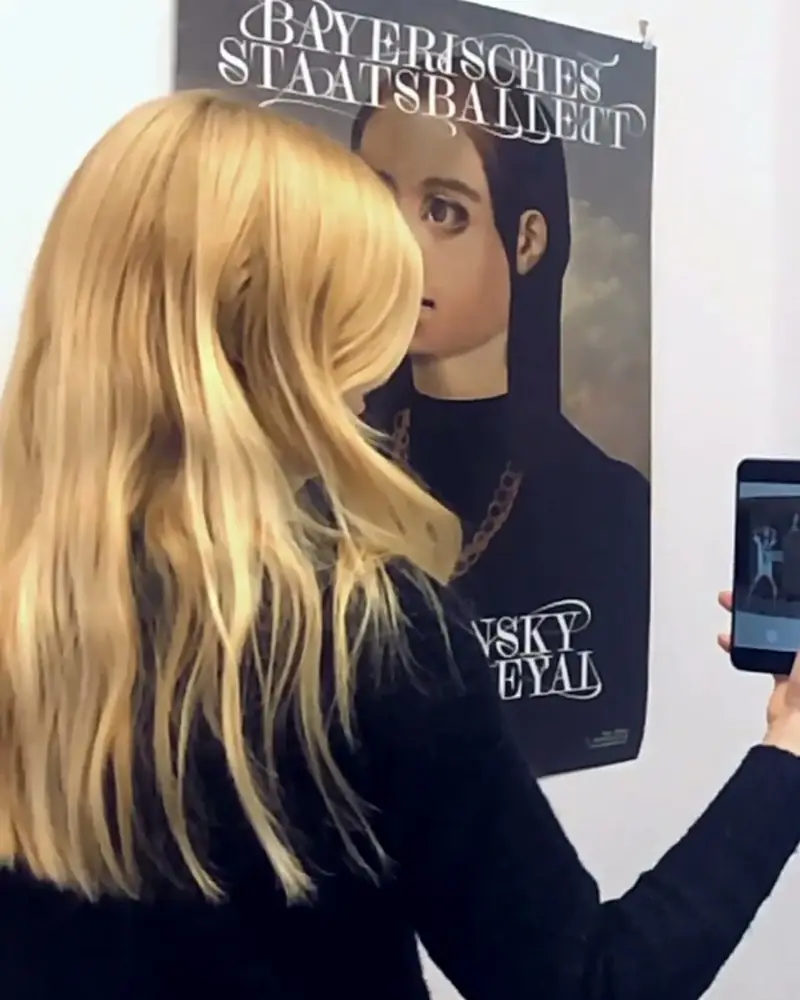
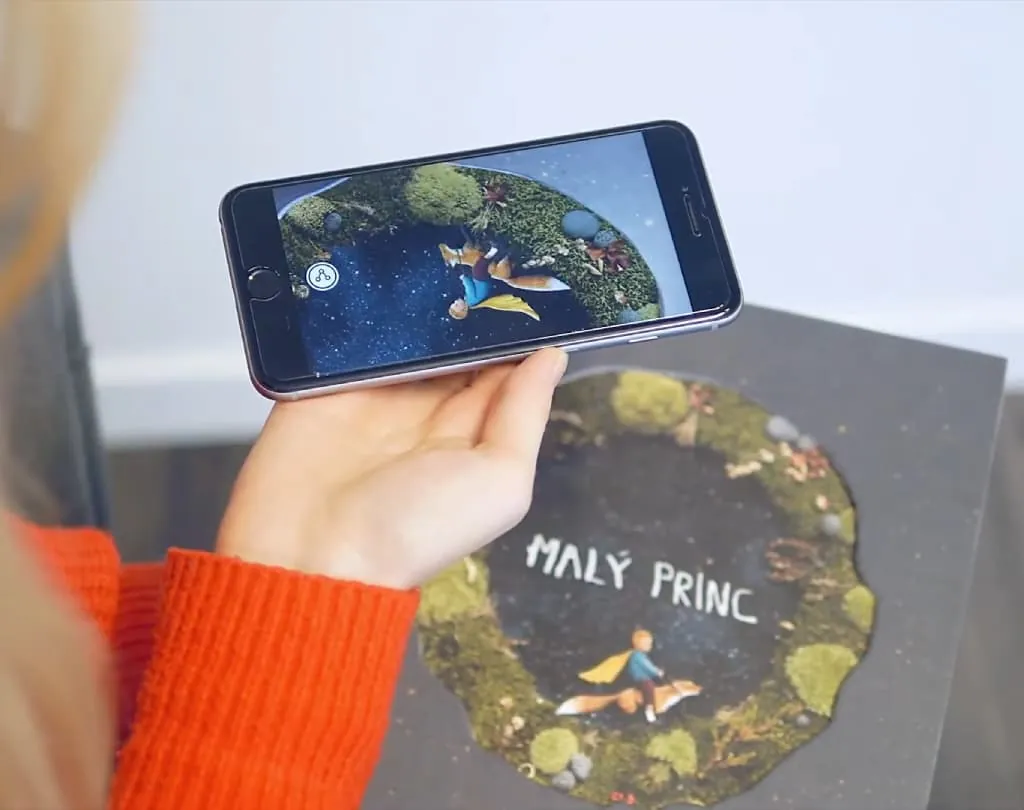
An AR movie poster is a printed poster with a digital layer. Point a phone at it and it plays the trailer, the soundtrack or a message from the cast.
It works for a premiere, a festival entry or a streaming launch. The poster brings people in, the AR gives them a reason to stay.
Poster designers have used it for years: the MAK in Vienna showed the winners of 100 Best Posters with an AR layer, and GerillAR pasted animated posters across Budapest.
Why it works
Why posters that play work
Passers-by stop
A poster that comes to life turns a glance into a minute with your film.
The trailer is right there
No search, no link to type: the teaser plays on the poster itself.
One poster, every phase
Swap the AR for the premiere, the release and the streaming launch. The poster stays on the wall.
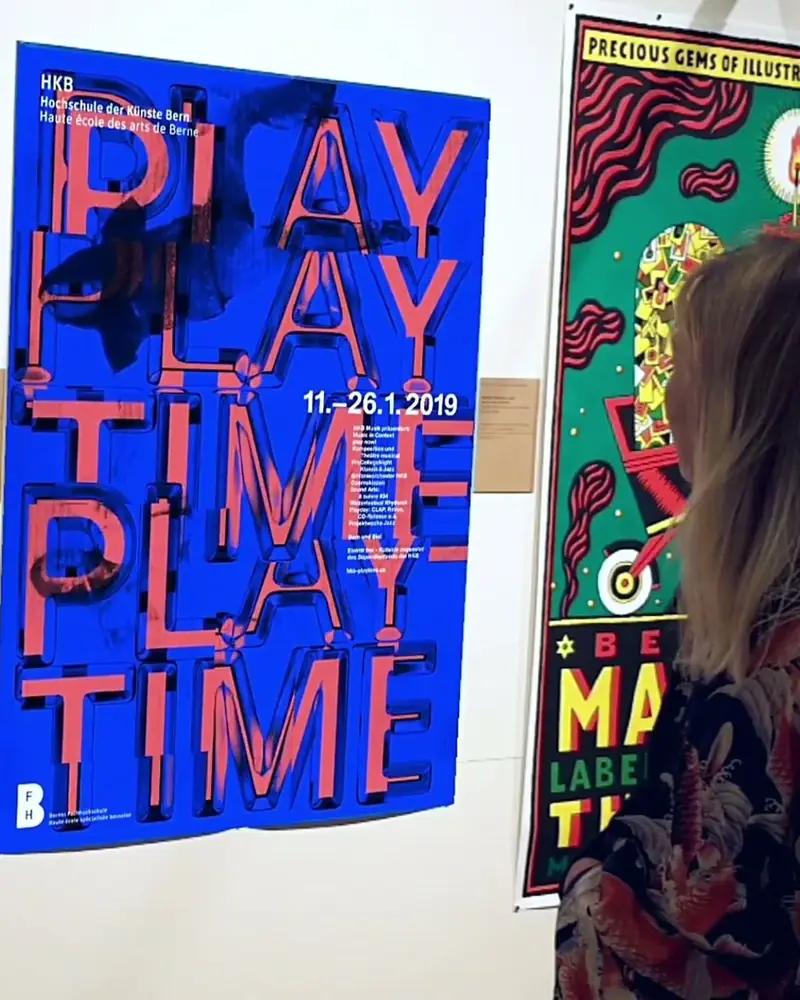 100 Best Posters 18 in ARSelected posters at the MAK came to life and showed the idea behind each design.MAK Museum of Applied Arts, ViennaWatch on Stories
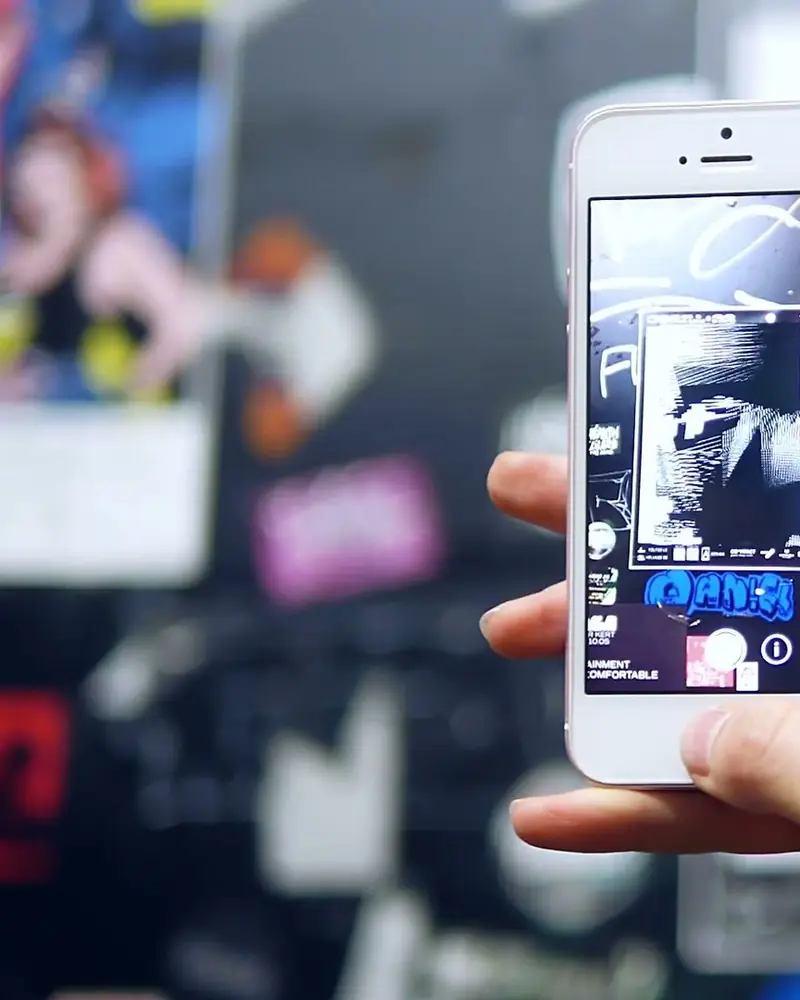 GerillAR: animated posters across BudapestAbout forty posters pasted around the city, unlocked by anyone who noticed the marker.Compact Graphic Design Studio, Budapest Design WeekWatch on Stories
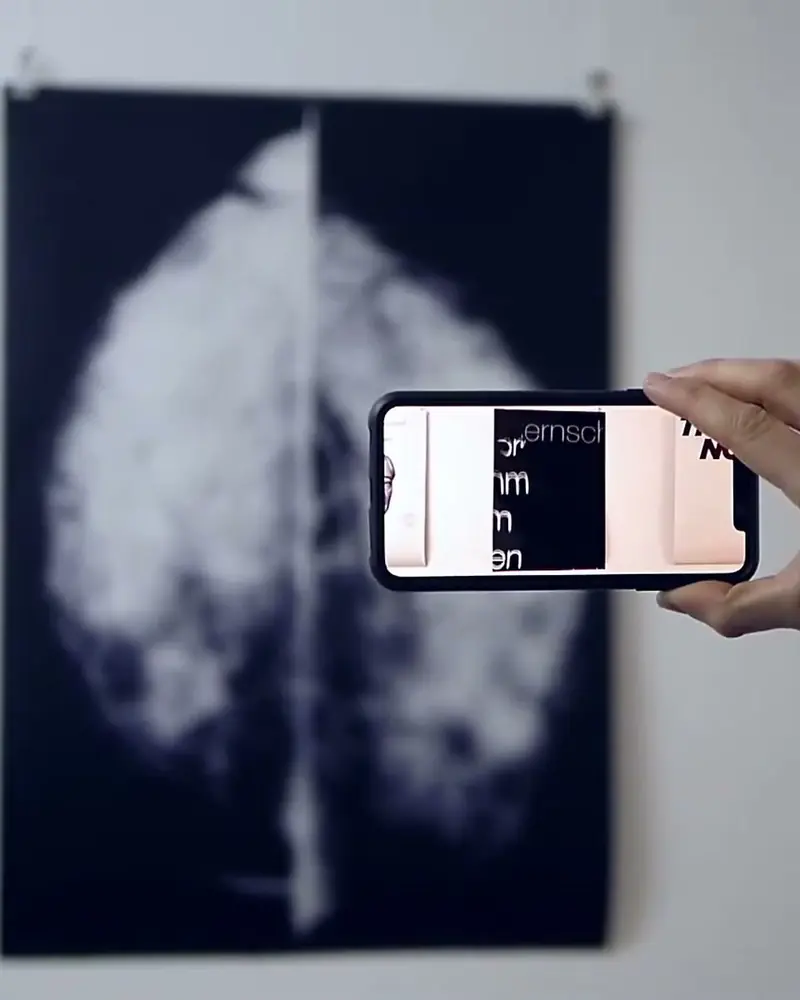 Walkie Talkie: 14 posters that come to lifeFourteen artists, one poster each, hung as a normal poster show.Aljoscha Höhborn, Herwig Scherabon, Anna Froese and 11 more artistsWatch on Stories
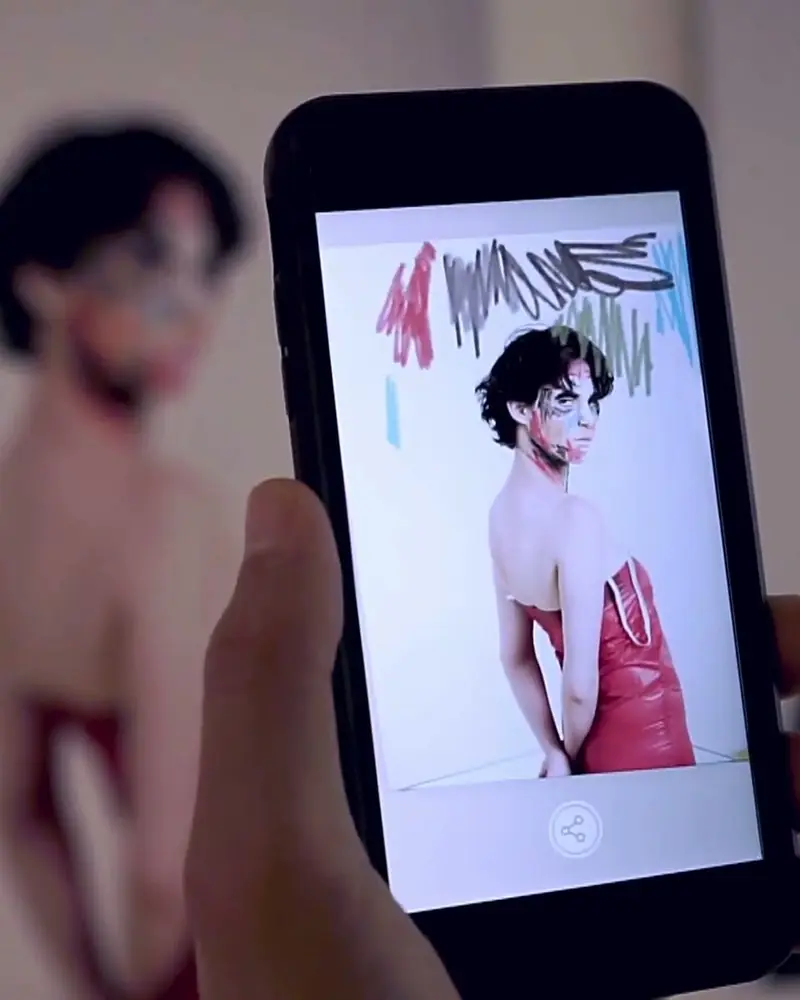 Take Festival: fashion posters that come to lifeThe festival campaign and the pieces in the show carry an AR layer.Elsa Okazaki, photographerWatch on Stories
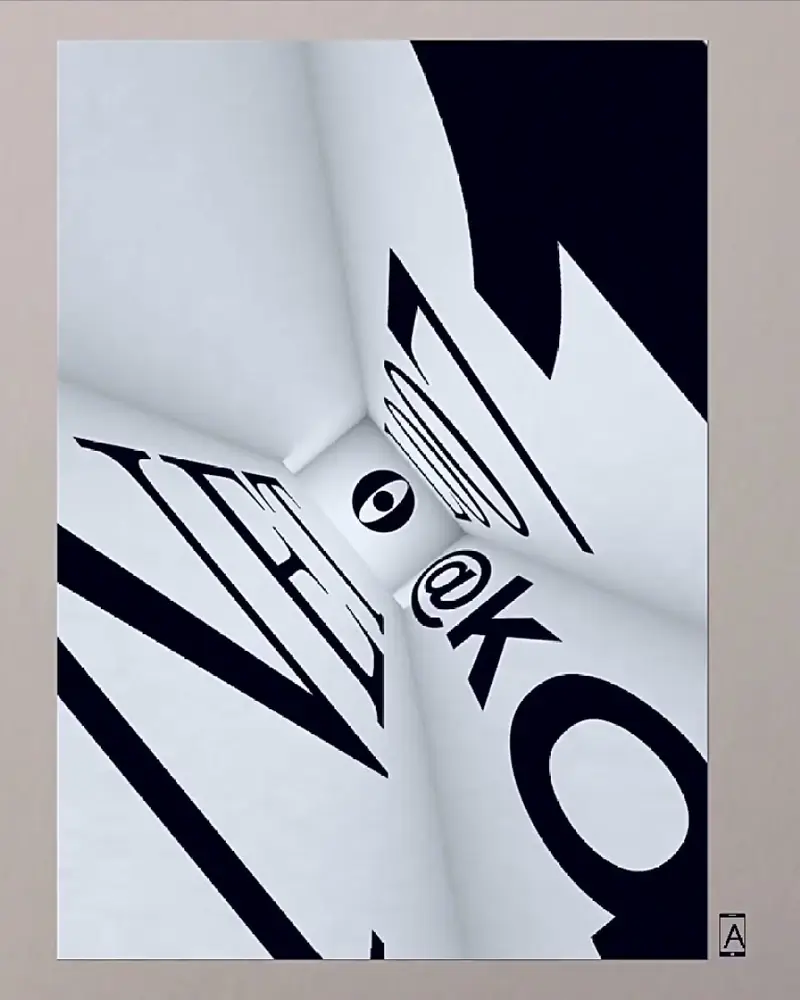 Posters that answer back in San FranciscoPrinted faces taped to the foyer wall came alive for guests with tablets and phones.Alexander Reben, artist, at Stochastic LabsWatch on Stories
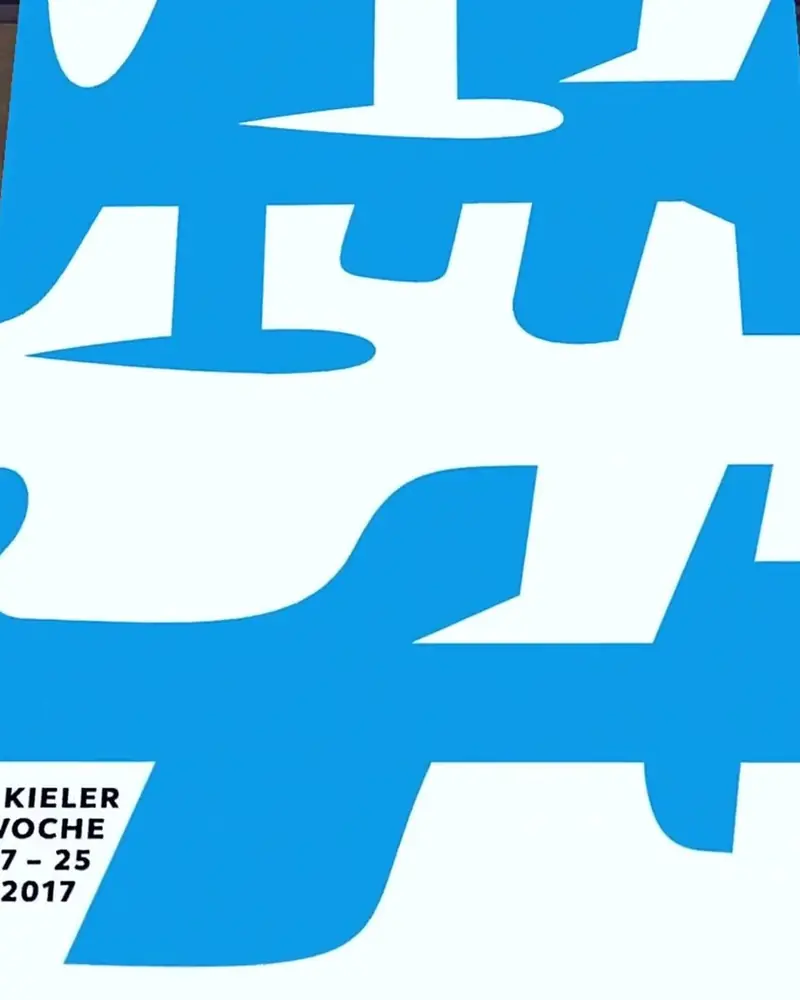 100 Best Posters 17: the first AR editionVisitors scanned a poster and watched the designer’s motif come to life on the wall.MAK Design Labor, ViennaWatch on Stories
Ideas to try
Ideas for your release
Premiere teaser
The poster plays the first seconds of the trailer, or red carpet footage after the premiere.
Collector’s edition
Limited prints with AR-only content: the director’s notes, an outtake, the making of.
Character posters
One poster per character, each with its own message from the actor.
Festival entry
A poster for an independent film or a festival screening that shows the film on the spot.
Streaming launch
A QR code on the poster opens the trailer in the browser. On screens, the poster scans like a print.
What you need
Before you start
A short checklist. Everything else happens in Bridge.
- The poster design The final poster as .jpg or .png, the longer side between 380 and 8000 pixels. Optimise recognition.
- Trailer and assets Clips (.mp4 or .mov) up to 100 MB, music, voice, the title or characters in 3D (glTF or GLB). File types.
- A plan that fits For a public campaign, Pro Plus has 5,000 views a month and WebAR without a watermark; Business adds a commercial licence. See the plans.
- A line on the poster A QR code and “Scan to watch”, so people know what to do. Templates.
How to make it
Make yours in five steps
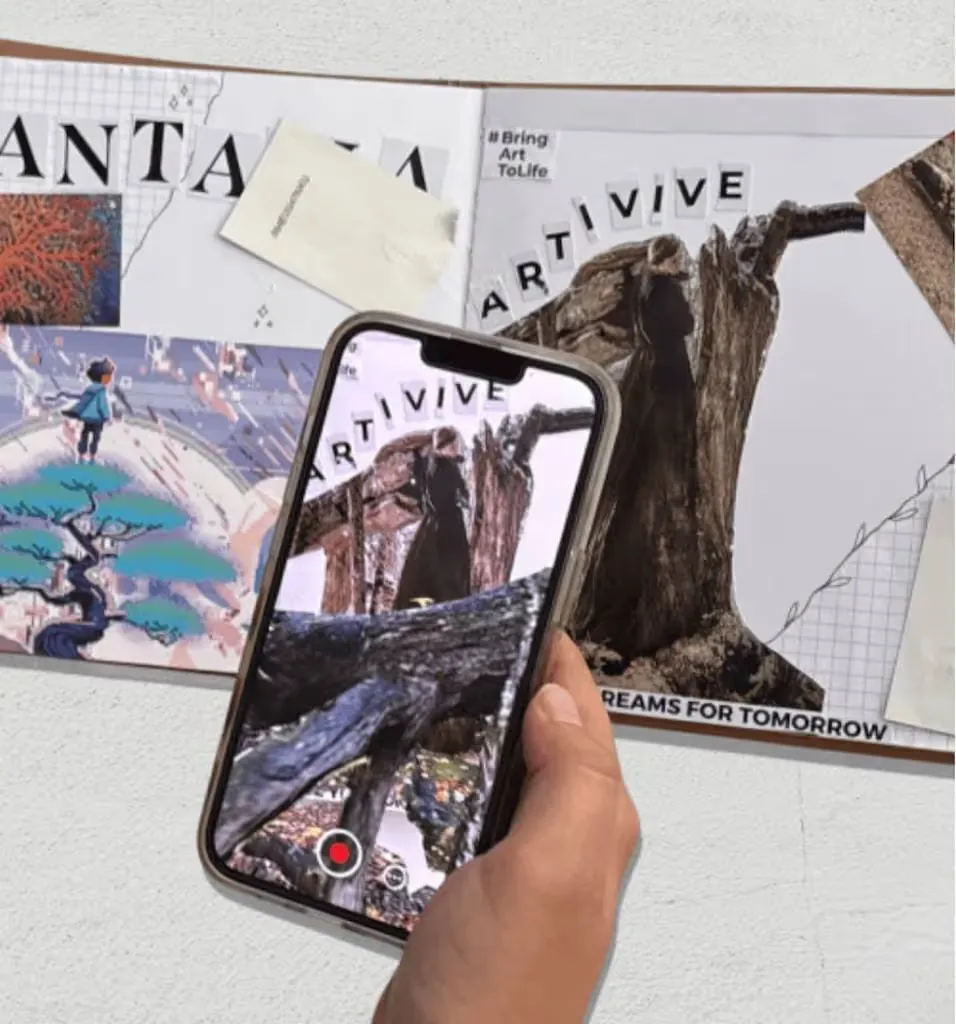
All in Bridge, the Artivive editor, in your browser. No code.
Pick the poster
Use the final design, or a version made for AR. Decide what should play: a teaser, the soundtrack, the cast.
Upload it to Bridge
Click Create Artwork and upload the poster as the trigger image.
Add the layers
Trailer or clips as video, music and voice as audio, characters or the title in 3D, smoke, fire and light as effects.
Test the print
Scan a printed proof, and the poster on screen, with the Artivive app.
Publish and promote
Publish, then print. Add a QR code so passers-by can open it in the browser.
New to Bridge? Your first AR artwork, step by step, or the free course.
Tips
Small things that make it work
Leave room for the effect
A busy design with detail everywhere scans well. Plan where the title or a character will rise out of it.
Under 45 seconds
People watch standing in front of the poster. A teaser, not the full trailer.
One poster, many cuts
Swap the AR for the premiere, the release and the streaming launch. The poster stays on the wall.
Questions
Questions and answers
How many layers can I add?
Up to three videos of 100 MB each, plus images, sound and 3D within your plan’s memory: 3 MB on Pro, 5 MB on Pro Plus, 10 MB on Business. File types.
Can I use a poster that is already printed?
Yes. Upload the poster’s design file or a sharp photo of it as the trigger image.
How do viewers see it?
With the free Artivive app, or with a WebAR QR code that opens in the browser.
How do I show people what to scan?
A small AR icon or a QR code with one line of text. Our templates are free.
Does it work on screens too?
Yes. A poster on a screen, in an email or on a website scans like a print.
I’m not an animator. Can I still make one?
Yes. Start from Bridge’s templates and effect layers, or let us make it for you.