How-to guide
How to add Augmented Reality to your website
Keep the site you have. Add a QR code next to an image, and it comes to life on the visitor’s phone.


What it is
Your site, plus a layer
Artivive does not replace your website. It adds an AR layer to the images on it.
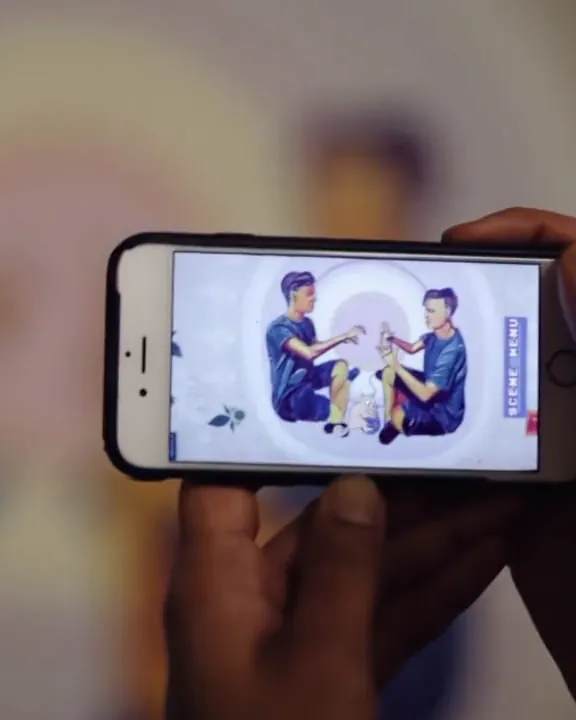
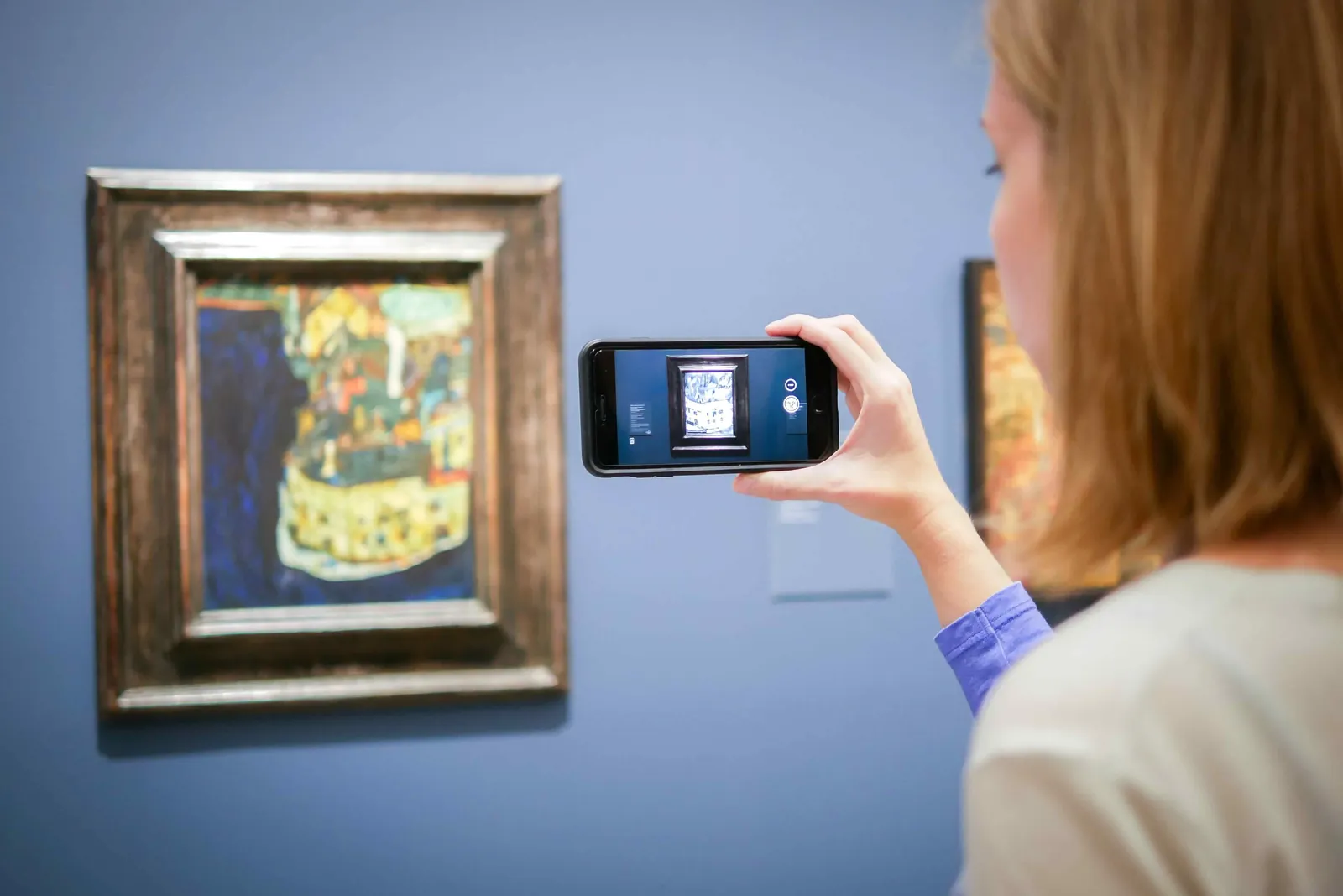
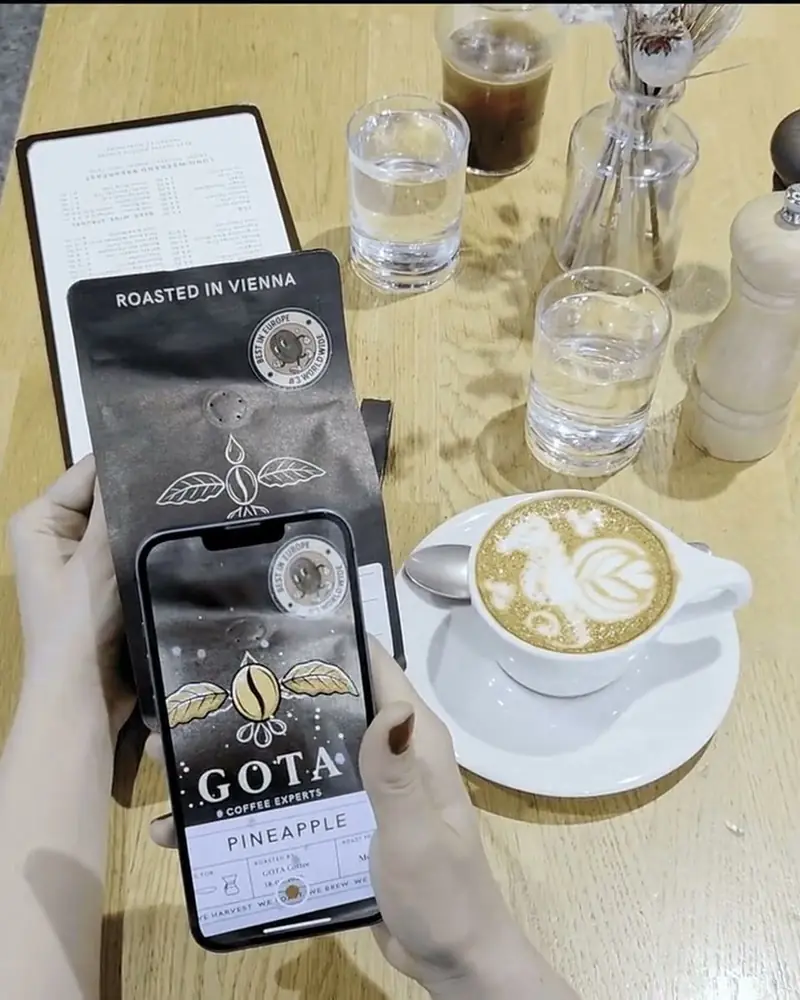
Publish an image from your site as WebAR and you get a QR code. Visitors scan it, point their phone at the image on screen, and your product, logo or story comes to life in the browser.
The same works at a trade fair, on a screen in a shop window or in an email. Wherever the image appears, the AR comes with it.
Why it works
Why it works on your site
Visitors take part
Instead of scrolling past, they pick up their phone and see the product come to life in front of them.
No app, no developer
WebAR opens in the phone’s browser from a QR code. Your website stays as it is.
One code, many uses
The same image and QR code work on your site, on a screen at a fair, in a newsletter and in print.
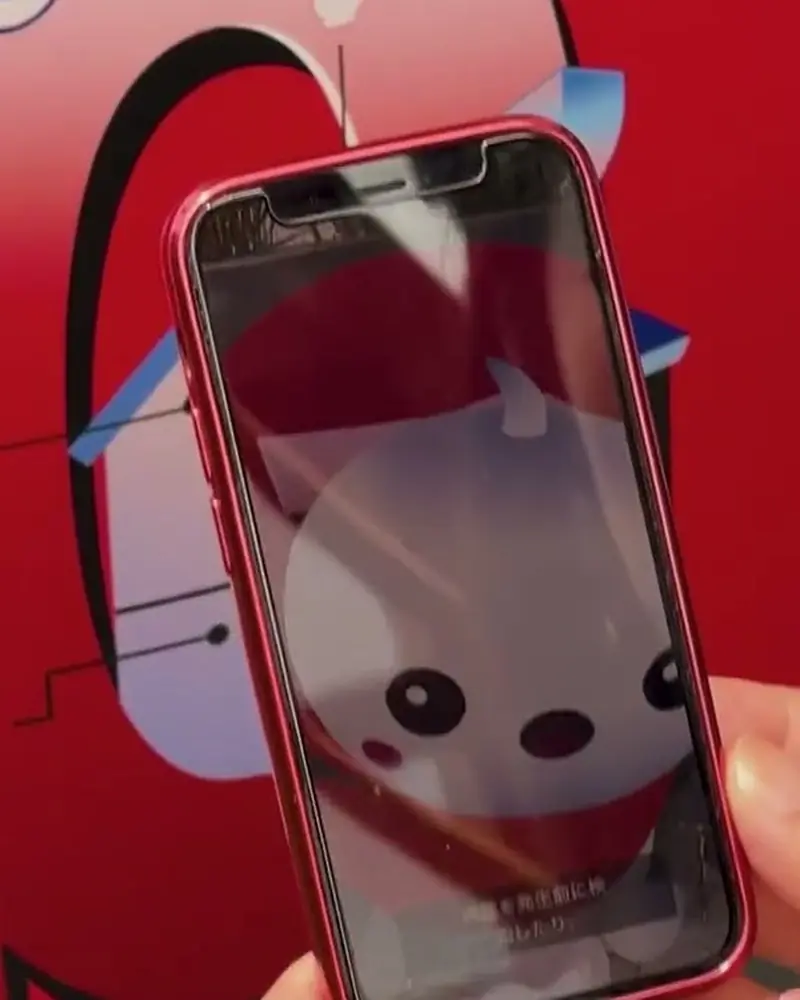 An interactive AR survey at Expo 2025Ten stickers along the queue at the Austria Pavilion, each opening an AR scene with a question.Artivive with the Austrian Economic ChamberWatch on Stories
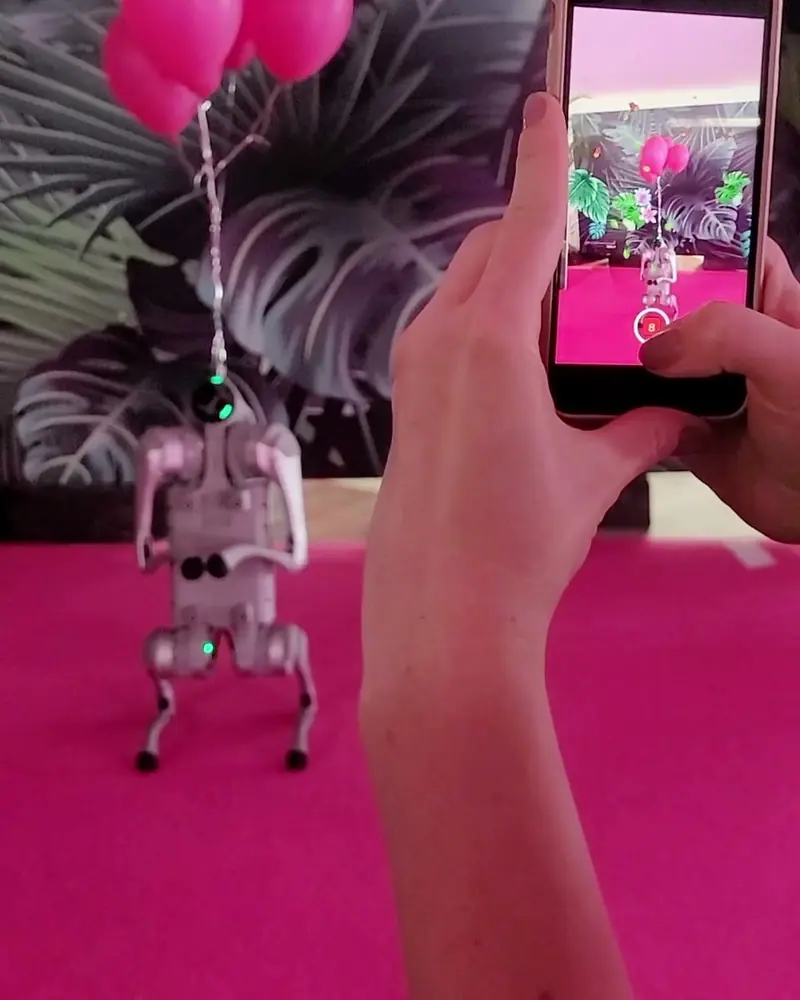 Innovation you can scanVisitors scan a stand panel and balloons and butterflies rise out of it.WKO Austrian Economic ChamberWatch on Stories
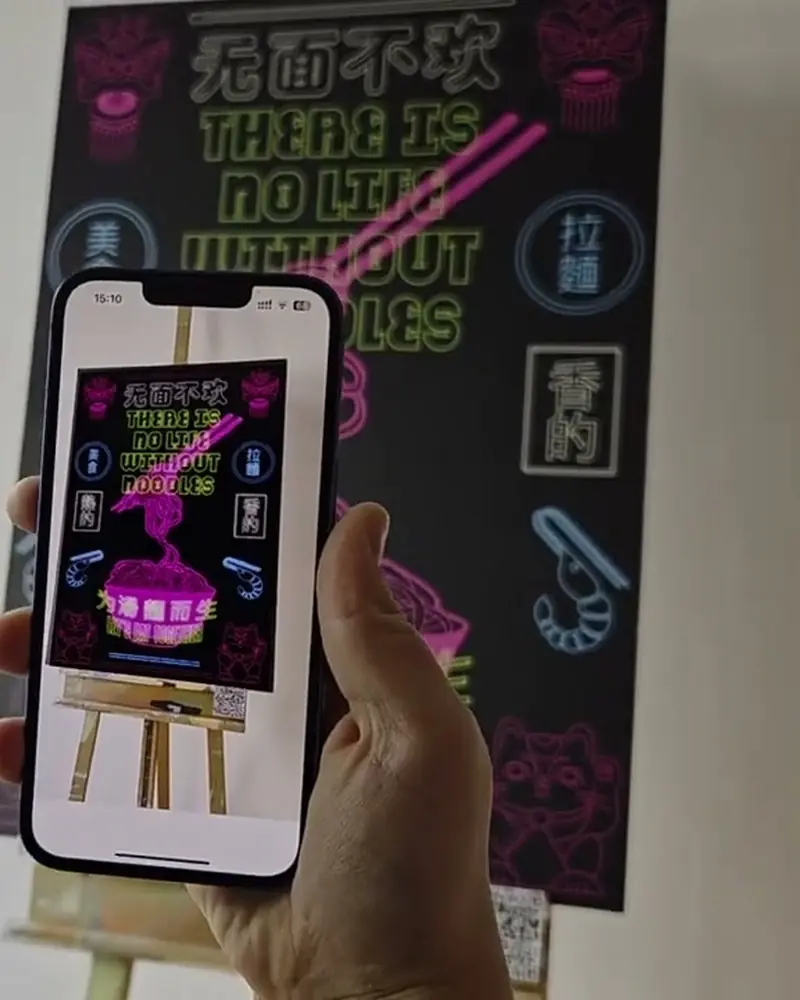 WebAR explained: AR without an appA QR code and a link that open the artwork straight in the phone’s browser.ArtiviveWatch on Stories
Ideas to try
Ideas for your pages
A product teaser
Your newest product image with a short film or a 3D model on top, before the launch.
A brand moment
Your logo or campaign visual that comes to life, with your own domain and colours on Enterprise.
Business to business
Show partners an animated product before it is built. The Austrian Economic Chamber turned stand panels into AR.
A survey or a game
An AR scene that asks a question, as at the Austria Pavilion at Expo 2025.
Behind the scenes
Team photos on the About page that play a short hello from each person.
What you need
Before you start
A short checklist. Everything else happens in Bridge.
- The image on your site The same image as .jpg or .png, the longer side between 380 and 8000 pixels, with detail and contrast. Optimise recognition.
- What plays on top Video (.mp4, .mov or .gif) up to 100 MB, 3D models (glTF or GLB), sound and effects. File types.
- A plan that fits WebAR works on every plan, with a watermark on Basic and Pro. Pro Plus and up remove it. See the plans.
- The QR code Bridge gives you a link and a QR code when you publish as WebAR. How WebAR works.
How to make it
Make yours in four steps
All in Bridge, the Artivive editor, in your browser. No code.
Pick what to show
A product image, your logo, a campaign visual. Decide what should play on top: a teaser, a 3D model, a message.
Build it in Bridge
Click Create Artwork, upload the image as the trigger, then add video, sound, 3D or effects.
Publish as WebAR
In the artwork’s menu, choose Publish as WebAR. You get a link and a QR code.
Put it on your site
Place the QR code next to the image. Visitors scan the code, point their phone at the image and watch it come to life.
New to Bridge? Your first AR artwork, step by step, or the free course.
Tips
Small things that make it work
Artivive is not a site builder
Your website stays as it is. Artivive adds the AR, you add a QR code.
Screens work as triggers
An image on a screen can be scanned like a print. Test it at the size and brightness people will see.
Say what to do
One line next to the code: “Scan, then point your phone at the picture.” It saves every visitor a guess.
Questions
Questions and answers
Do visitors need an app?
No. The WebAR QR code opens the camera in the phone’s browser. Visitors who have the free Artivive app can scan the image with it too. How WebAR works.
Can I use images that are already on my site?
Yes. Upload the image as the trigger image in Bridge and add your layers. Nothing on the site changes.
How many layers can I add?
Up to three videos of 100 MB each, plus images and 3D models within your plan’s memory: 1 MB on Basic, 3 MB on Pro, 5 MB on Pro Plus, 10 MB on Business. File types.
Can one QR code hold several images?
Yes. A WebAR folder holds up to 10 artworks on Pro Plus, 25 on Business and 100 on Enterprise, under one code.
Do I have to change the QR code when I update the AR?
No. Update the artwork and the code stays the same, so nothing on your site needs to change.
I’m not an animator. Can I still do this?
Yes. Start from Bridge’s templates and effect layers, or let us make the content.