


Start creating augmented reality
Sign up for a free account that will allow you to expand your artworks by adding a digital dimension

A practical, five-step guide for educators and students. Learn how to plan, build, publish and share classroom AR projects with Artivive - the no-code platform used by 750,000+ creatives. No coding required.
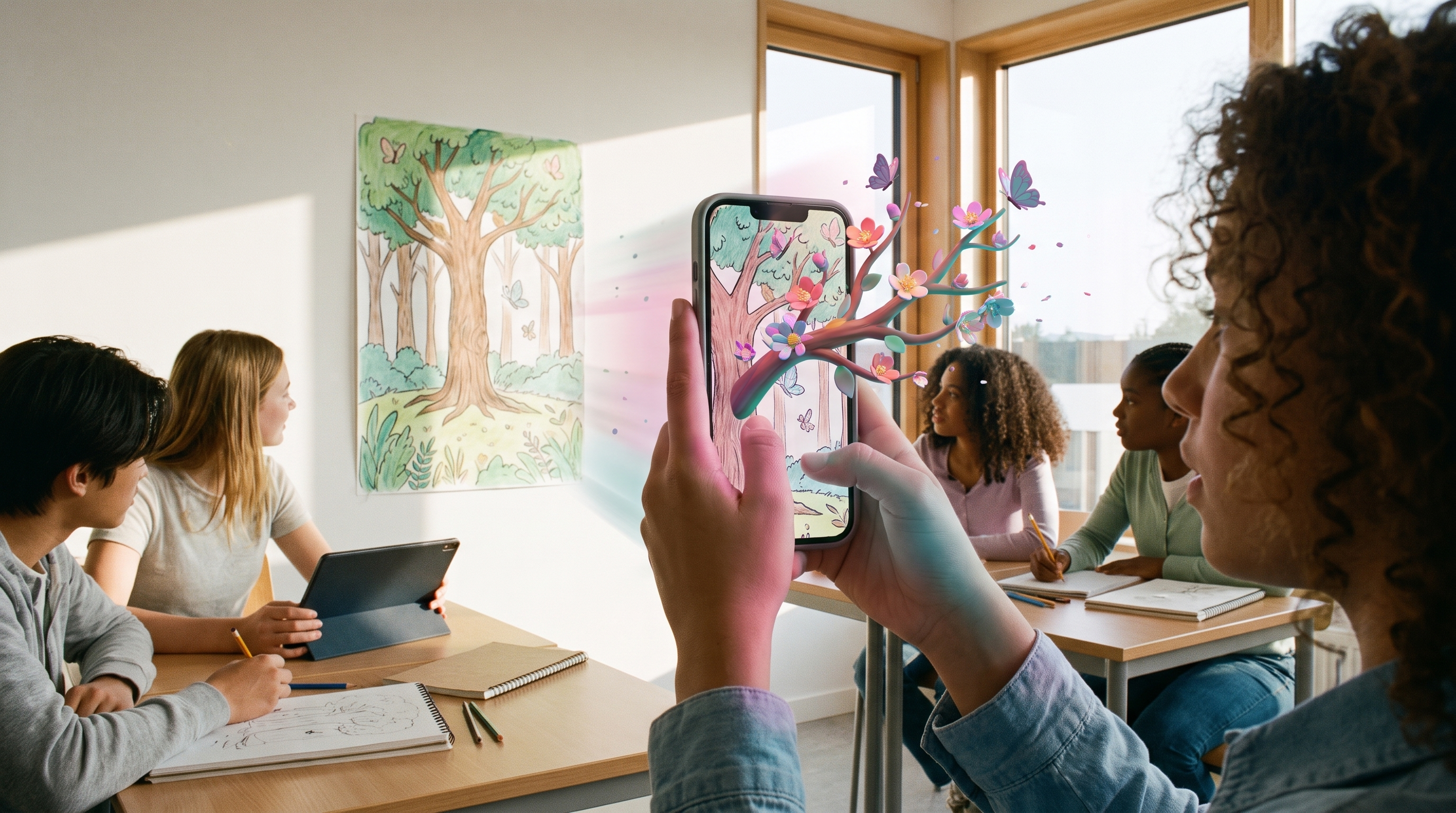
Augmented reality (AR) in education layers digital content - video, animation, audio or 3D models - onto physical student work like posters, artwork and project boards. With Artivive, students and teachers create these interactive experiences in minutes, turning school projects into hands-on learning while building real digital and storytelling skills.
Turns school projects into interactive experiences that connect physical work with digital content.
Builds practical digital, communication and storytelling skills students can actually use in their careers.
Students spend up to 30% more time engaging with AR content, aiding attention and retention.
Follow the guide from planning to showcase. Each step includes what to do, a teaching tip, and the outcome you should expect.
Start by clarifying what students should learn or demonstrate with Artivive. A clear objective ensures the AR layer adds real educational value, not just visual effects.
The trigger image is the design that activates the AR experience when scanned. Students create or choose it, then upload it directly to the Artivive editor.
Students build the digital content that appears in augmented reality - from scratch or with ready-made templates, effect layers and the built-in element library. Just add a layer with a click.
Once the layers are in place, students publish the project and view it in the Artivive app or via WebAR (no install, included in Pro Plus). Testing before sharing makes sure the AR works as intended.
Artivive projects can be viewed through the mobile app or WebAR (no installation required). Help your audience discover the experience with clear signage and a QR code.
A special offer built for classrooms: bundles of individual student accounts at a discounted price, so you can bring AR to your entire class affordably.
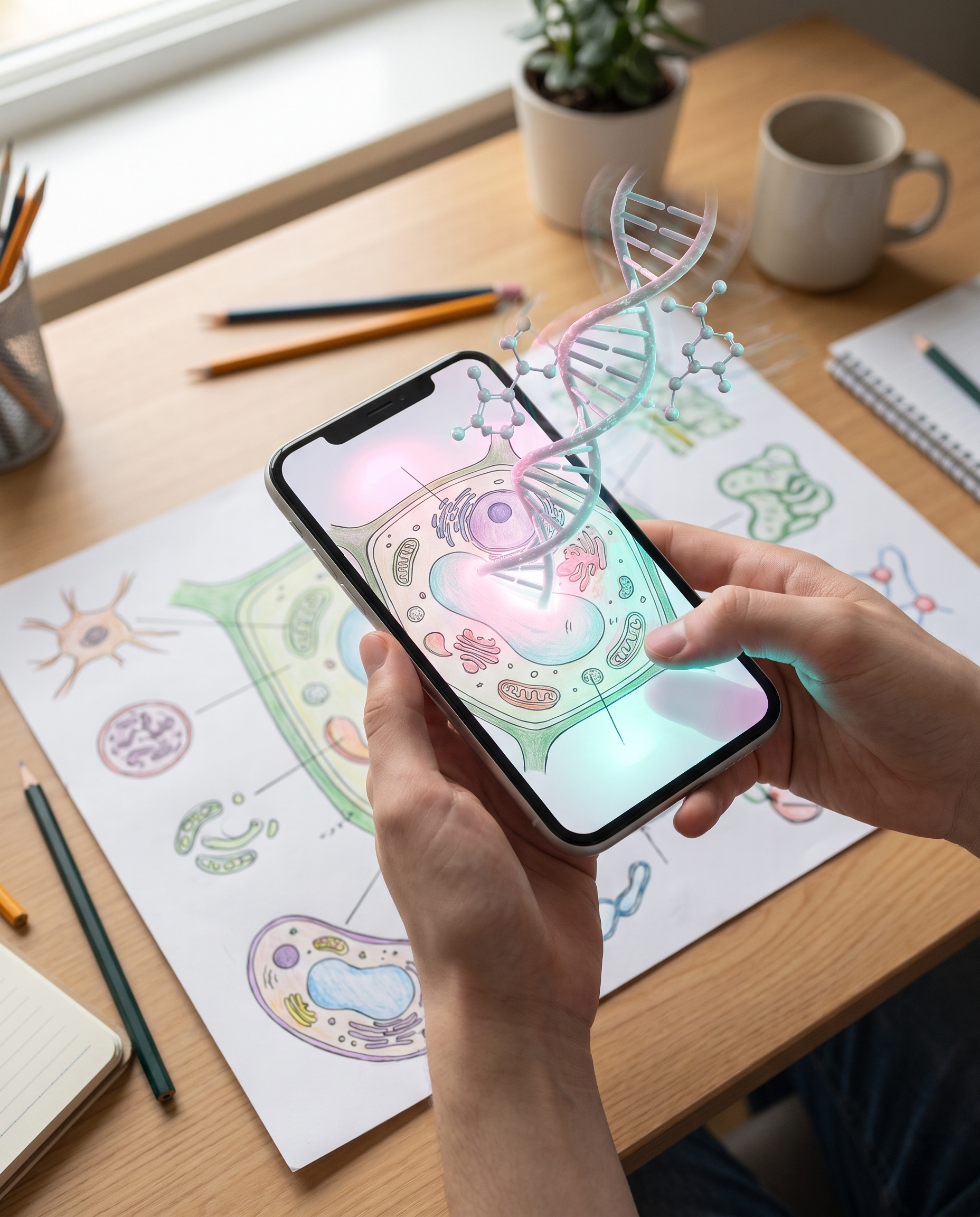
Live, hands-on sessions for students and teachers - beginner-friendly and tailored to what you teach.
Every session is customised to your subjects, audience and learning goals.
Students build their first real AR project during the workshop, not just watch a demo.
A memorable, engaging way to introduce augmented reality and emerging technology - students learn by creating and interacting.
We'll shape the workshop around your class and schedule.
From creative-tech workshops to anti-cyberbullying poster campaigns - real classrooms use Artivive every day.
Having run 30+ creative-tech workshops through the lens of storytelling and activism, Artivive is by far the most accessible and beginner-friendly tool for teaching students the foundations of augmented reality.

Students are always amazed when they first see Artivive in action. It gets them excited to design and gives them a real sense of accomplishment when they complete an augmented reality poster. We love it!

Incorporating Artivive into our teaching lets students explore animation and interactivity in virtual space with a contemporary, reliable toolset.
Yes. Artivive offers a special Educational Package for schools and universities. Institutions can buy bundles of student accounts at a discounted price, making it affordable to bring AR to your whole classroom. Reach out to our education specialist for pricing and options.
Yes. Each student gets their own account and can register with Clever, Google, Facebook or email - no payment information required. Once your institution buys a bundle, students redeem their subscription with a code and start creating.
Yes. We run live online workshops where students build their first AR projects, and training sessions for individual teachers or entire teaching teams - all tailored to your class topics. Free video tutorials are also available to follow at your own pace.
No. Artivive is a no-code, drag-and-drop editor as intuitive as Canva. Students and teachers create AR experiences without any technical or coding expertise, on iPads, phones or laptops.
Artivive works across any subject - creative storytelling, research presentations and hands-on learning. Explore 3D models in science, add historical footage to social-studies projects, or combine art and technology in STEAM activities.
Sign up for a free account and start layering digital dimensions onto student work in seconds - or talk to us about the Educational Package and workshops.
Sign up for a free account that will allow you to expand your artworks by adding a digital dimension