How-to guide
Enhance product packaging with Augmented Reality
The pack on the shelf tells the story: origin, how to use it, a seasonal surprise. No reprint needed to change it.


What it is
The pack tells the story
AR packaging gives a box, a bottle or a bag a digital layer. Scan it with a phone and the pack shows where the product comes from, how to use it or a short film.
The print stays the same. You change what plays on top, for every season and every market.
It works for food and drink, beauty, toys, music releases and merchandise. One design can carry a different story in each country.
Why it works
Why packs that talk sell
It wins the shelf
A pack that comes to life in the customer’s hand stands out at the moment they decide.
It explains the product
Show how to use it, where it comes from or how it is made, without a booklet in the box.
It changes without a reprint
A holiday greeting in December, a new campaign in spring. The pack on the shelf stays the same.
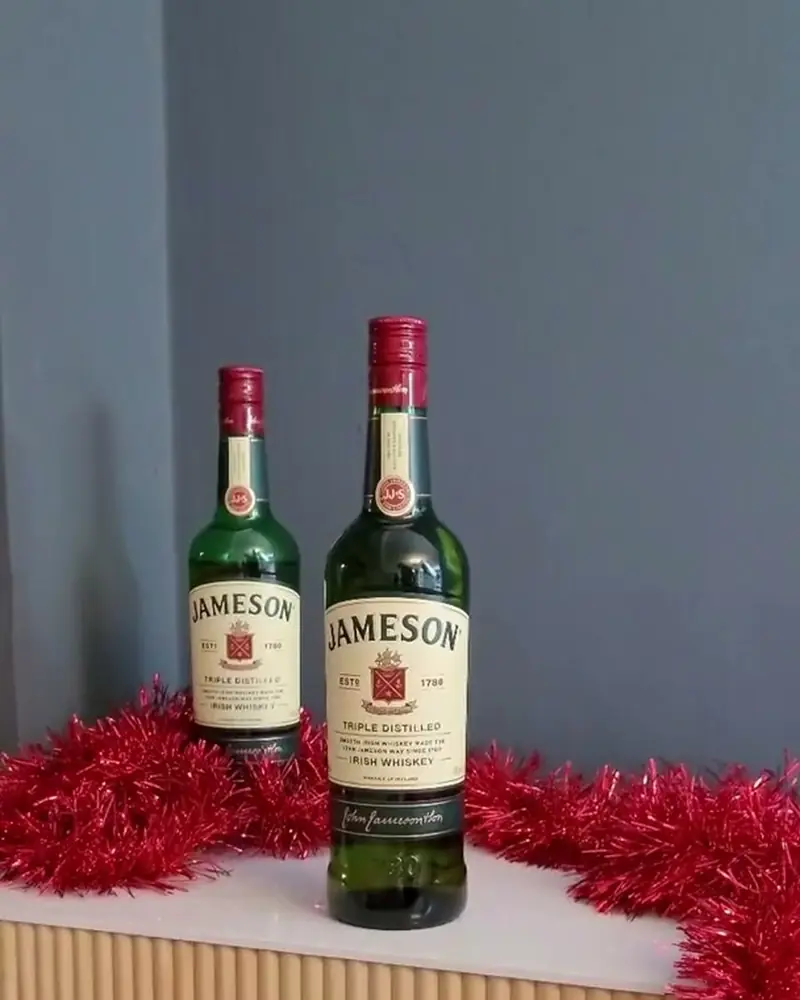 Jameson: a whiskey label that tells storiesScanning the label plays the holiday animation over the bottle, on the shelf or on the table.JamesonWatch on Stories
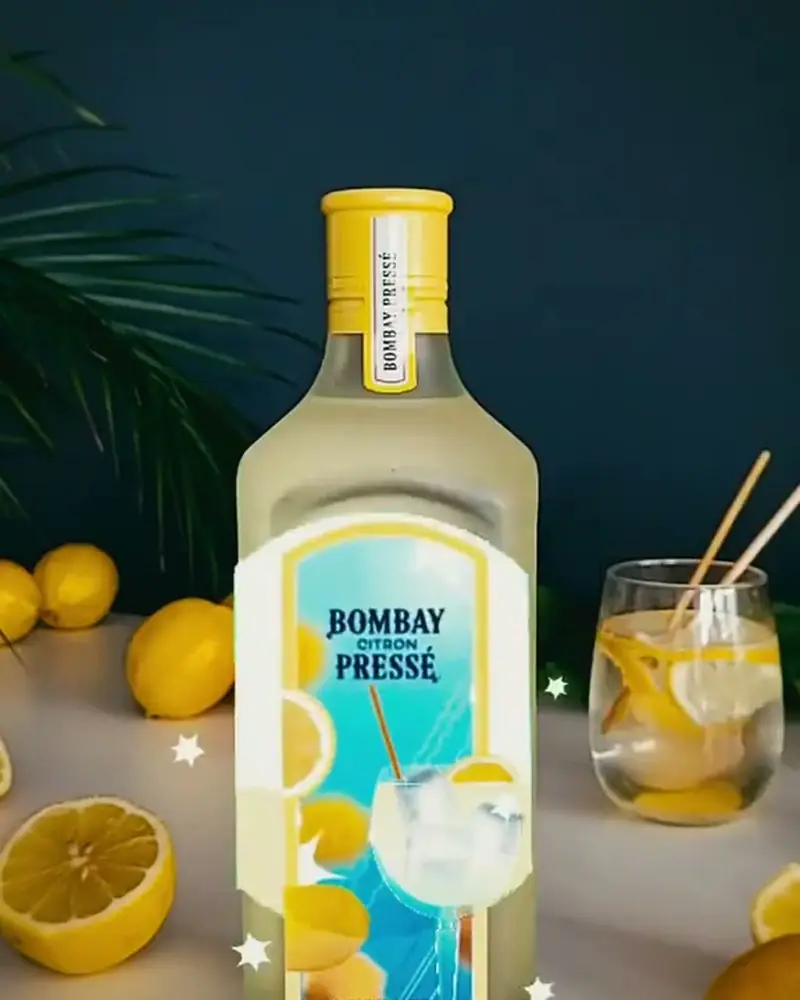 Bombay Sapphire: AR on the bottleScanning the pack opens the cocktail, mixed step by step next to the real bottle.Bombay SapphireWatch on Stories
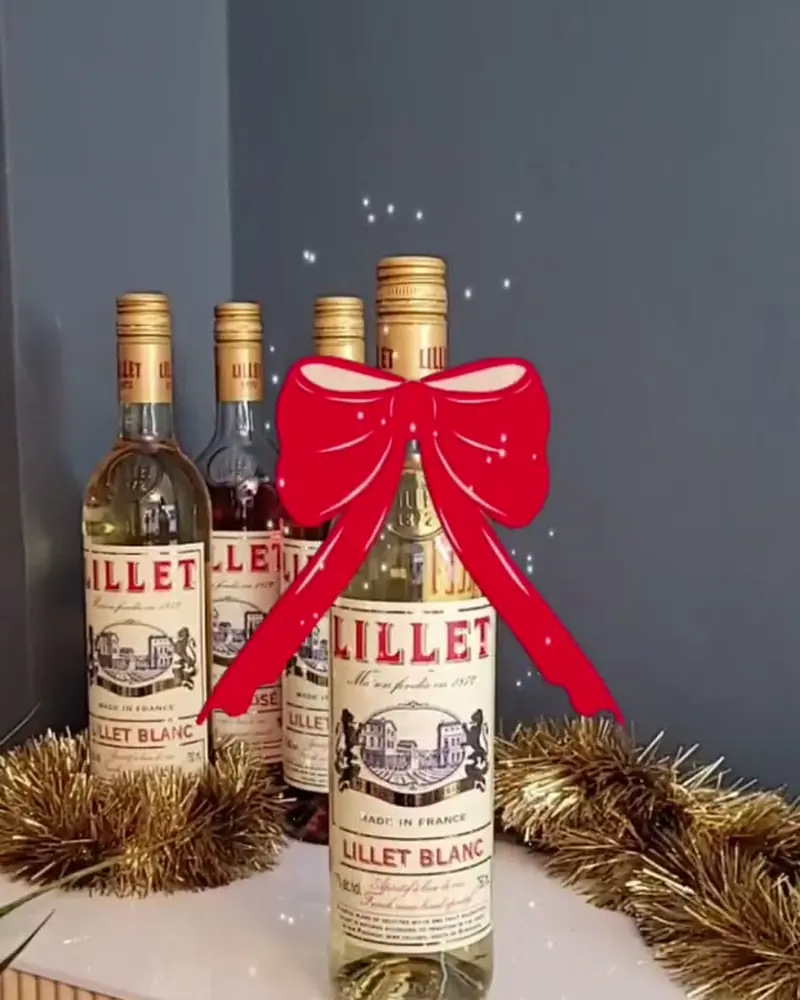 Lillet: a holiday greeting on the bottleA ribbon wraps the bottle, snow falls and a greeting appears over the shelf.Lillet with Pernod Ricard AustriaWatch on Stories
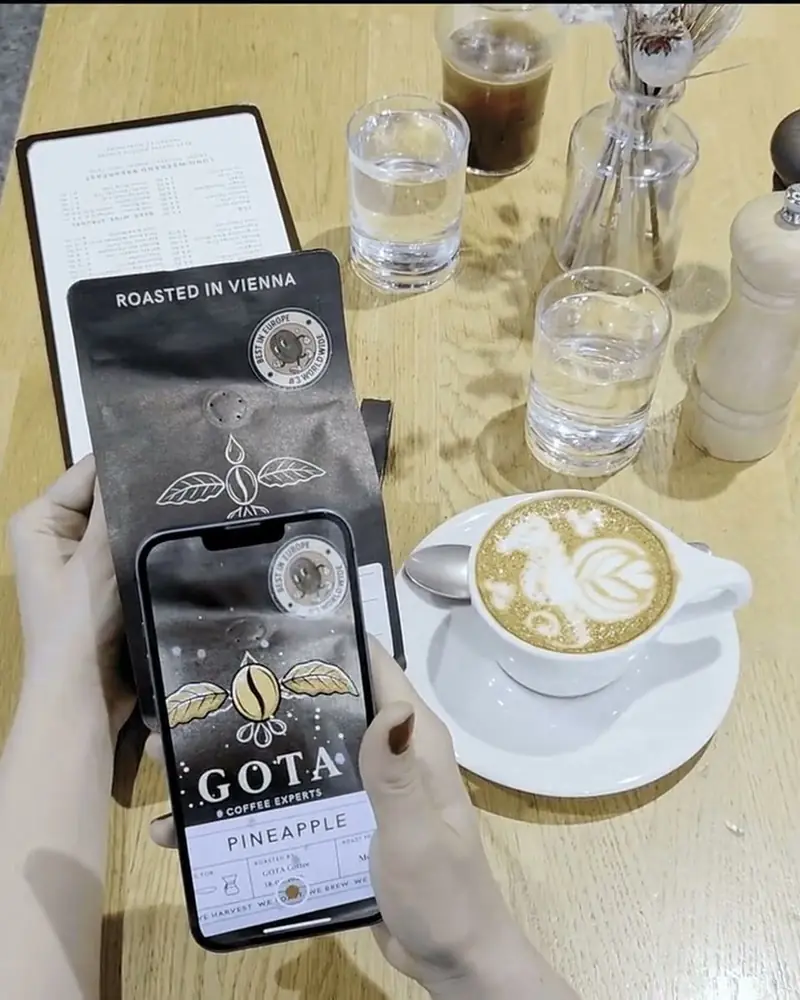 Coffee packaging that comes to life in the handOrigin, roast and the story of the bean, animated on the pack.Gota Coffee Experts, ViennaWatch on Stories
 Bridgerton x Beekman 1802The silhouette portraits on the beauty packaging come to life and spill their secrets.Beekman 1802 with BridgertonWatch on Stories
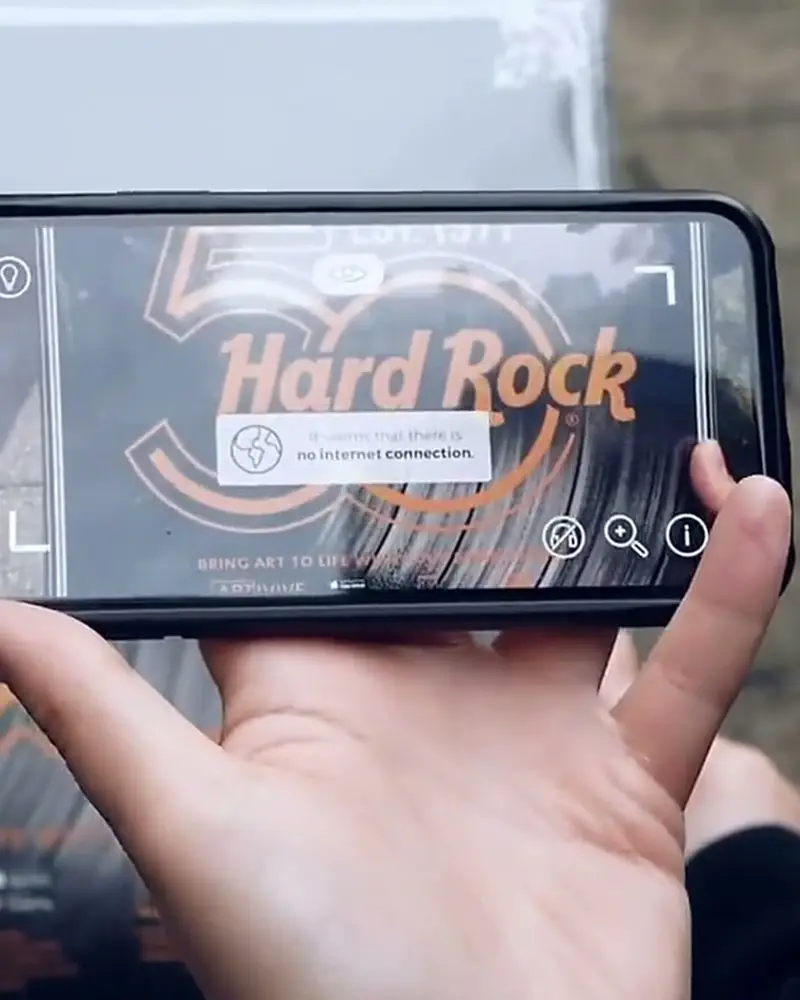 Hard Rock 50th anniversaryT-shirts, glassware and hang tags: scan the anniversary logo and it comes to life.Hard Rock InternationalWatch on Stories
Ideas to try
Ideas for the shelf
Origin story
Scan a coffee bag and see the origin, roast and story of the bean, as Gota Coffee in Vienna does.
Recipe on the bottle
The serve, mixed step by step next to the real bottle. Bombay Sapphire did this with a cocktail.
Seasonal campaign
A bow, falling snow and a greeting over the bottle, as on Lillet’s holiday packs.
How-to and setup
Assembly, care or first use, shown on the box instead of in a manual.
A collectible series
Different designs, each with its own animation, so customers want the whole set. Station Rose released ten AR prints with one album.
Licensed stories
Bring a film or series onto the pack, as Beekman 1802 did with Bridgerton.
What you need
Before you start
A short checklist. Everything else happens in Bridge.
- The pack design The label or panel as .jpg or .png, with detail and contrast, free of repeating patterns. Optimise recognition.
- What plays on top Video (.mp4, .mov or .gif) up to 100 MB, 3D renders (glTF or GLB), sound and effects. File types.
- A plan that fits Business has 15,000 views a month, statistics and a commercial licence; Enterprise adds white label WebAR. Artivive for Business.
- A cue on the pack A short line and a WebAR QR code, so customers can scan without installing anything.
How to make it
Make yours in five steps
All in Bridge, the Artivive editor, in your browser. No code.
Choose the story
Origin, a how-to, a recipe, the making of or a holiday greeting. Pick one message per pack.
Design the trigger
Use a label or panel with detail and contrast. Avoid repeating patterns and large areas of one colour.
Build it in Bridge
Click Create Artwork, upload the design, then add video, 3D, sound or effects. No code.
Test on real packs
Before the print run, scan printed samples in different light and on different phones.
Tell customers to scan
Print a short line and a QR code. With WebAR, the code opens the experience in the browser, no app needed.
New to Bridge? Your first AR artwork, step by step, or the free course.
Tips
Small things that make it work
Keep it brief
Customers decide in seconds. A loop of a few seconds, or a clip under 45 seconds, works best on a shelf.
Plan the seasons
Change the AR for a holiday or a campaign without touching the pack. The QR code stays the same.
Make it your brand
With white label WebAR, the experience runs on your own domain, logo and colours. Fully branded AR.
Questions
Questions and answers
How does AR packaging work?
A printed design on the pack is the trigger image. When someone scans it with the Artivive app, or opens your WebAR QR code, your content plays on top of the real pack.
Do I need developers?
No. Upload the design to Bridge, add your layers and publish.
What content works best?
Short videos, loops, 3D renders and sound. Keep it short and on brand: one message per pack.
How do I get people to scan?
Print a clear line like “Scan to see it come to life” with a QR code, and mention it in store and on social media.
Can I update the content after printing?
Yes. Edit it in Bridge and publish again. The packs on the shelf show the new version.
Can we see how many people scanned?
Yes. Pro Plus, Business and Enterprise include statistics.
Which plan suits a brand?
Business includes a commercial licence and statistics, Enterprise adds white label WebAR. For a custom offer, ask for a quote.