How-to guide
How to create perfect wedding photos using AR?
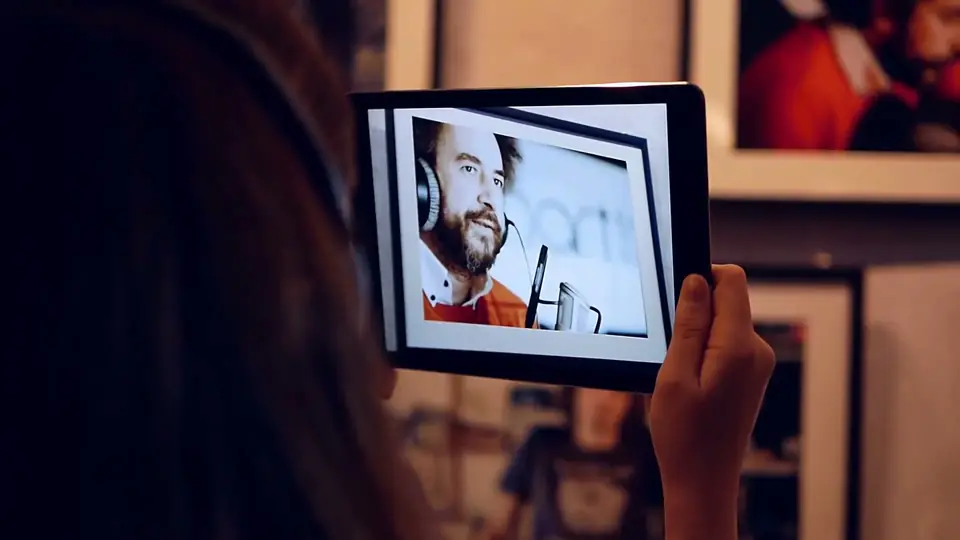
Give couples more than a still. Through a phone, the photo plays the vows, the first dance, the toast.


What it is
The day, playing again
An AR wedding photo is a print with the film of that moment behind it. Couples point a phone at the photo and relive the kiss, the dance or the speech.
For photographers it is a way to stand out. The album becomes something couples show to everyone.
It takes minutes in Bridge: upload the photo, add the clip, publish. Photographers already show it in exhibitions, like Miluță Flueraș, whose portraits open back into the footage they were cut from.
Why it works
Why couples love it
They relive the moment
Not just the kiss in a frame: the vows, the laughter and the music, every time they open the album.
You stand out
An AR album is a reason to book you rather than the next photographer, and a premium add-on to your packages.
Families pass it on
Prints with voices and films behind them become the album people show at every visit.
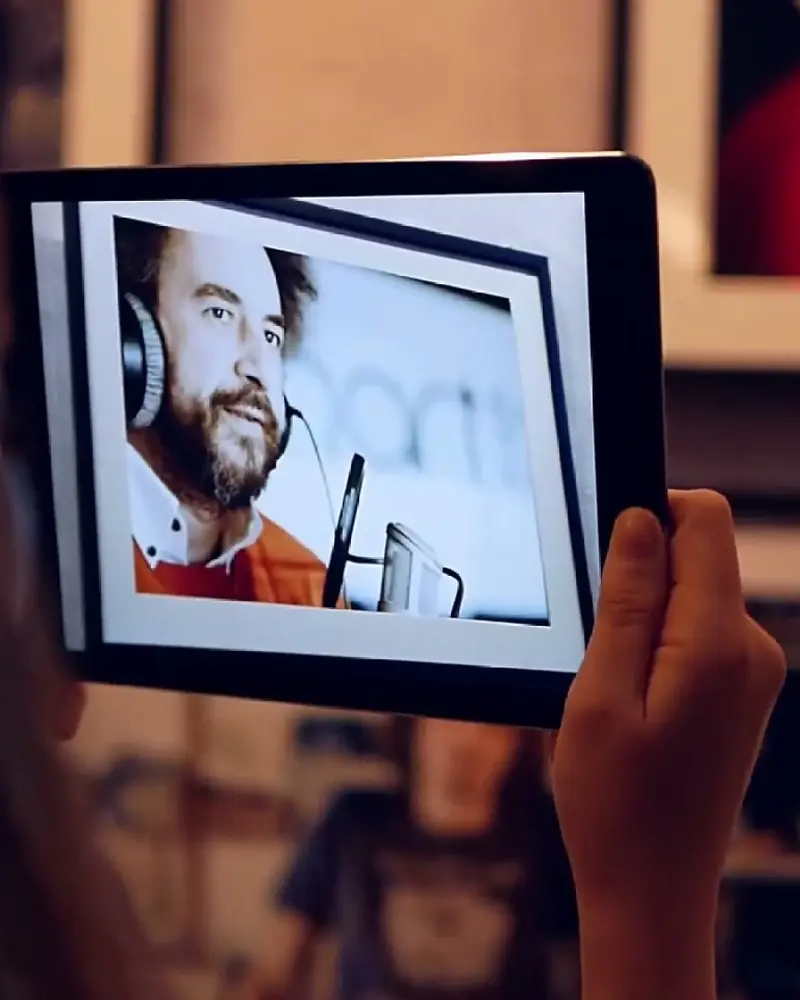 Faces of Creativity: stills that go back to workEach framed portrait opens back into the footage it was cut from.Miluță Flueraș, photographerWatch on Stories
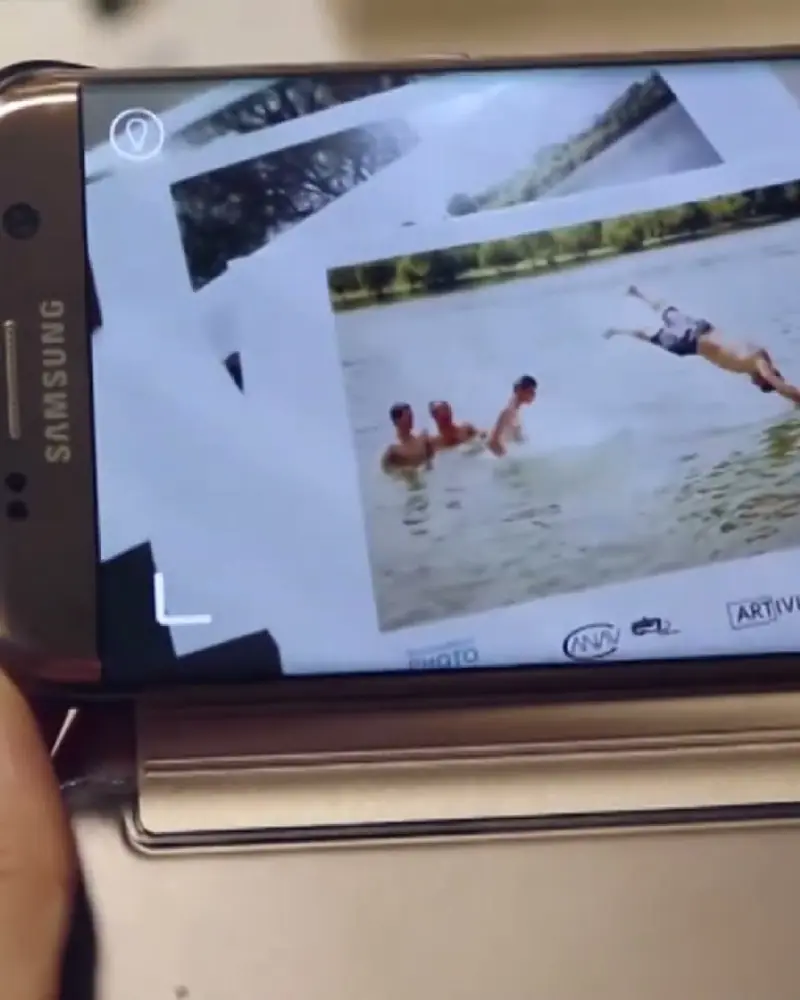 Street photography that comes to lifeA frozen summer afternoon on a riverbank starts running again.Eli Driu at Bucharest Photo WeekWatch on Stories
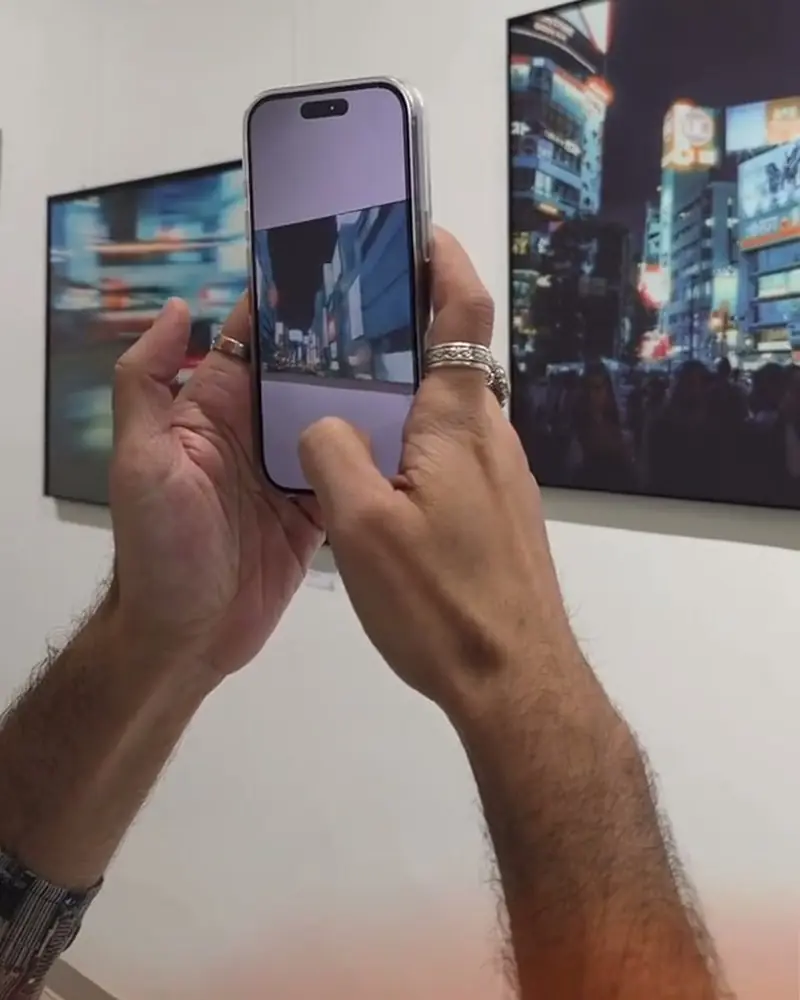 OFFLINE: a visual diary on filmAnalogue photographs that keep going where the negative stopped.Nick Wohlfahrt, photographerWatch on Stories
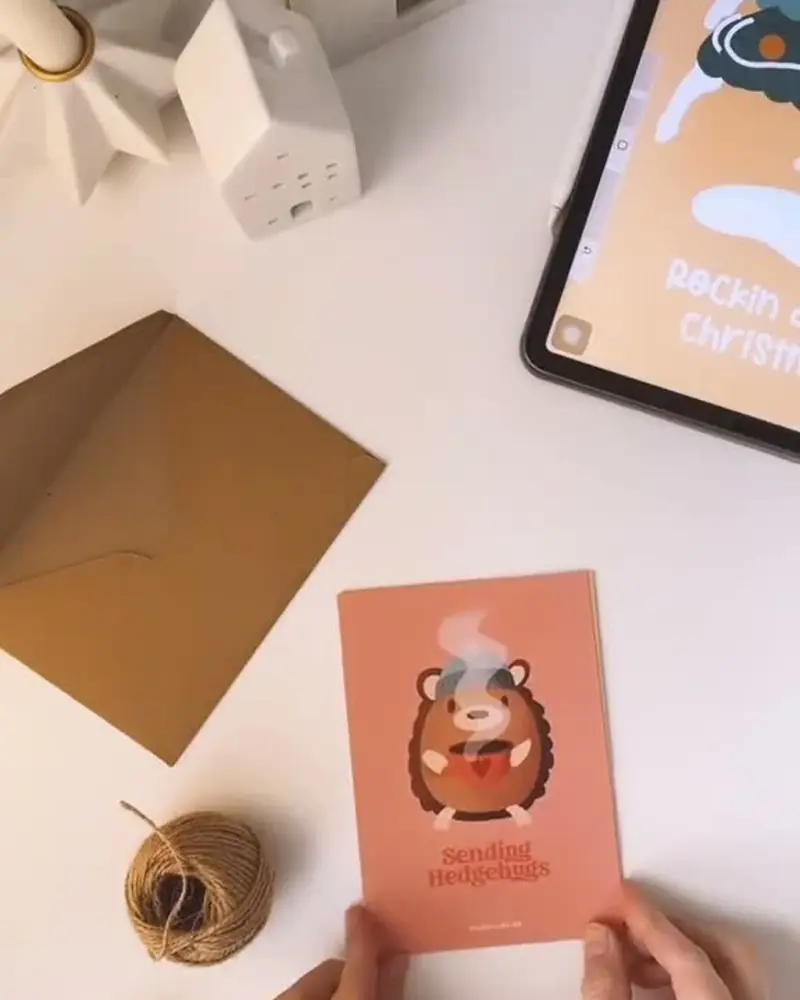 Christmas cards that come to lifeSnow falls around the card, a sleigh flies past, a jingle plays.ArtiviveWatch on Stories
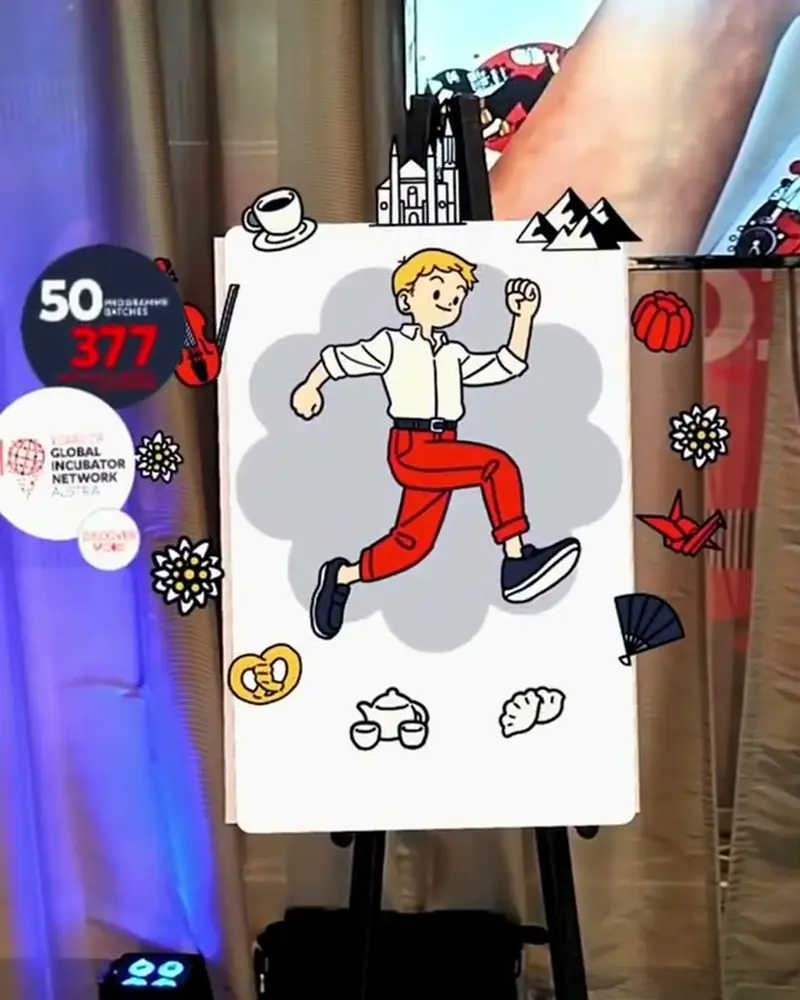 Anniversary cards that come to lifeGuests scan the party giveaway and the anniversary characters start to play.GIN, 10 yearsWatch on Stories
Ideas to try
Moments worth a clip
The first kiss
Print the photo of the kiss and let it play the ceremony.
The dance floor
A still from the reception that plays a highlight reel of the party.
Thank-you cards
Cards that play the couple’s personal message to each guest.
A framed portrait
The portrait on the wall plays the vows or the couple’s song.
The guest book
Guests’ photos that play their video messages to the couple.
What you need
Before you start
A short checklist. Everything else happens in Bridge.
- The photos The same files you print, as .jpg or .png. Dark or blurry photos scan poorly. Optimise recognition.
- The clips Videos (.mp4 or .mov) up to 100 MB each, ideally under 45 seconds, plus music or voice. File types.
- A plan that fits Pro Plus puts up to 10 photos under one WebAR QR code without a watermark. See the plans.
- A card in the album A QR code and one line, so family and guests can watch in the browser.
How to make it
Make yours in five steps
All in Bridge, the Artivive editor, in your browser. No code.
Choose the moments
The first kiss, the vows, the first dance, the speeches. Pick the photos that have a clip behind them.
Upload the photos
In Bridge, click Create Artwork and upload each photo as the trigger image, exactly as it will be printed.
Add the film
Add the matching clip as a video layer. Music, a voice message or a few sparkles can follow.
Test the print
Print a proof of the album page and scan it with the Artivive app.
Publish and deliver
Publish, and add a QR code to the album so family and guests can watch in the browser.
New to Bridge? Your first AR artwork, step by step, or the free course.
Tips
Small things that make it work
Plan it at the shoot
Film a few seconds around the key photos. The clip then starts exactly where the photo is.
Bundle the album
One WebAR QR code holds up to 10 photos on Pro Plus, so a single code can open a whole spread.
Offer it as an extra
An AR album or AR thank-you cards make a premium add-on to your wedding packages.
Questions
Questions and answers
How do couples and guests watch it?
With the free Artivive app and the printed photo, or with the album’s WebAR QR code in the browser.
Can I use a printed album?
Yes. Upload the photos, add the clips and publish. The printed pages come to life when scanned.
Can I link several photos to one QR code?
Yes. A WebAR folder holds up to 10 artworks on Pro Plus, 25 on Business and 100 on Enterprise. How WebAR works.
What can I add besides video?
Music, voice messages, 3D objects and particle effects.
How long will the AR keep working?
As long as the artwork stays published in your Artivive account and your plan has views left. How views work.
What if a photo won’t scan?
Dark or blurry photos make weak triggers. How to optimise image recognition.