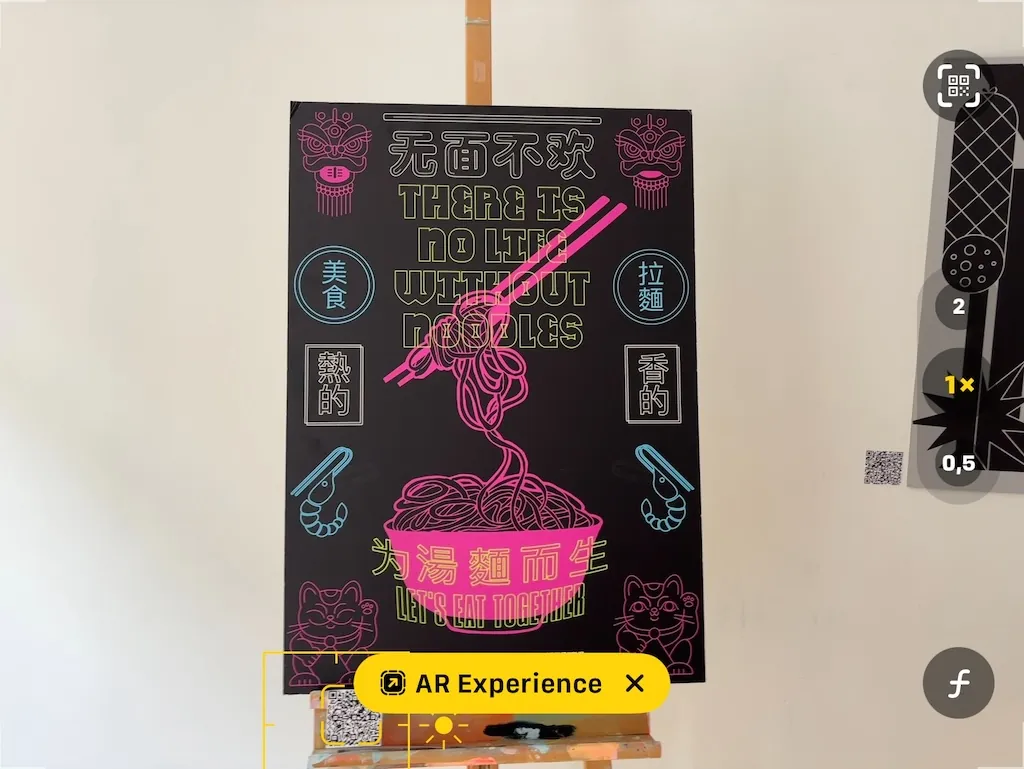
Two ways to view
Web AR vs App AR
Artivive does both, Web AR and App AR. Here is what each one is, and how to choose.


Web AR
What is Web AR? Why care?
Web AR runs in the browser: someone scans a QR code and your art comes to life. There is nothing to download.
Add video to a print, a voice to a painting, a 3D model to a sketch. Update it live in the editor, with no code.
Why choose Web AR?
- No app download needed
- Works on most modern smartphones and tablets
- Perfect for fast, wide access: marketing, events, product launches
- Easily editable: update your content any time with Artivive's editor
On Artivive, Web AR comes with every personal plan: Basic (free) and Pro (17.90 USD a month) show a watermark over the artwork, Pro Plus (49.90 USD a month) shows it without one. More about WebAR
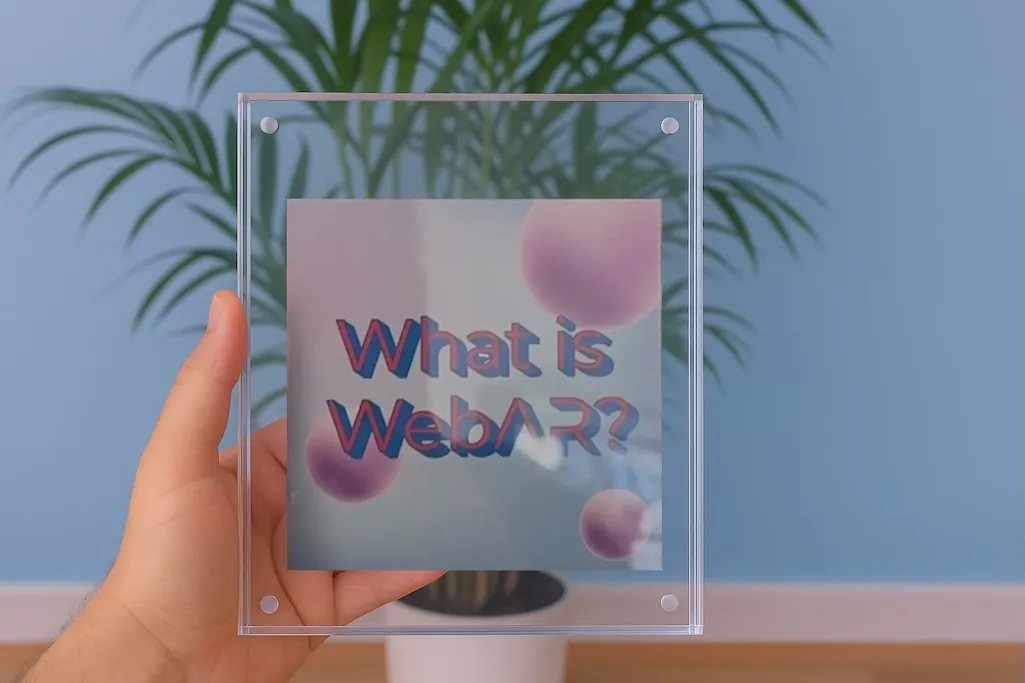
Try it now
Scan the code, open the link, then point the same device at the poster.


App AR
What is App AR? When to use it
App AR runs in the free Artivive app. Your audience installs it once and can step inside your work.
Build layered sound and interactive stories for galleries, stage pieces and projects that grow over time. The entry is higher, but so is the ceiling.
Why choose App AR?
- Full creative control
- High-performance experiences
- Access to device sensors and features
- Ideal for longer, evolving projects
- Better retention through app re-engagement
Try it: scan the poster above with the Artivive app. Get it on Google Play or the Apple App Store.
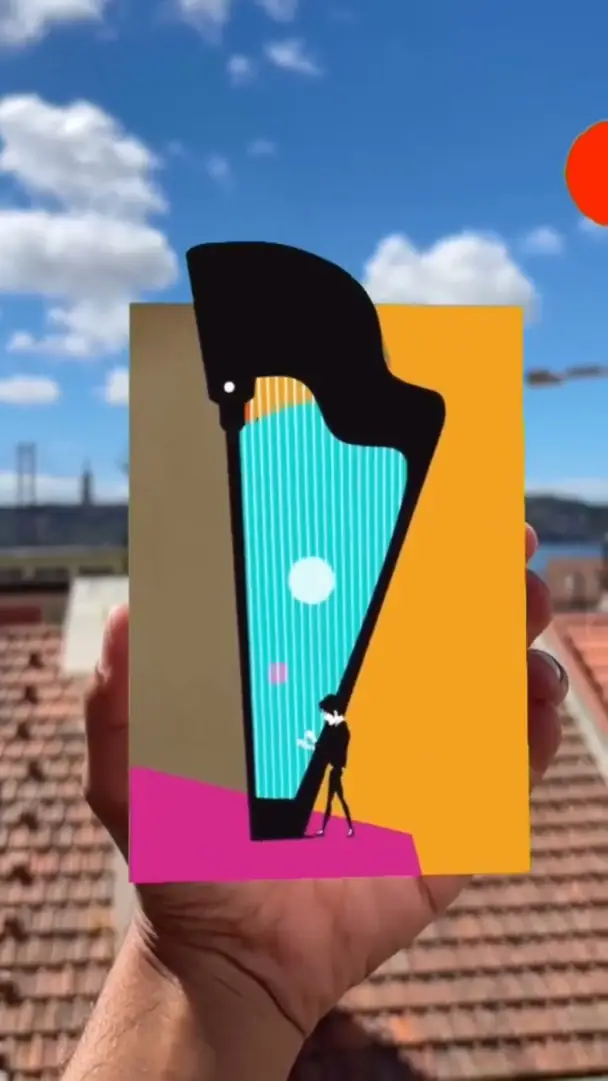
Compared
Web AR or App AR?
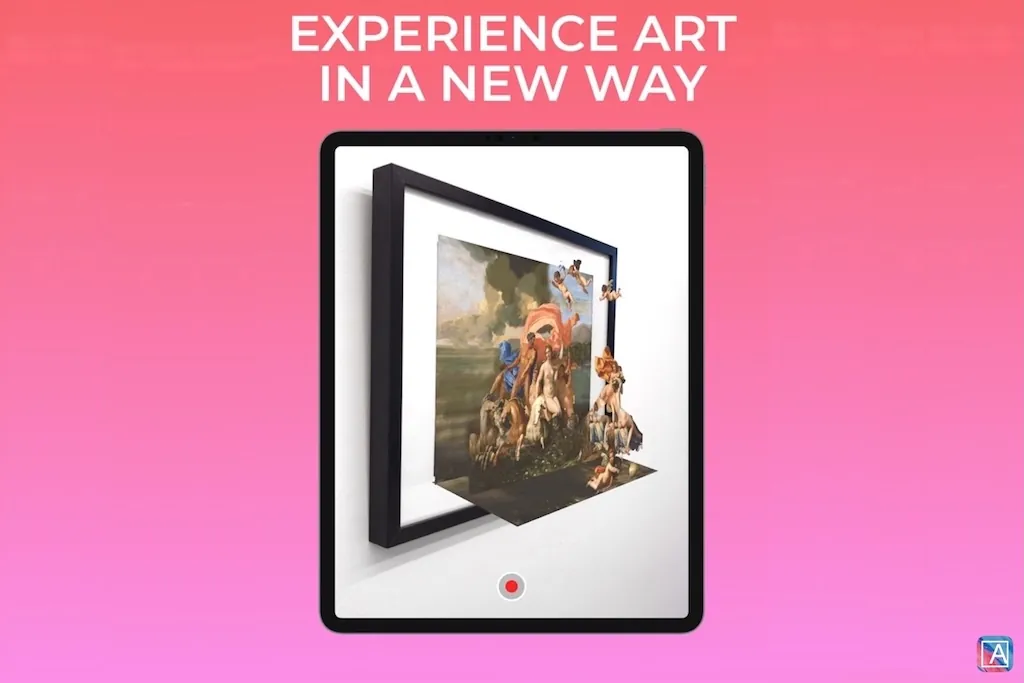
Web AR is instant. Scan and watch, for posters, packaging and exhibitions. Fast to launch, easy to update.
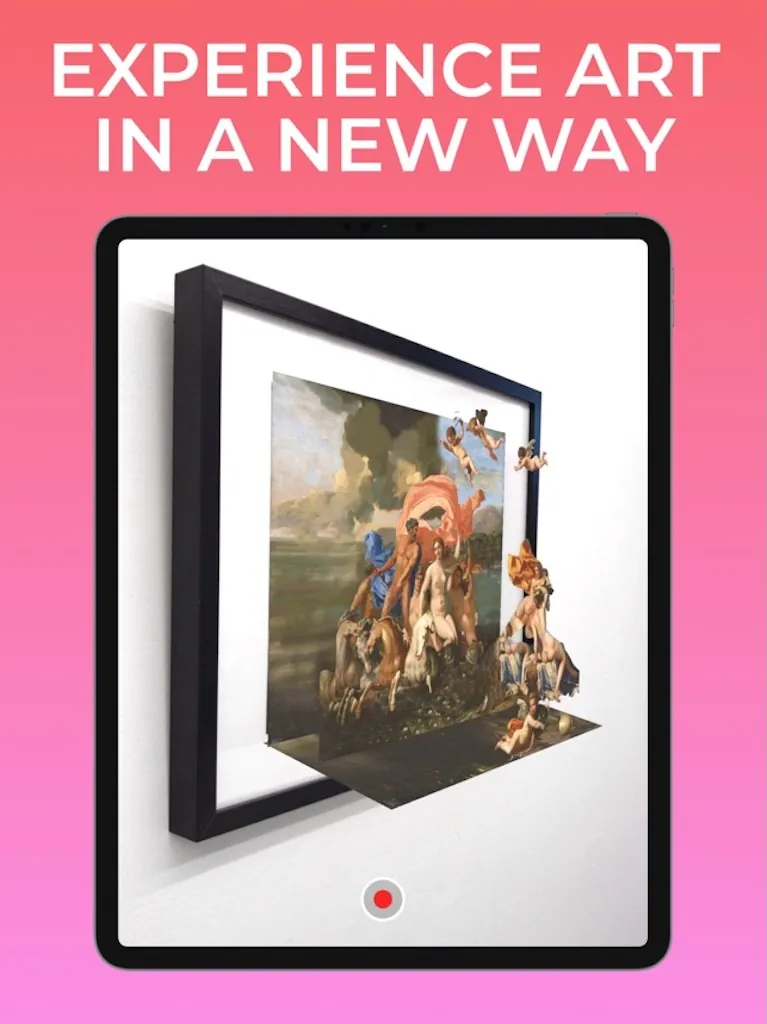
App AR goes deeper. Sound, touch, motion and full control, for museums, tours, games and installations.
Quick decision?
- Choose Web AR for speed and access.
- Choose App AR for depth and longevity.
- Or combine both: Web AR invites, App AR immerses.
Web AR vs App AR at a glance
| Aspect | Web AR | App AR |
|---|---|---|
| Installation requirement | No installation required | App must be installed |
| User engagement | Lower retention and re-engagement | Higher retention via notifications |
| Hardware access | Limited access to device sensors | Full access to device capabilities |
| Cross-platform support | Works in most modern browsers | Platform-specific (iOS and Android) |
| Performance | Moderate (browser-limited) | High performance |
| Content complexity | Simple AR experiences | Supports complex AR |
Your call
Now it's up to you!
Broad reach for print ads, packaging or pop-ups: Web AR. Lasting, interactive work like games, tours or teaching tools: App AR.
With Artivive you don't have to choose. Use both and meet people wherever they are.
Start building your AR experience