
Artivive for creatives
Make your art come to life.
Give your print, painting, photo or design an AR layer that comes to life on any phone.
Continue with email
After signing up with email, open the activation link we send you, then log in to Bridge.


Real work on Artivive
Whatever you make, it can come to life
Real pieces by artists on Artivive. Find your kind of work:
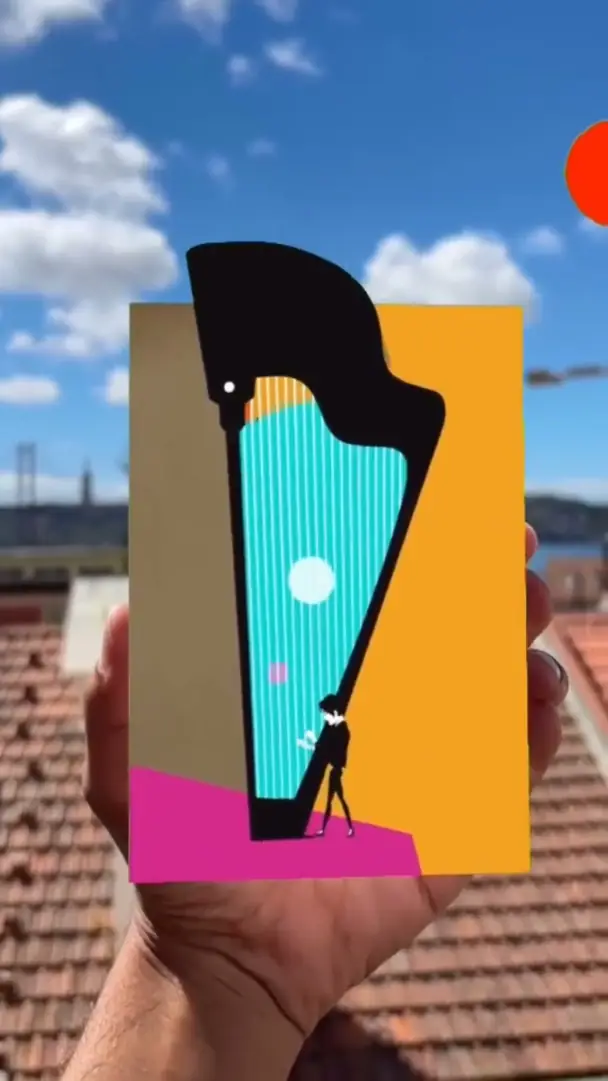
Illustration and posters
Amit Maoz, artist
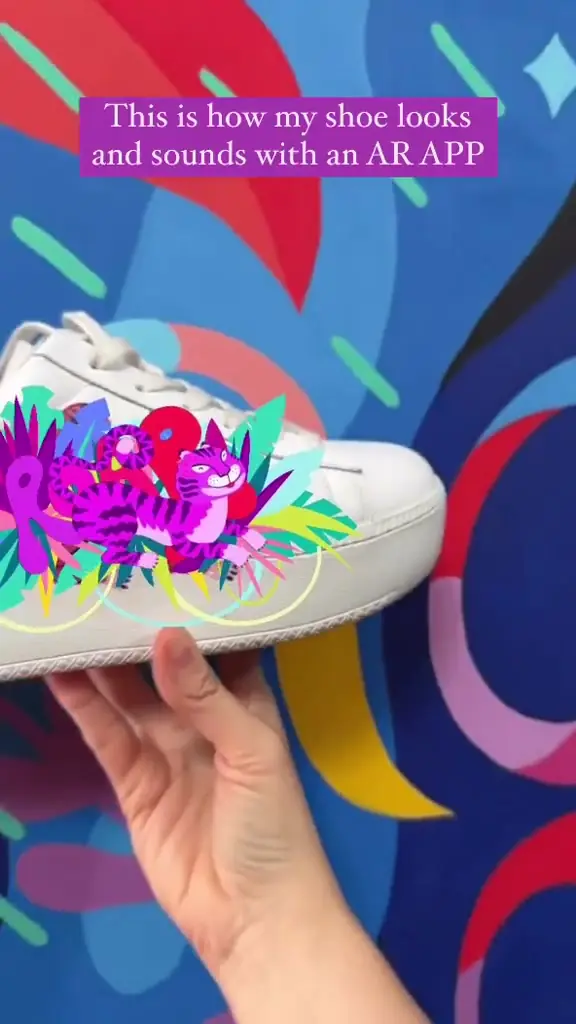
A painted harp poster that plays with sound
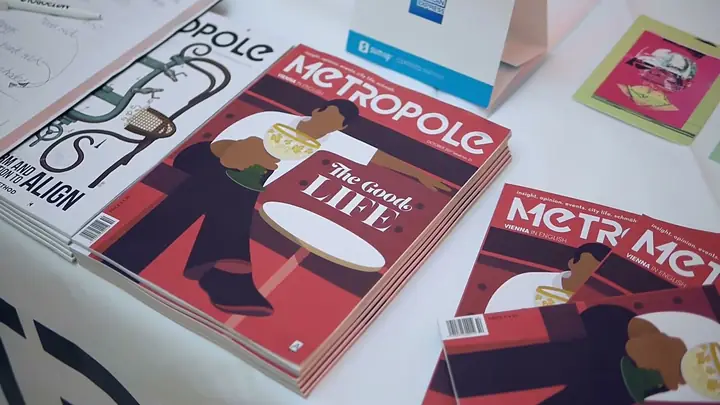
Books and magazines
Lilly Panholzer, illustrator
A Metropole magazine cover that finishes its coffee
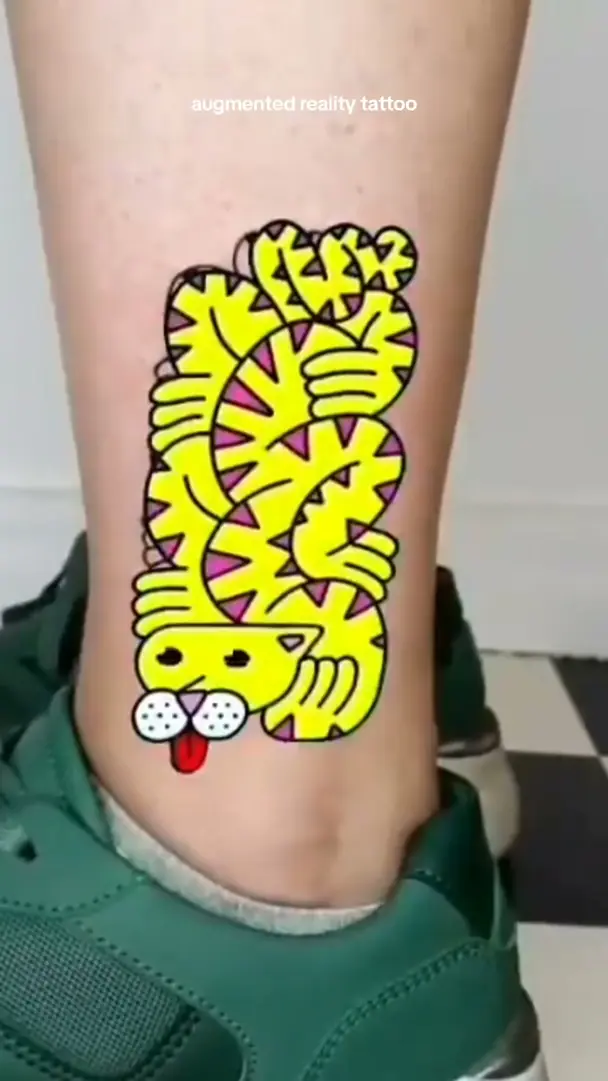
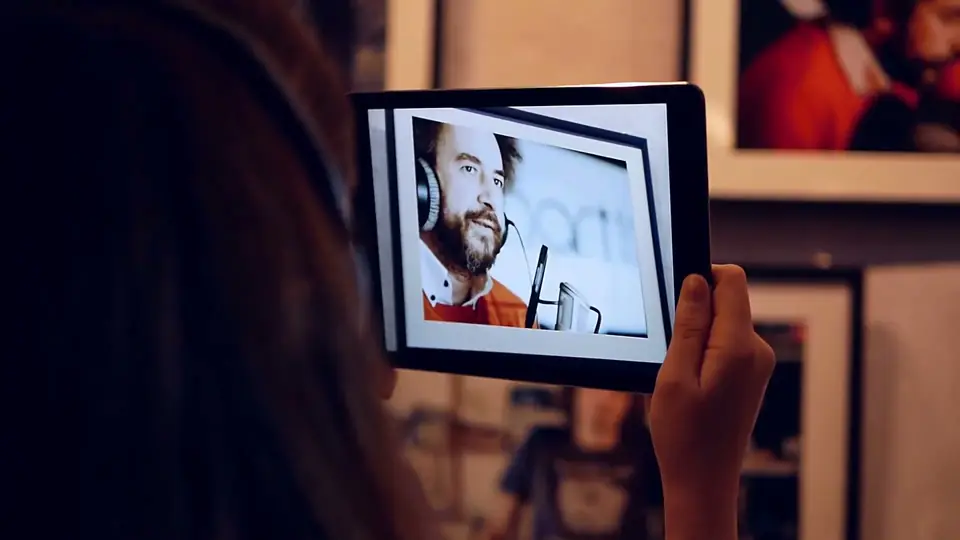
Photography
Miluță Flueraș, photographer
Portraits that open back into the footage they were cut from
Cards and print
Studionova, artist
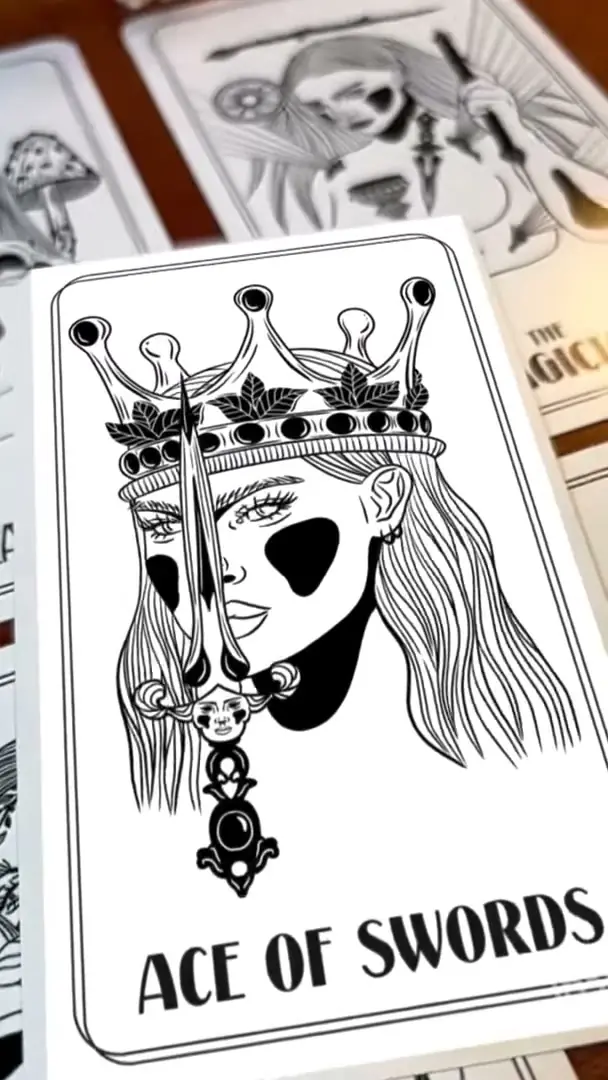
A tarot deck that answers back
Your kind of work
Not on the list? If it can be printed, it can come to life.
Sign up free
Print and phone
The paper stays as you made it
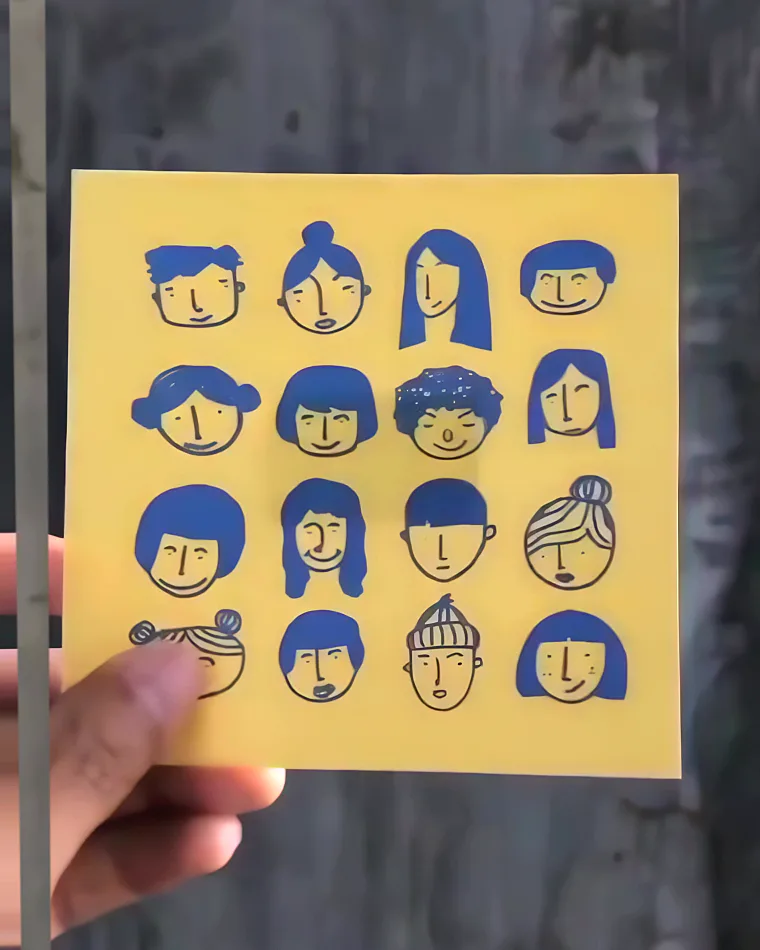
Through the phone, the drawing comes to life. Away from it, the print is exactly the print.
 Hold to look through
How it works
Image to AR in three steps
All in Bridge, the Artivive editor, in your browser or on your phone. No code. Step by step: the free course.
- 1
Upload your image
The picture people will point their phone at.
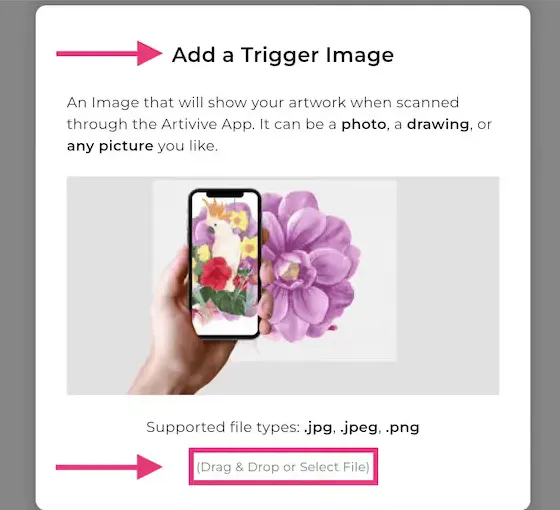
Bridge: adding the trigger image (.jpg or .png). See this control
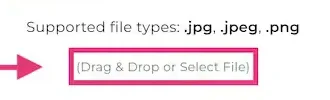
The file field at the foot of the dialog: drop a .jpg, .jpeg or .png on it, or click it to choose one.
- 2
Add what plays on top
A video, animation or GIF, with sound if you like. No video yet? Use a Bridge effect.
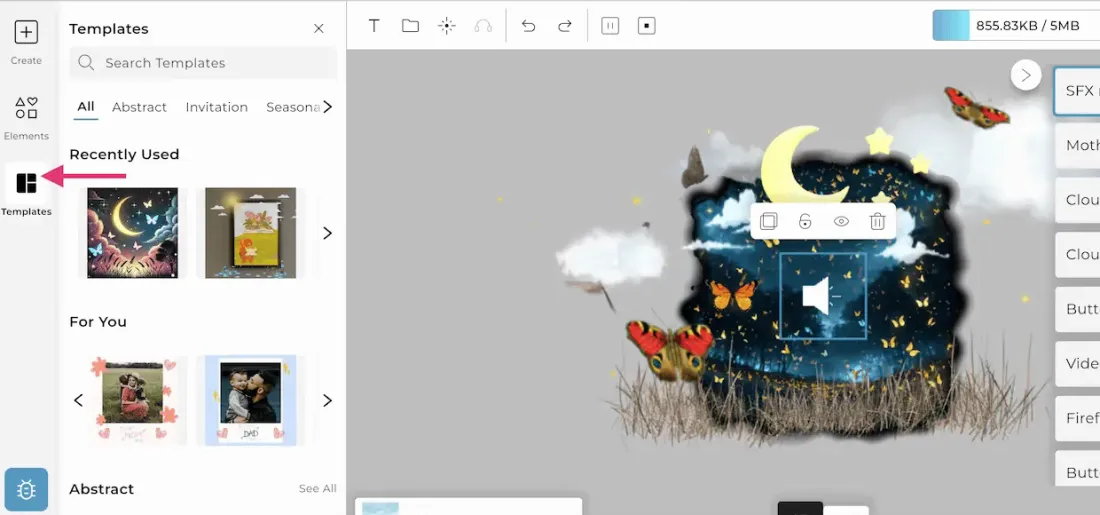
Bridge: a template with moon, clouds and butterflies placed over the image. See this control
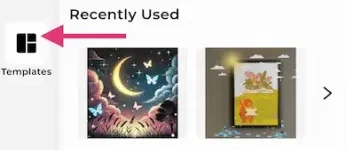
Templates is the third button in the left rail. Pick one and its layers land on your image.
- 3
Publish and share
Viewers scan it with the free app, or open it in the browser from a QR code or link.
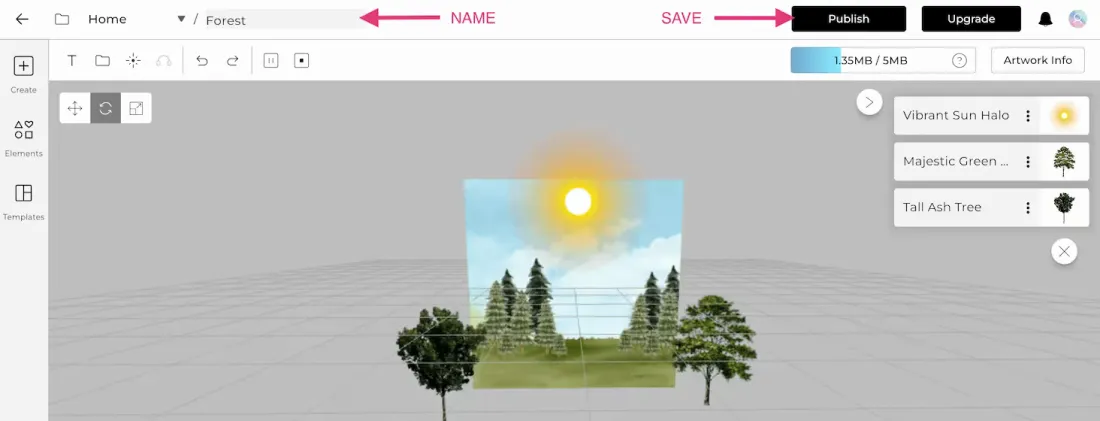
Bridge: name the artwork, then Publish. See this control

The name field sits at the top left, after Home; Publish is the black button at the top right.
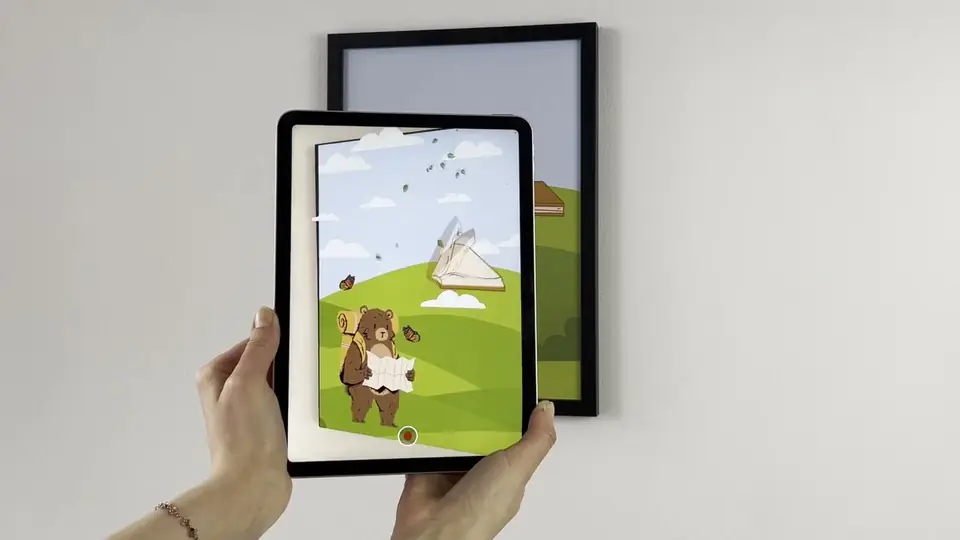
Canva and Artivive
Designed it in Canva?
Design in Canva, hand it to Artivive, add the AR layer and publish. No exports, no code.
Success stories
Artists who have done it
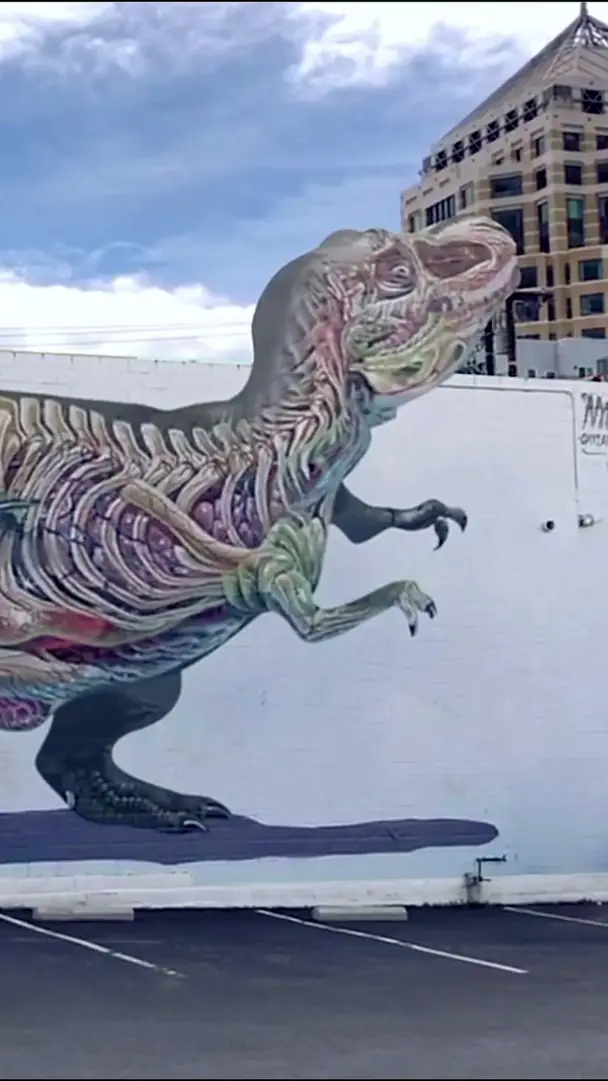 CreativesViral T-Rex mural coming to lifeOver 300,000 views and 70,000 likes on Instagram.Nychos, Oakland
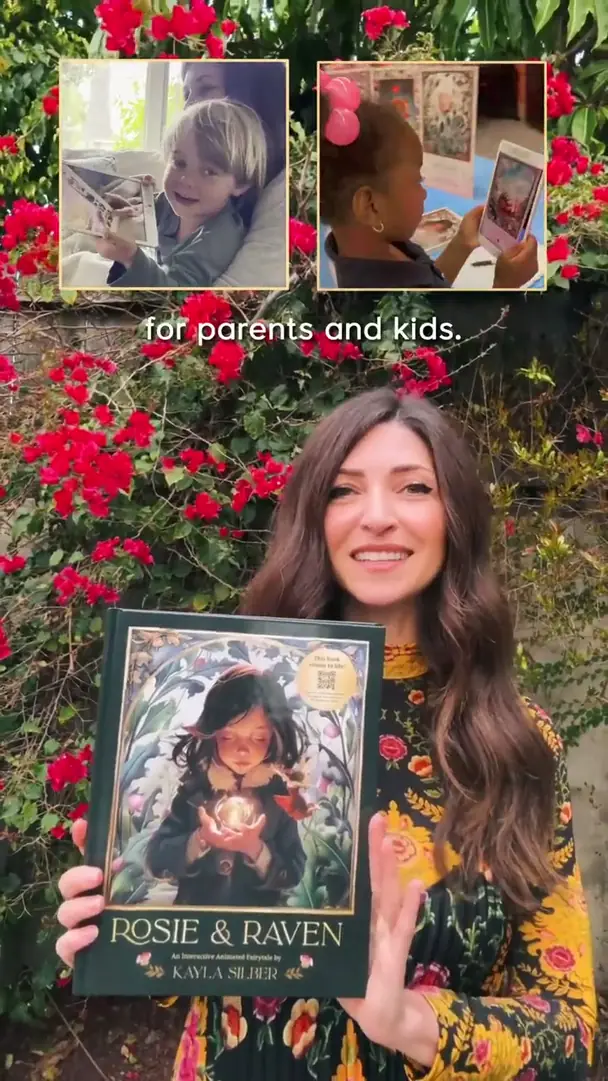 CreativesRosie & Raven: a children’s book in ARSelected for Oprah’s Favorite Things 2025.Kayla Silber, artist
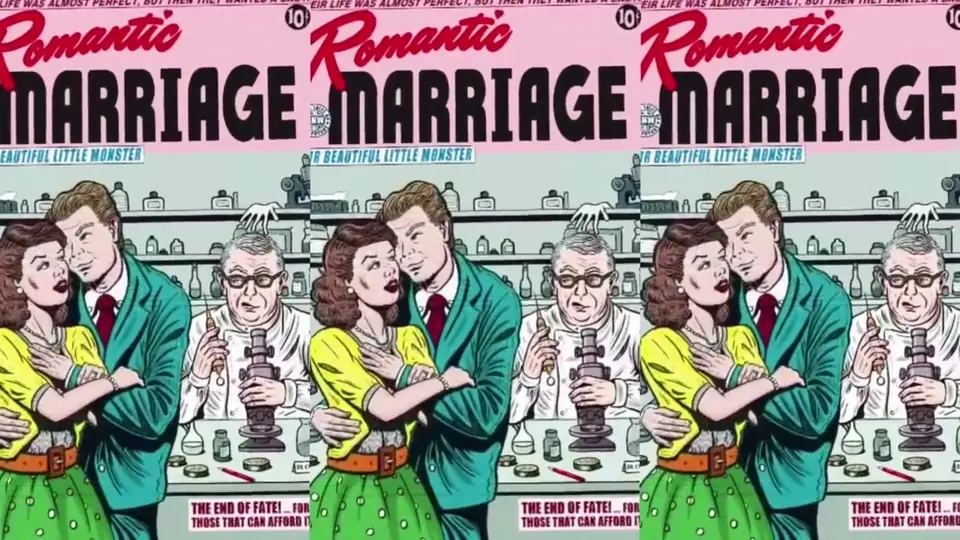 CreativesComic canvases that come to lifeAn AR layer across her exhibition at Albertina Modern, Vienna.Michaela Konrad at Albertina Modern
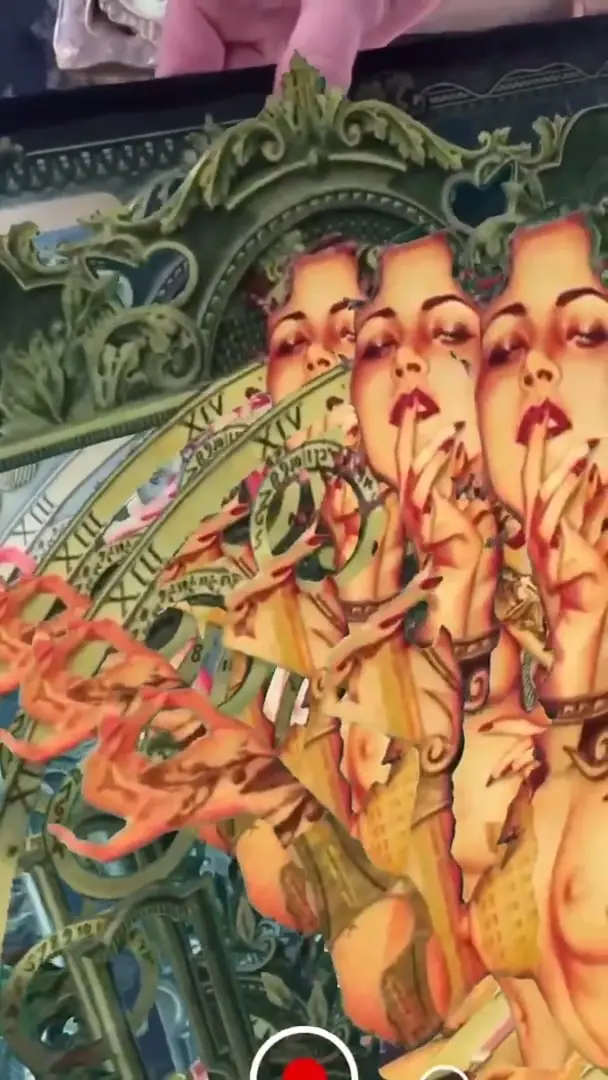 CreativesCollages that come to lifeScanned, the collage elements drift apart and recombine.handiedan, artist
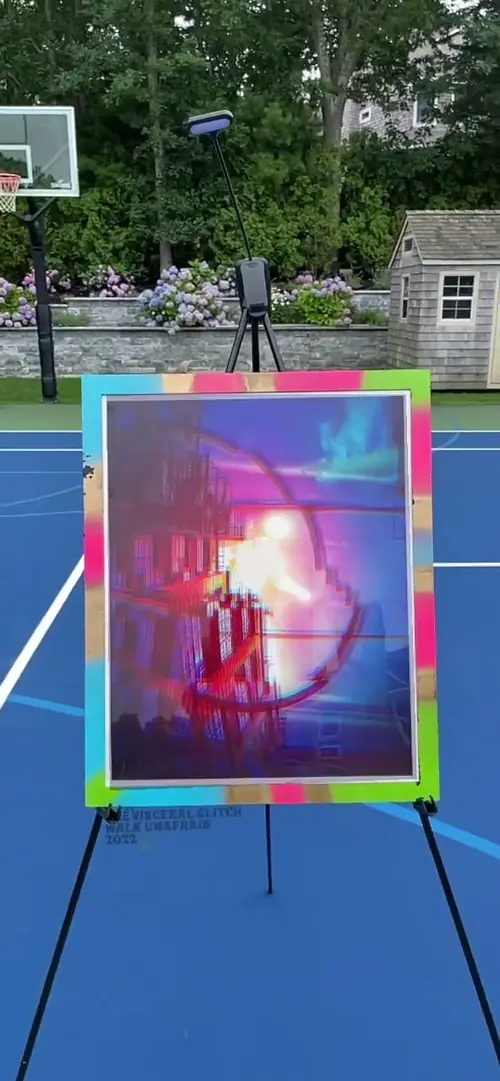 CreativesGlitch art that finally comes to lifeStatic glitch pieces that come to life once they are scanned.Daniel Kramer, artist
Every case, with its film: stories.artivive.com
Read the artist interviews on our blog, or send us yours: get featured.
Pricing
Start free, upgrade as you grow
Free
Free
no card needed
- 50 views to try it out (lifetime, not monthly)
- 1 MB per artwork
- WebAR with a watermark over the artwork
- Unlimited artworks
- The Artivive app for viewers
Pro
17.90 USD a month
or 139.90 USD a year (11.66 USD a month), about a third less
- 1,000 views a month
- 3 MB per artwork
- WebAR with a watermark over the artwork
- Unlimited artworks
Pro Plus
49.90 USD a month
or 399.90 USD a year (33.33 USD a month), about a third less
- 5,000 views a month
- 5 MB per artwork
- WebAR without a watermark, up to 10 artworks per WebAR QR code
- Unlimited artworks
- Timeline and Sequences
- Statistics
Teaching? See the educational package. Brand or museum? Artivive for Business. All plans: pricing.
Questions
Questions and answers
Is Artivive free for artists?
Yes, to start. The free Basic plan has unlimited artworks and 50 views to try it out, which are lifetime views, not monthly. Pro (17.90 USD a month) and Pro Plus (49.90 USD a month) add monthly views and more memory per artwork. See the plans.
Do the people who see my work need an app?
No. They can scan with the free Artivive app, or open your artwork in the phone’s browser with WebAR, through a QR code or a link. On the free plan and on Pro, WebAR shows a watermark over the artwork; Pro Plus has none.
What do I need for my first AR artwork?
An image (.jpg or .png, the longer side between 380 and 8000 pixels) and a video or animation to play on top of it. Any common video format works, up to 100 MB; we recommend under 45 seconds. No video yet? Start with one of Bridge’s effects. File types in detail.
What is the difference between Pro and Pro Plus?
Pro has 1,000 views a month, 3 MB per artwork and WebAR with a watermark. Pro Plus has 5,000 views a month, 5 MB per artwork, WebAR without a watermark (up to 10 artworks per QR code), the Timeline and statistics. Paying yearly costs about a third less on both.
Can I start from a design I made in Canva?
Yes. Design the artwork in Canva, hand it to Artivive, add the AR layer and publish, and the printed version comes to life when it is scanned. Watch the Canva walkthrough on Stories.


Start free
Make your first AR artwork today
Bring an image, and a short video if you have one. Bridge does the rest in about two minutes.
“Artivive perfectly translates this combination of media and brings my art to full expression.”
 Sissa Micheli Visual artist and photographer