How-to guide
How to make theater play posters with Augmented Reality
The poster performs before the curtain rises: a line from the play, a look backstage, an invitation.


What it is
The poster takes the stage
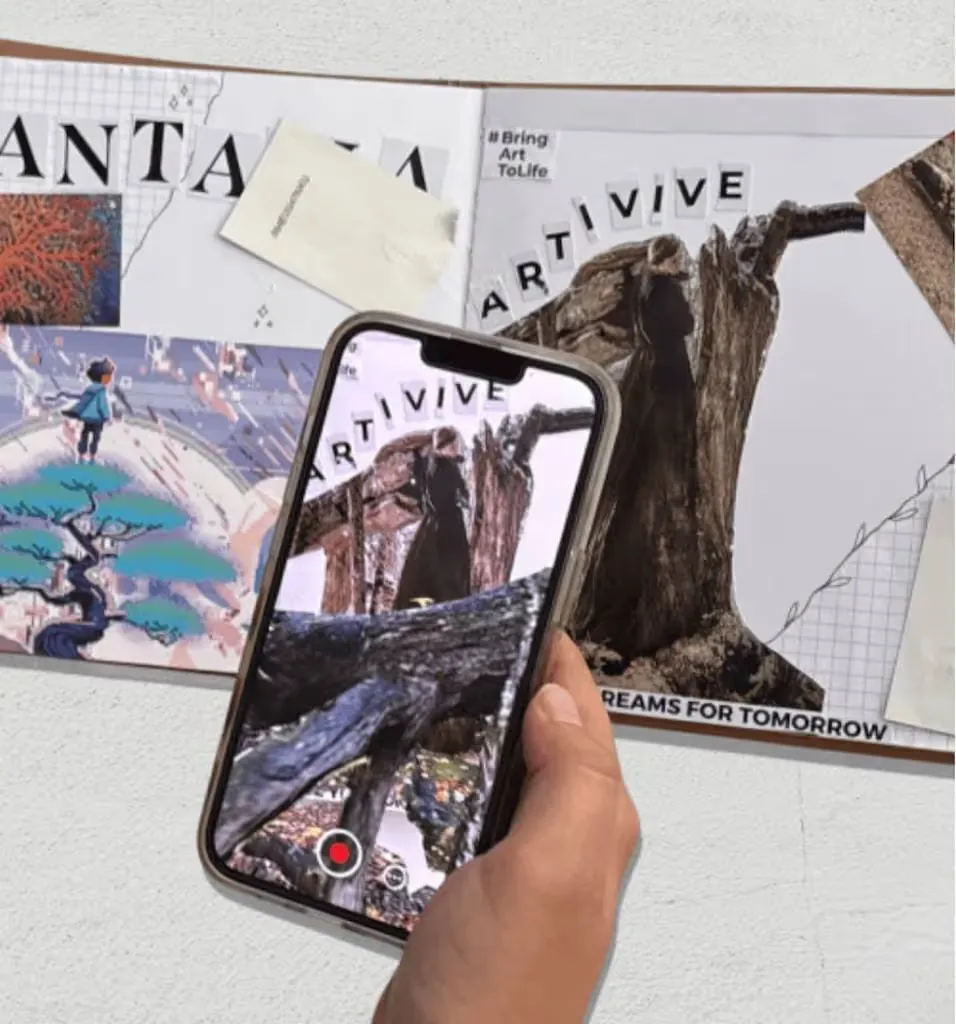
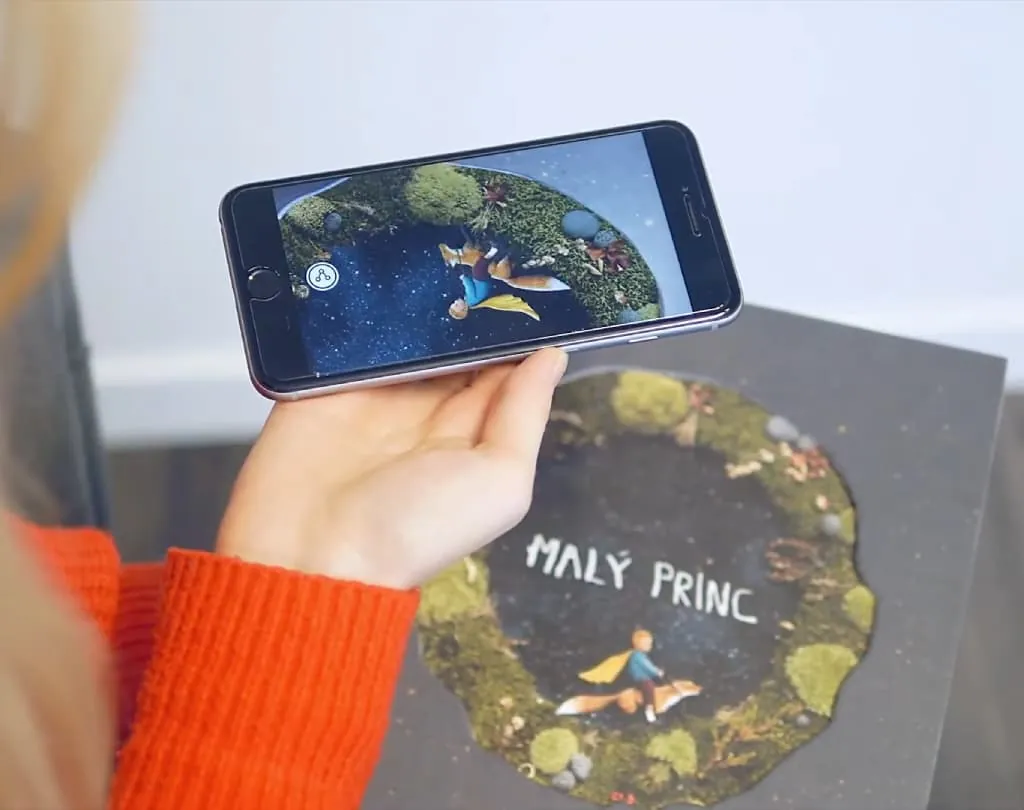
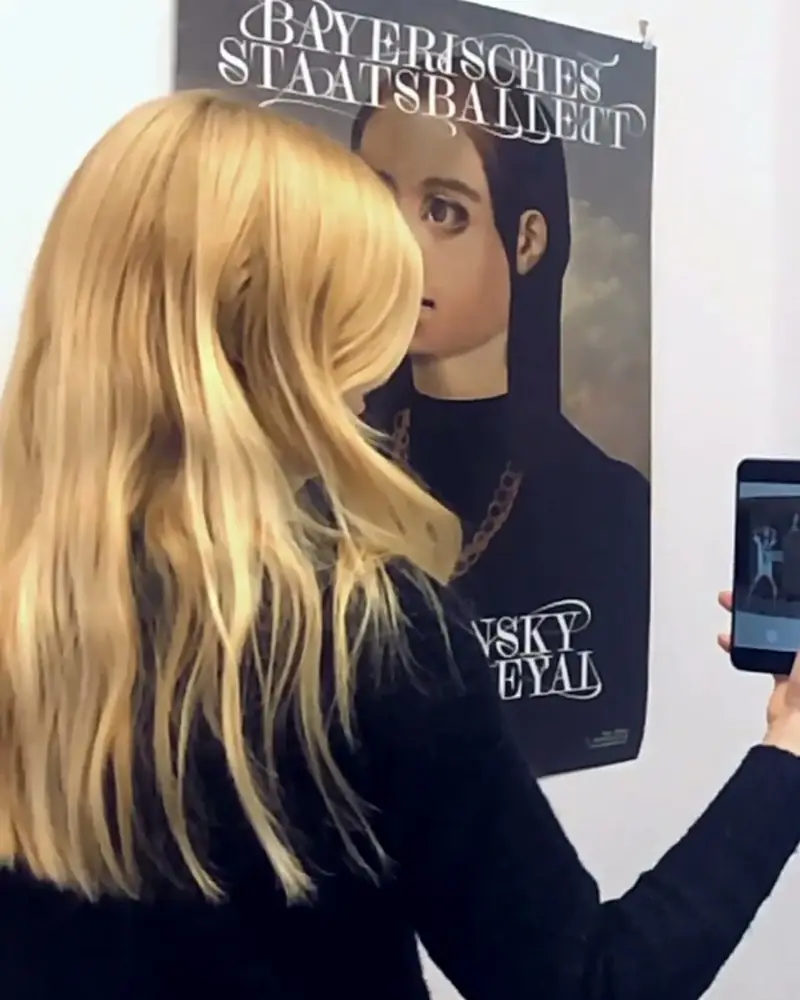
An AR theater poster is a printed poster with a scene from the play inside it. Point a phone at it and an actor speaks, a ghost appears or the curtain rises.
It builds interest weeks before opening night. And the same idea works on programmes, flyers and tickets.
Opera houses already do it. The Bayerische Staatsoper hung posters by Scorpion Dagger whose figures act out the opera, and the Volksoper Wien put a ghost into its programme.
Why it works
Why posters that perform work
It builds interest early
Weeks before opening night, the poster already gives a taste of the play.
It speaks on the street
A whispered line, a flicker of candlelight, an actor’s invitation. People stop for a poster that performs.
It fits every budget
A student show and an opera house use the same tool. You need a poster, a clip and a phone.
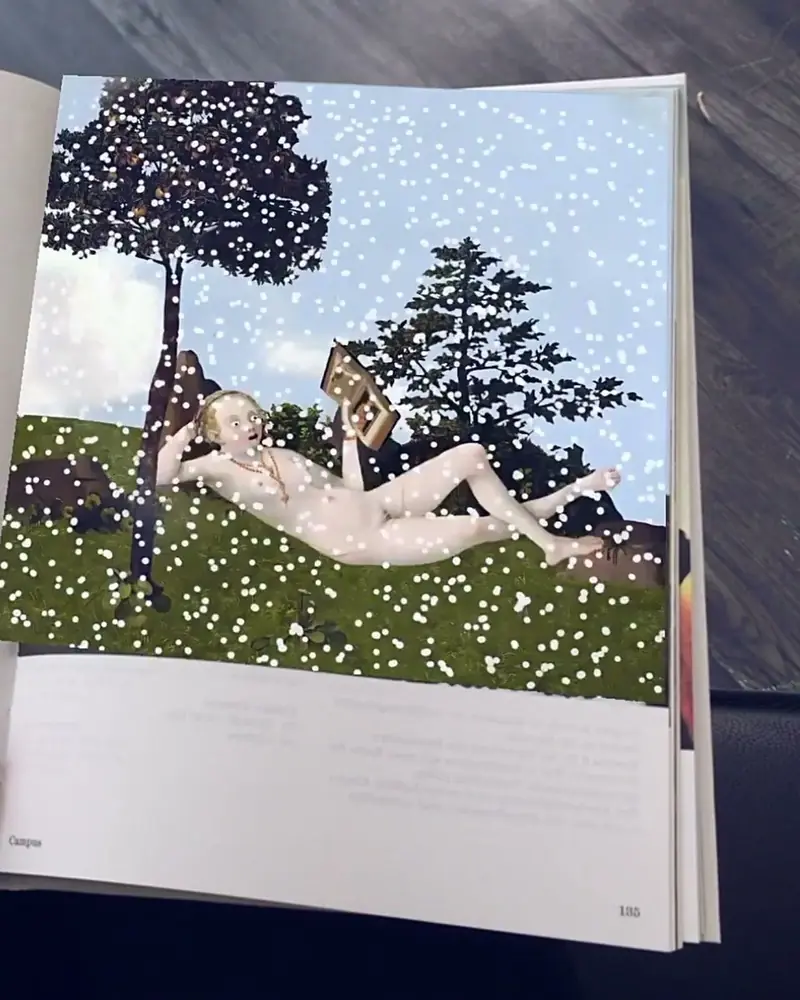 A season programme that comes to lifeEvery illustration in the printed season preview has an AR layer.Scorpion Dagger for the Bayerische StaatsoperWatch on Stories
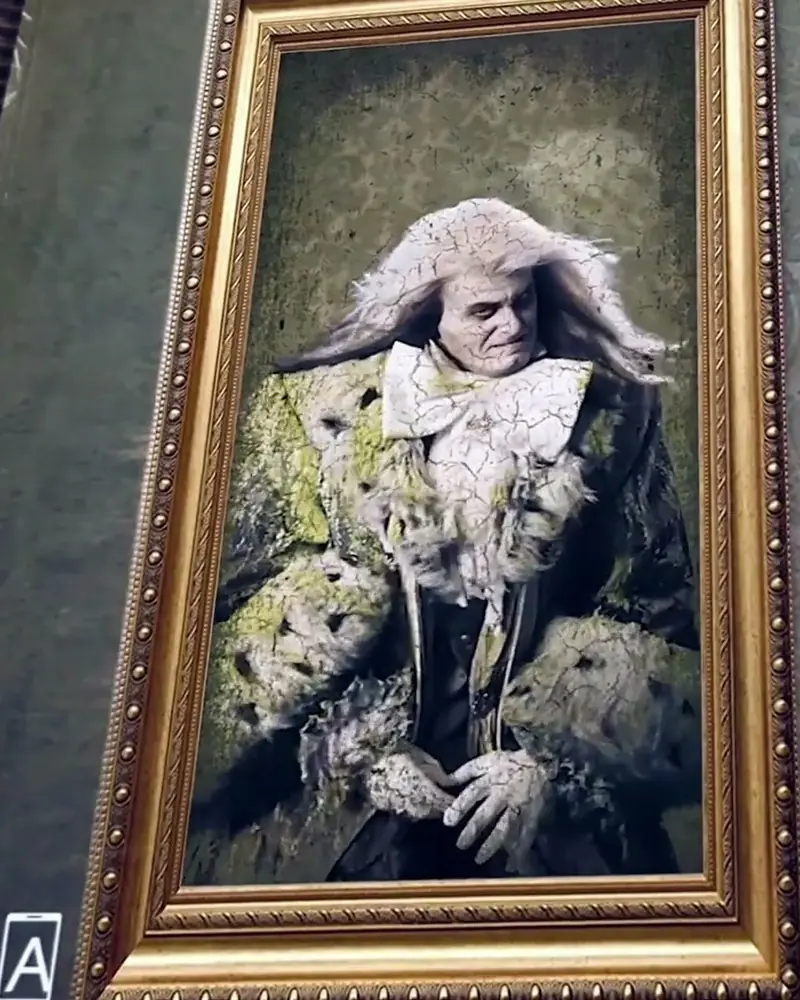 A ghost in the opera programmeFor The Canterville Ghost, scanning a page brings the ghost onto the paper.Volksoper WienWatch on Stories
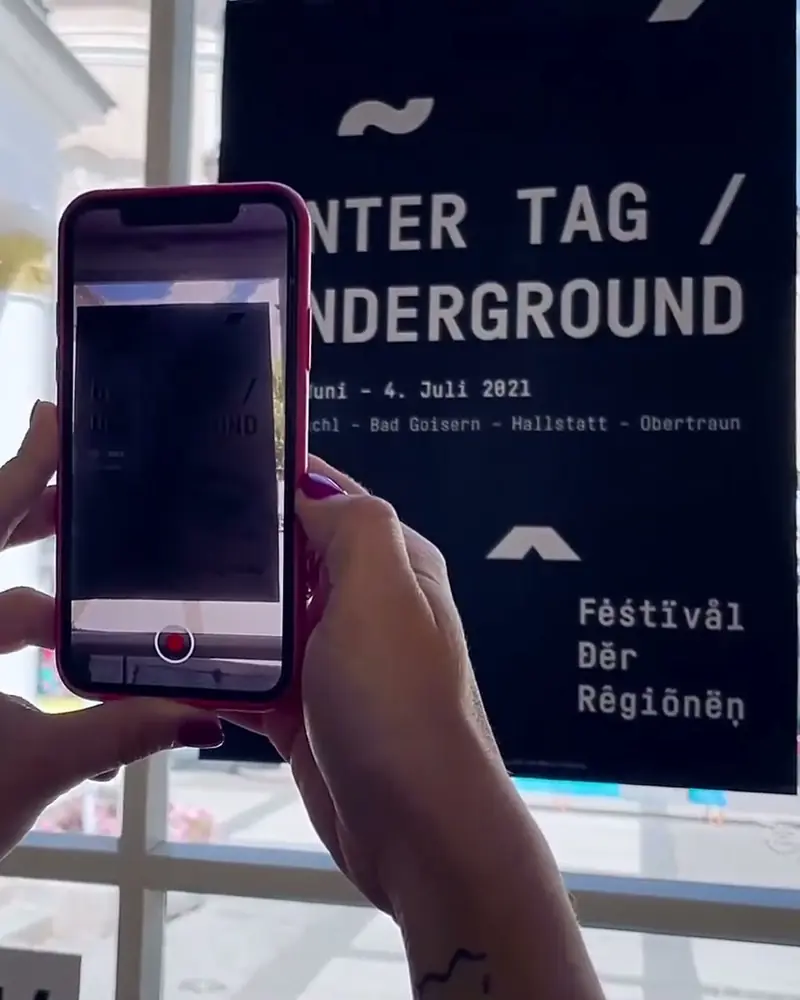 AR across a whole regionFestival posters reinterpreted in AR, postcards about climate change, an artwork on a mountain top.Tina Frank, Christian Azzouni, Iris Karl and others, Festival of RegionsWatch on Stories
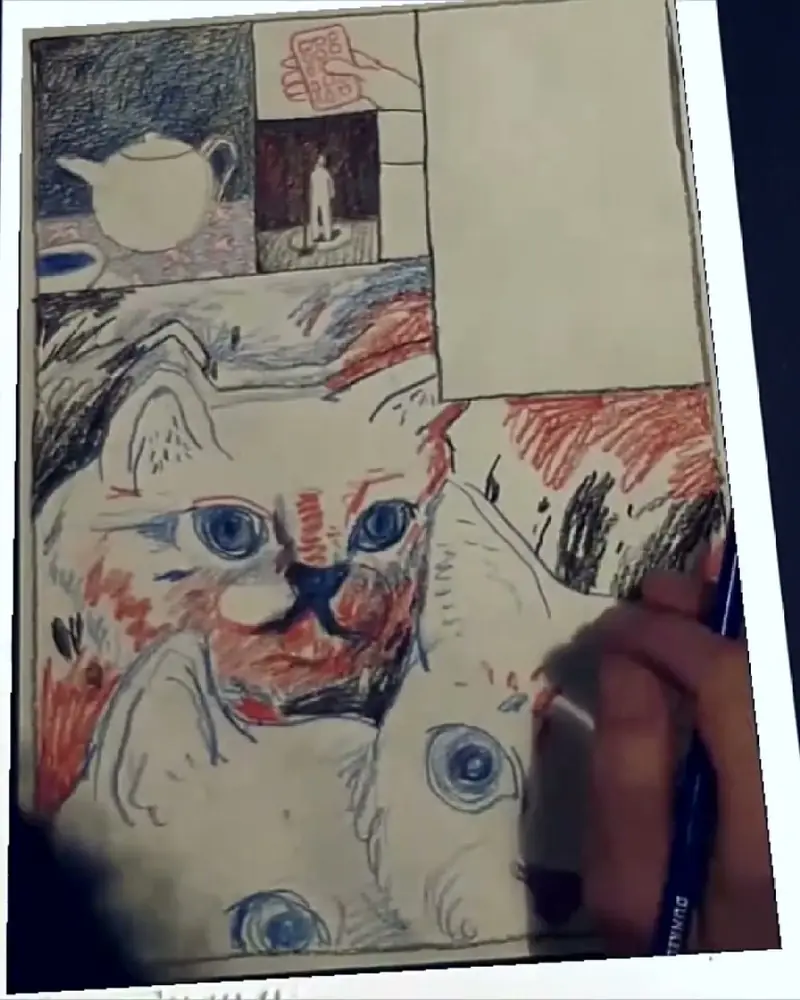 A live drawing that replays itselfDrawn on stage during a reading, the finished sheet replays itself line by line.Simon Goritschnig for FOMP, ViennaWatch on Stories
Ideas to try
Ideas for your production
The invitation
An actor breaks the fourth wall and invites the passer-by to the play.
Character posters
Each actor on the poster triggers their own message, as a separate artwork.
The programme
A programme that performs in the interval: the Volksoper’s ghost appears over the page.
Behind the scenes
A look into the rehearsal room or the workshop where the set was built.
A season book
Every illustration in the season preview comes to life, as Scorpion Dagger made for the Bayerische Staatsoper.
A city-wide campaign
Posters across town that tell different parts of the story, as the Festival of Regions spread AR over a whole region.
What you need
Before you start
A short checklist. Everything else happens in Bridge.
- The poster The final design as .jpg or .png, with texture and contrast, not smooth gradients. Optimise recognition.
- The clip 10 to 30 seconds of video (.mp4 or .mov, up to 100 MB), sound or a voice. File types.
- A plan that fits Start free on Basic. A season campaign needs monthly views: Pro has 1,000, Pro Plus 5,000. See the plans.
- A line on the poster “Scan to see the play come to life” and a QR code for WebAR.
How to make it
Make yours in five steps
All in Bridge, the Artivive editor, in your browser. No code.
Design the poster
Bold faces, texture and contrast. Leave space where the AR will appear, and avoid smooth gradients.
Film the clip
A short clip of 10 to 30 seconds: an actor breaking the fourth wall, a whispered line, the curtain rising.
Build it in Bridge
Click Create Artwork, upload the poster, add your clip and place it exactly where it should appear.
Test it like a dress rehearsal
Scan the printed poster with the Artivive app. Check position, sound and light.
Print and promote
Hang it where your audience goes, with a line like “Scan to see the play come to life” and a QR code.
New to Bridge? Your first AR artwork, step by step, or the free course.
Tips
Small things that make it work
Bring it to the programme
Give the printed programme its own AR, so the audience has something to scan in the interval.
Change it during the run
Swap the AR for a cast change, a premiere or a special night. The posters stay up.
Hide an extra
A monologue or a scene only people who scan will find. It gives them something to talk about.
Questions
Questions and answers
How do I know the poster will scan well?
Bridge rates every trigger image from 0 to 5 stars. Strong contrast and distinct shapes score best. Optimise image recognition.
Can I change the video after the poster is printed?
Yes. Edit it in Bridge and publish again. The printed posters show the new version.
Do viewers need an app?
They can use the free Artivive app, or scan a WebAR QR code and watch in the browser.
Does it work on screens too?
Yes. A poster on a screen, in a newsletter or on your website scans like a print.
Which video formats work?
Common formats such as .mp4 and .mov, up to 100 MB. Bridge can key out a colour to make the background transparent. File types.
Is it only for big theaters?
No. A student show or a small troupe can start on the free plan. See the plans.