How-to guide
How to create an AR scrapbook
Glue in the photo. Through a phone, the moment behind it comes to life.


What it is
Memories that play again
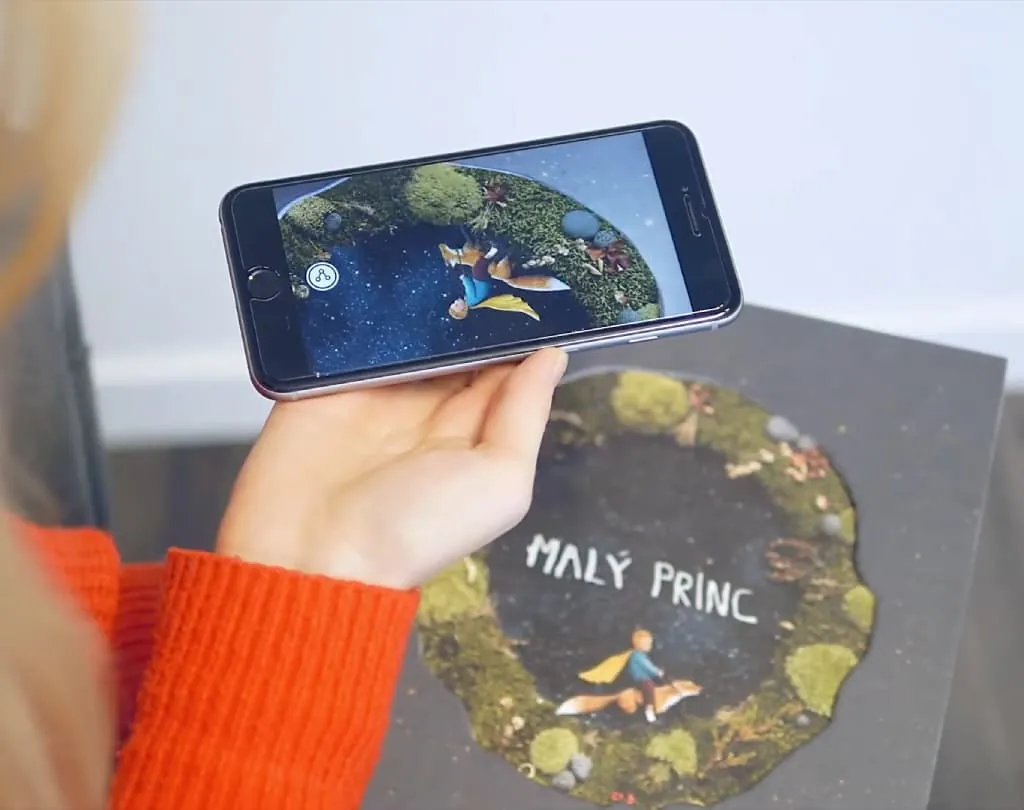
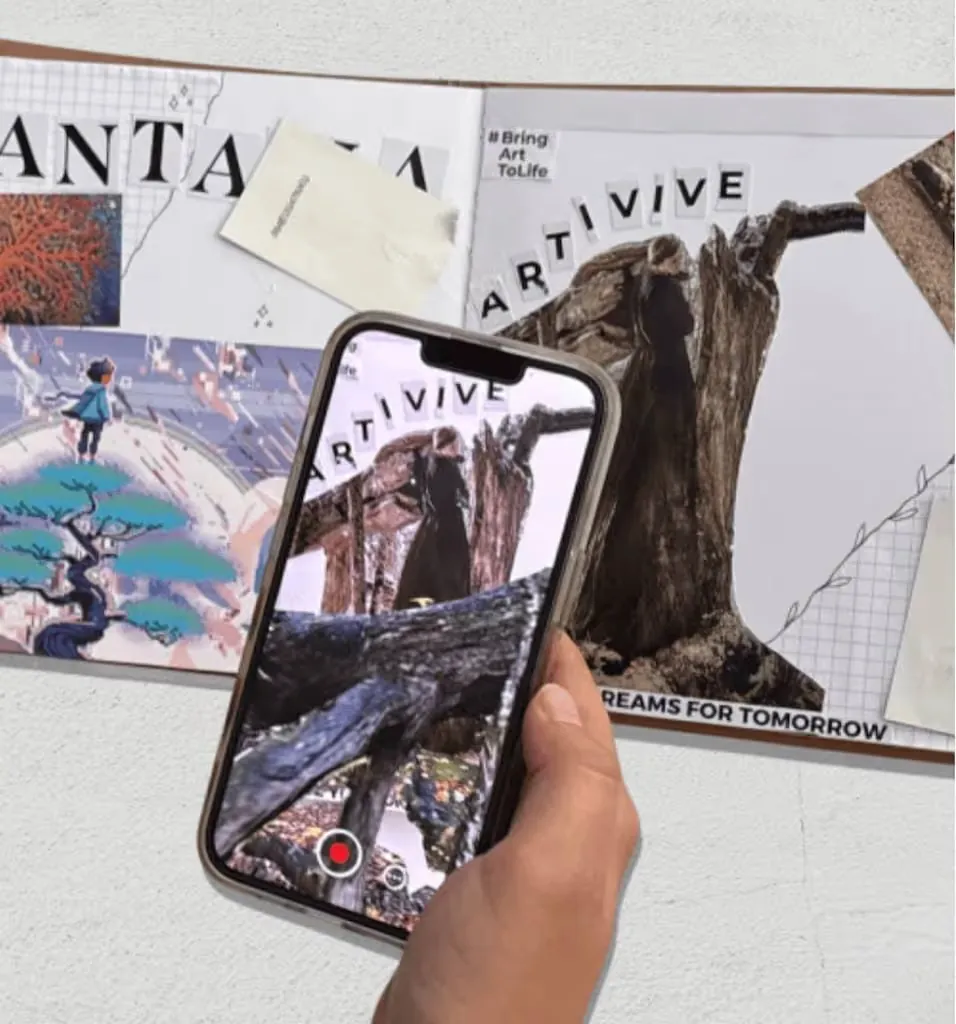
An AR scrapbook is a scrapbook with a digital layer. Point a phone at a photo or a postcard and the video, voice or song behind it plays.
The page looks the same as always. The phone brings back the moment it was taken.
Use Bridge’s templates, images, videos and 3D objects, or upload your own. You can create in the browser or in the Artivive app.
Why it works
Why a scrapbook gains a layer
The moment comes back
A photo shows a second. The video, the voice or the song behind it brings back the whole day.
A gift people keep
A scrapbook that comes to life is a present the whole family opens together, again and again.
Paper stays paper
Nothing changes on the page. The memories live in the phone, the scrapbook stays as beautiful as you made it.
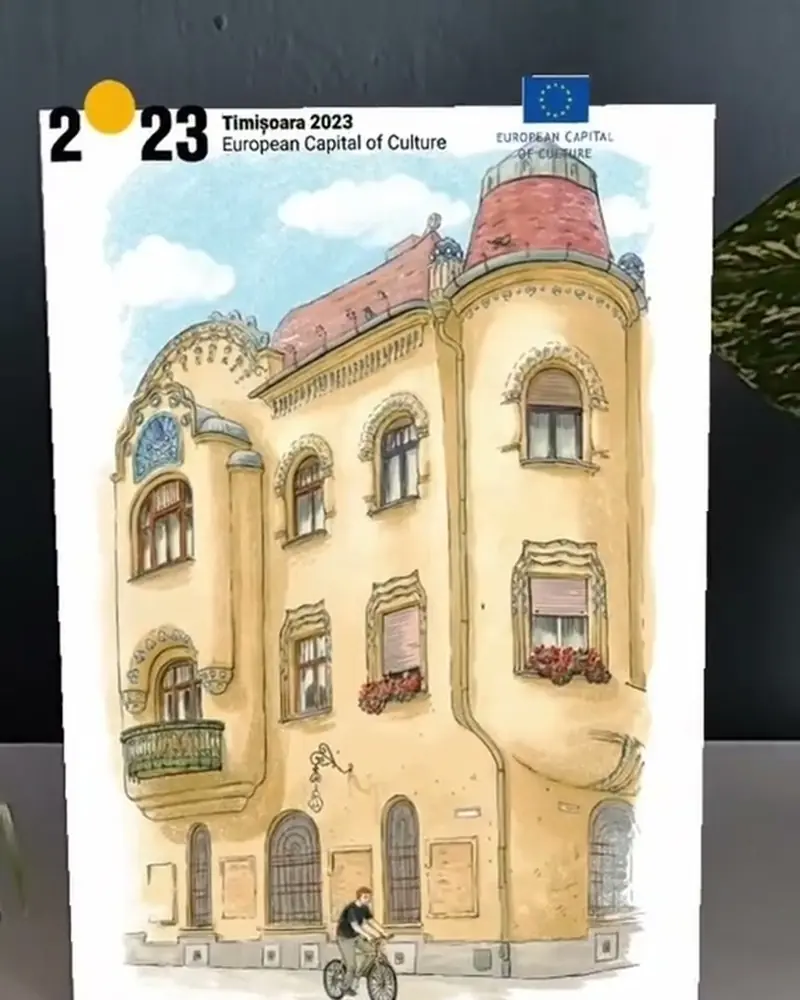 Postcards for a Capital of CultureDrawn facades of Timișoara that come to life when a visitor scans the card.Dan Ungureanu for Timișoara 2023Watch on Stories
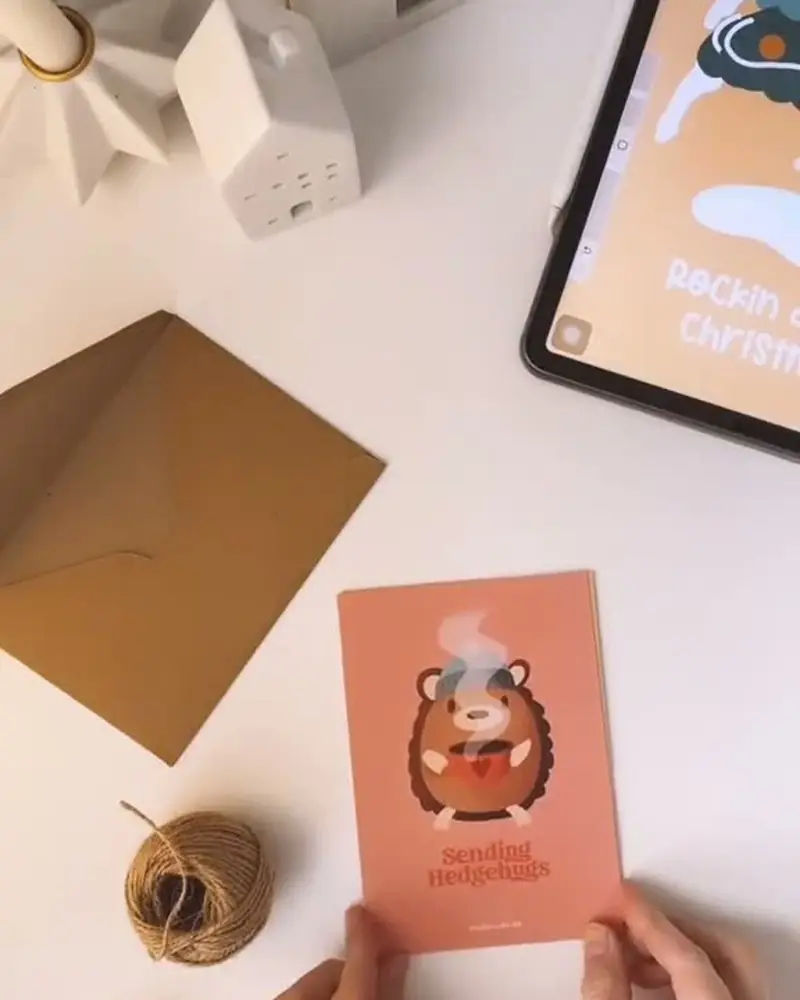 Christmas cards that come to lifeSnow falls around the card, a sleigh flies past, a jingle plays.ArtiviveWatch on Stories
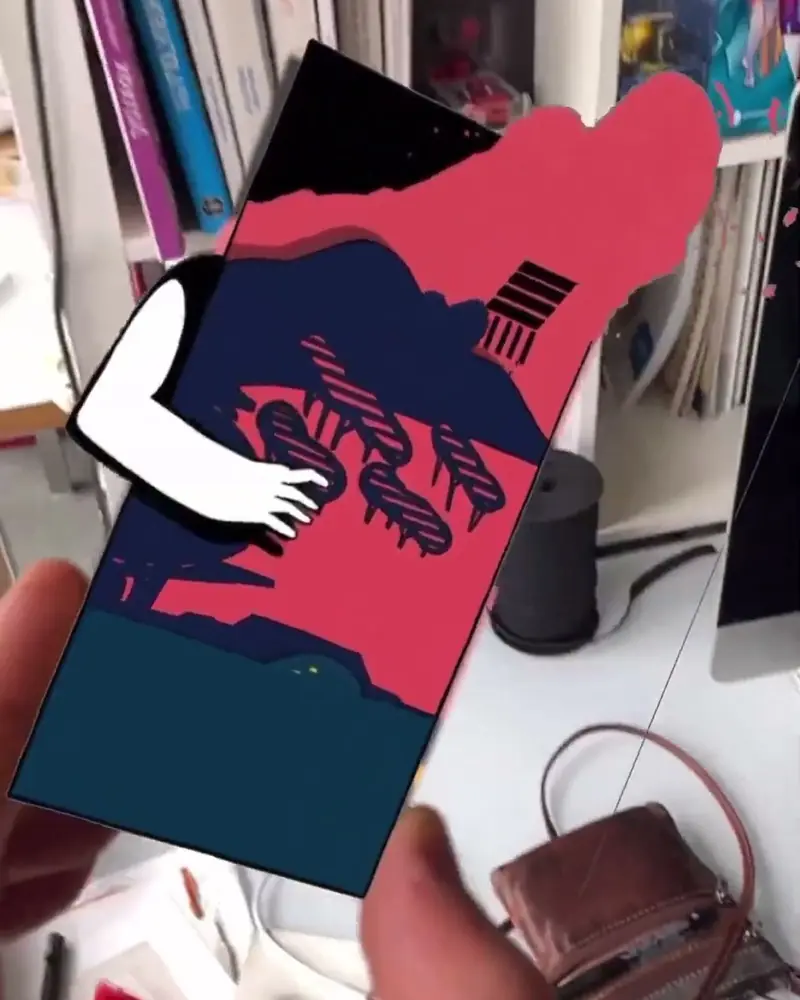 A paper composition that steps out of the frameCharacters step out of the print, the layers separate and the piece plays its soundtrack.Thomas Pablo Pons and Julie Stephen ChhengWatch on Stories
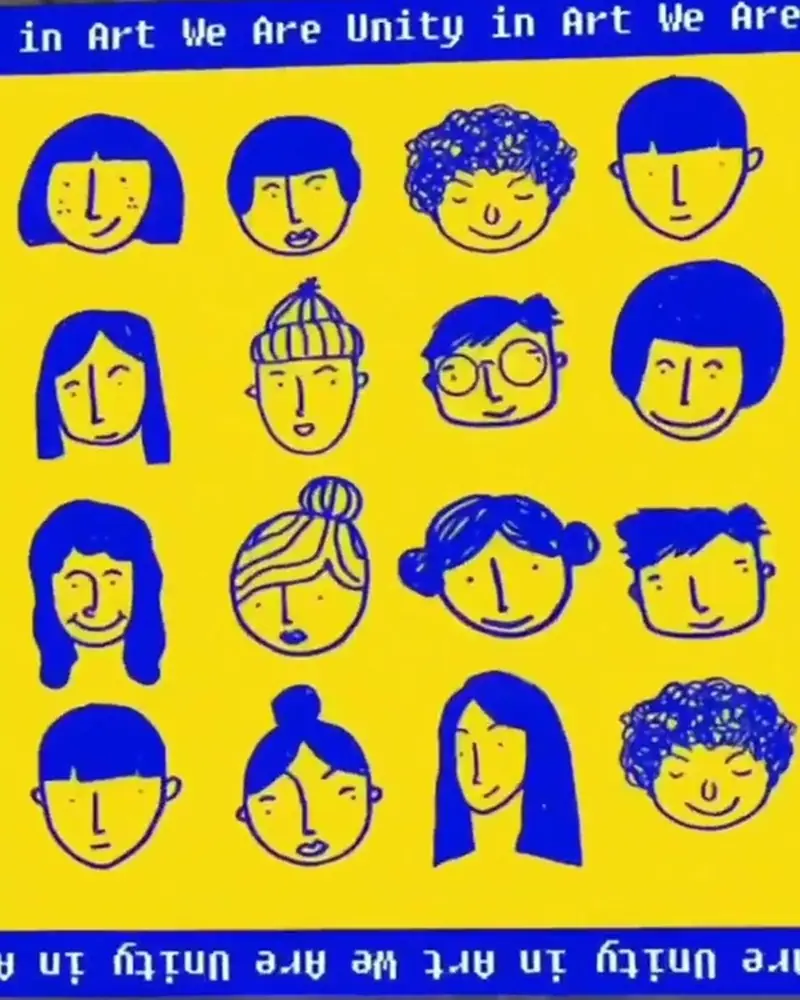 We are unity in art: drawings that come to lifeInk faces on yellow paper blink and dissolve into each other on the phone.Art We Are Daily for Uniqon.mediaWatch on Stories
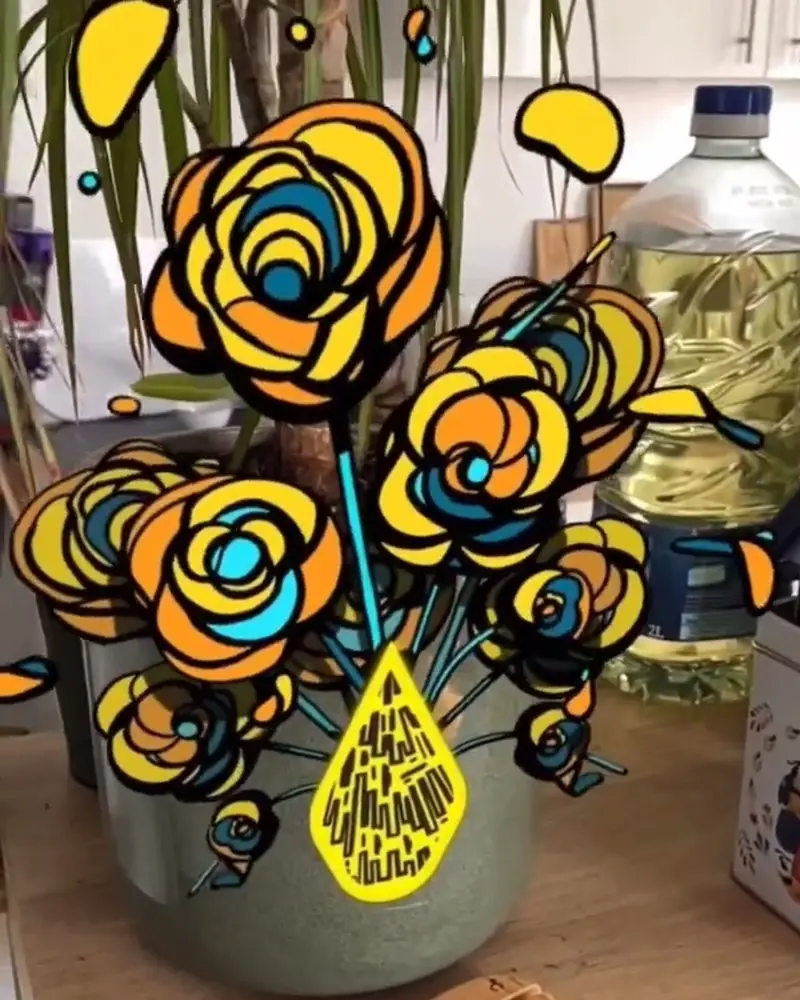 AR stickers that finish themselvesOn a laptop or a lamp post, the drawing completes itself when a phone gets close.Thomas Pablo Pons, illustratorWatch on Stories
Ideas to try
Pages worth making
A travel journal
Postcards and tickets that play the clips you shot there. Timișoara’s drawn postcards show how a city can come to life on paper.
A baby or family album
First steps, first words, a grandparent’s voice behind every photo.
A wedding or birthday book
Guests’ video messages hidden behind their photos.
A holiday card collection
Snow, a sleigh and a jingle around the card, made once and sent to everyone.
Stickers and doodles
Small drawings that finish themselves when a phone gets close, as Thomas Pablo Pons’ stickers do.
What you need
Before you start
A short checklist. Everything else happens in Bridge.
- The photos The same .jpg or .png files you print, the longer side between 380 and 8000 pixels. Optimise recognition.
- The memories Videos (.mp4, .mov or .gif) up to 100 MB, voice messages, music, stickers and effects. File types.
- A plan that fits The free Basic plan has unlimited artworks and 50 views to try it out. See the plans.
- A way to share The free Artivive app, or a WebAR QR code you write on the first page.
How to make it
Make yours in four steps
All in Bridge, the Artivive editor, in your browser. No code.
Pick the photos
Choose the photos, tickets or postcards that have a video, a voice or a song behind them.
Upload each one
In Bridge, click Create Artwork and upload the photo as the trigger image.
Add the memory
Add the video from that day, a voice message, music, stickers or effects.
Publish and share
Publish, then scan the page with the Artivive app. Share it as a WebAR QR code with family and friends.
New to Bridge? Your first AR artwork, step by step, or the free course.
Tips
Small things that make it work
Use the original file
Upload the same photo you print. A crop or a filter on one but not the other makes it harder to scan.
Keep clips short
Under 45 seconds is easiest to watch with a phone held up over the page.
Make it a gift
Write the scan instructions on the first page, so the person you give it to knows what to do.
Questions
Questions and answers
Do I need an app to see it?
Viewers can use the free Artivive app, or scan a WebAR QR code and watch in the browser. Viewing needs no account.
Can I use photos from my phone?
Yes. Upload the photo, print the same file and glue it in. Sharp, detailed photos scan best.
Can one QR code open the whole scrapbook?
On Pro Plus, one WebAR QR code holds up to 10 artworks. On Basic and Pro, each code holds one. How WebAR works.
Can I edit it later?
Yes. Change or delete any layer in Bridge and publish again. The printed page stays the same.
Can I start for free?
Yes. The free Basic plan has unlimited artworks and 50 views to try it out. See the plans.