How-to guide
How to create Augmented Reality fashion?
Prints on shirts, scarves and shoes that come to life on any phone.


What it is
The garment is the screen
AR fashion is clothing with a digital layer. Point a phone at a printed shirt, scarf or shoe and the design comes to life.
One piece can carry a new story each season. Show the making of, a collaboration or an animation, without producing anything new.
It suits designers, streetwear labels, artists who print their work on fabric, and brands that want their merchandise to say more.
Why it works
Why fashion gains a layer
Your design gets noticed
A print that comes to life stops people. It makes a brand easier to remember in a crowded feed and a crowded shop.
The story comes with it
Show the making of, the designer or the idea behind the collection, right on the piece.
New without producing
Refresh the AR for a season or a collaboration instead of making a new run. The garment stays the same.
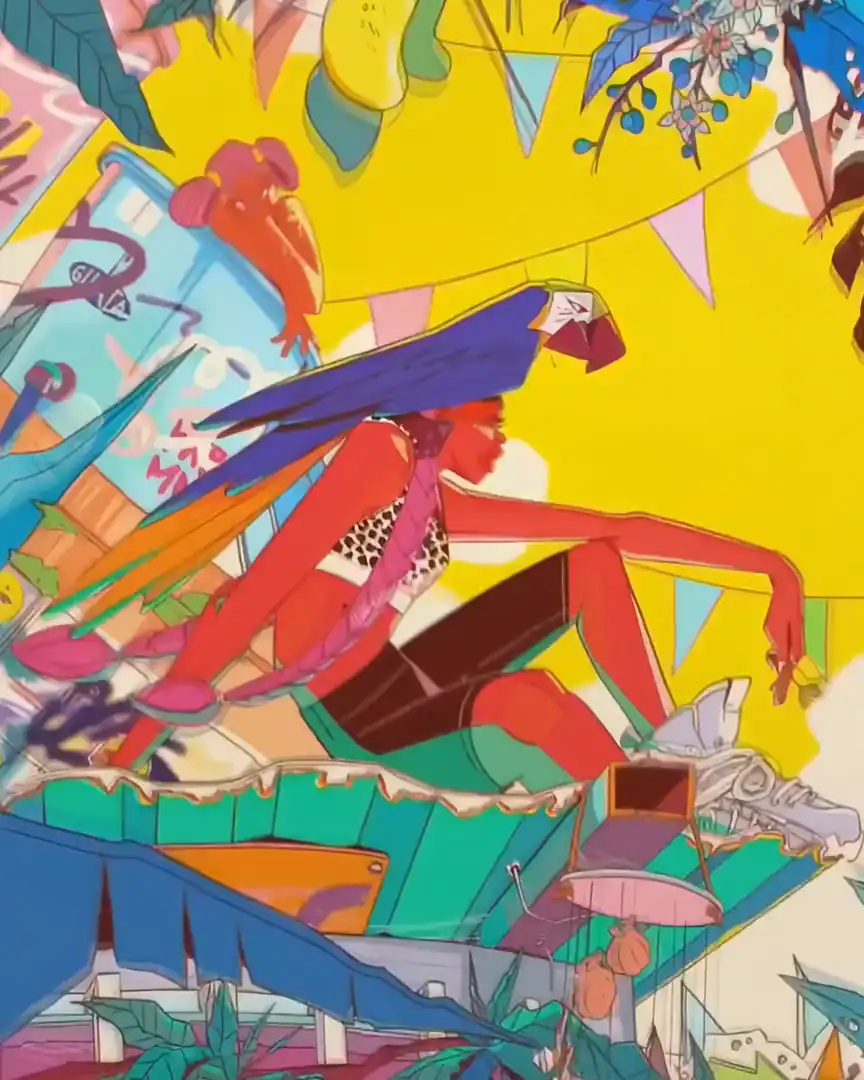
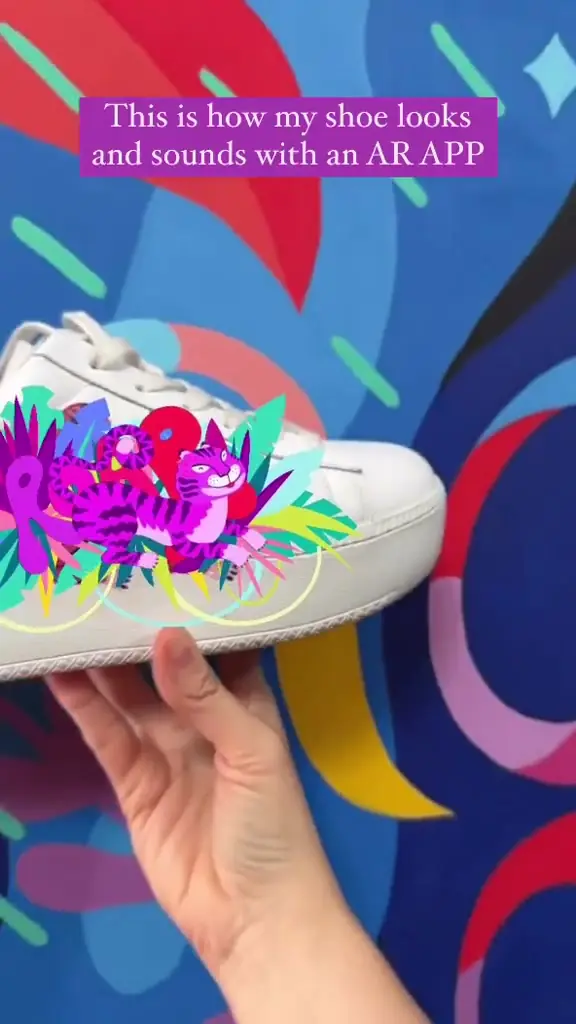 AR shoes by SuperamaPainted shoes that carry their own animation.Superama, artistWatch on Stories
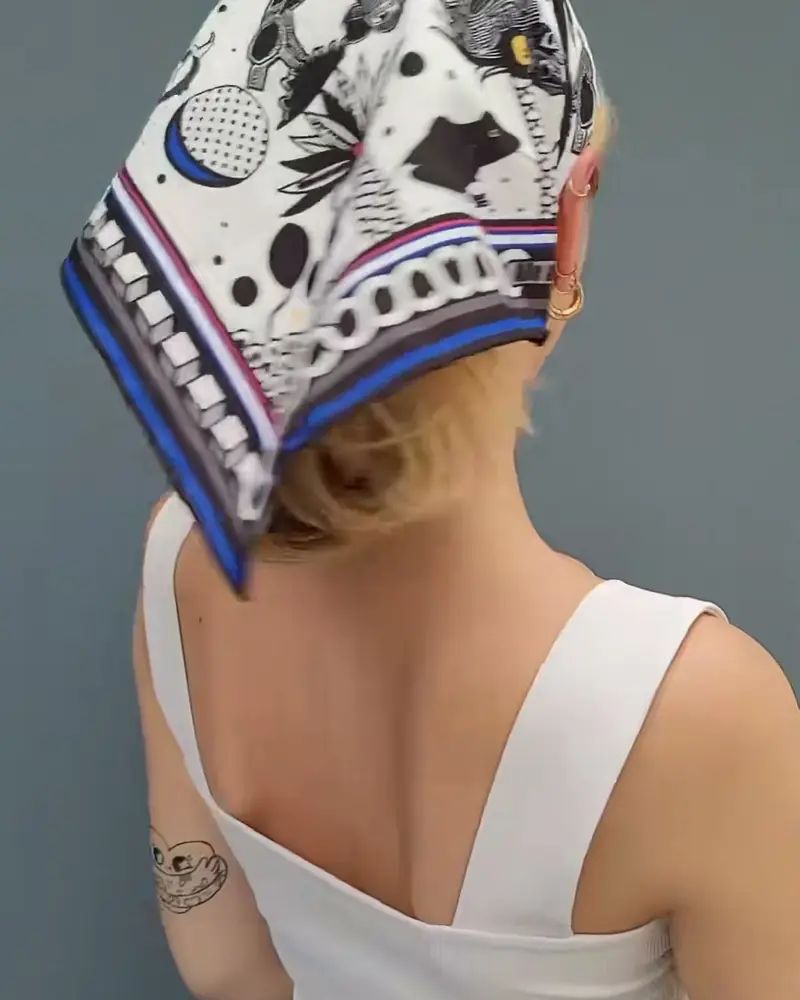 AR scarves by Ahmet Rüstem EkiciWorn or hung, the printed pattern lifts off the silk when scanned.Ahmet Rüstem Ekici, new media artistWatch on Stories
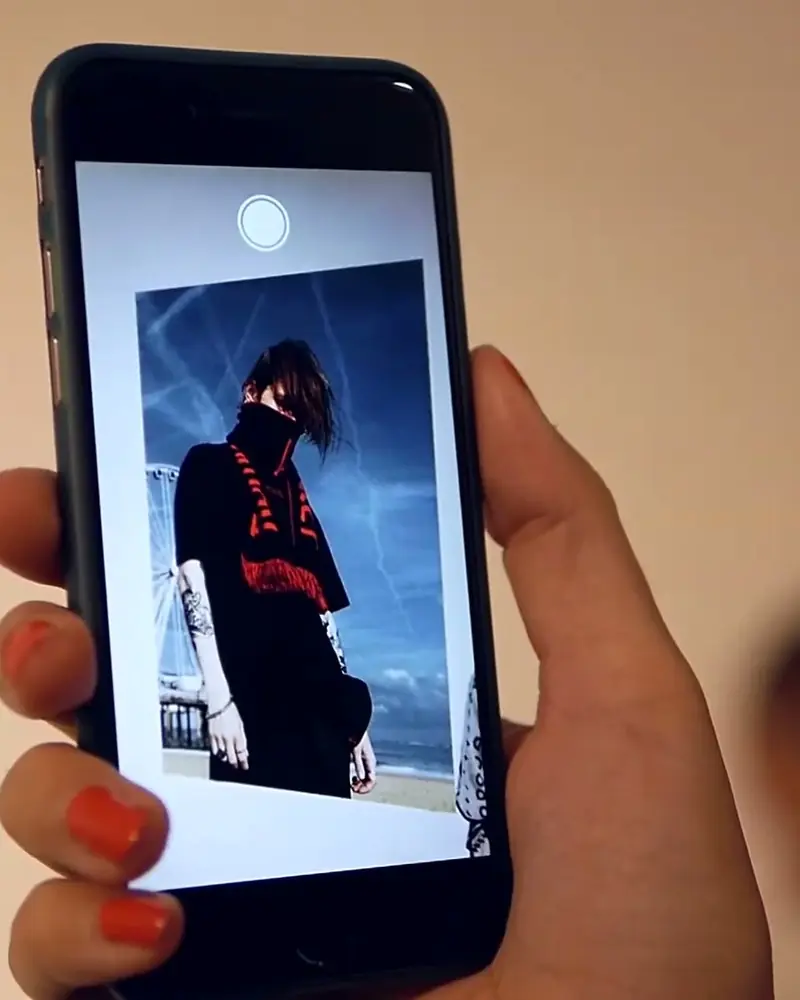 Romantic Outsider: a streetwear drop as an exhibitionThe printed graphics on the garments double as AR triggers, so a jacket comes to life like a painting.HOOD at fAN Kunstverein, ViennaWatch on Stories
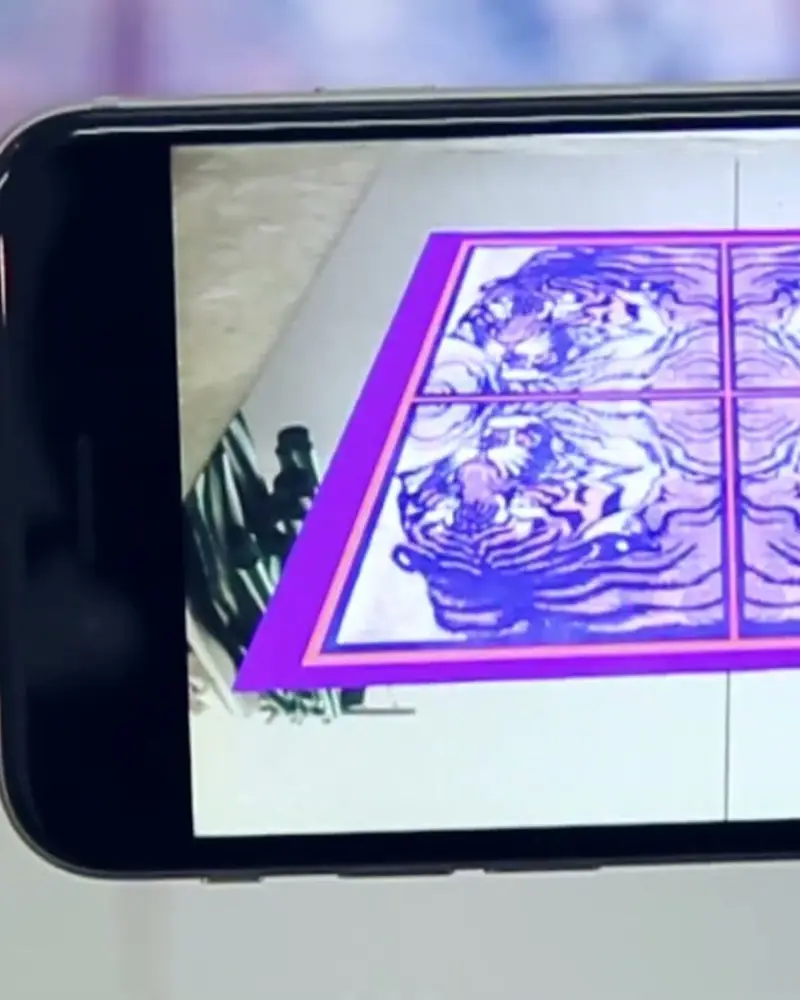 SIGHTLINE: a collection with a digital layerSelected pieces and the lookbook play their campaign film through the app.SIGHTLINE, films by Julia Skergeth and Mario KiesenhoferWatch on Stories
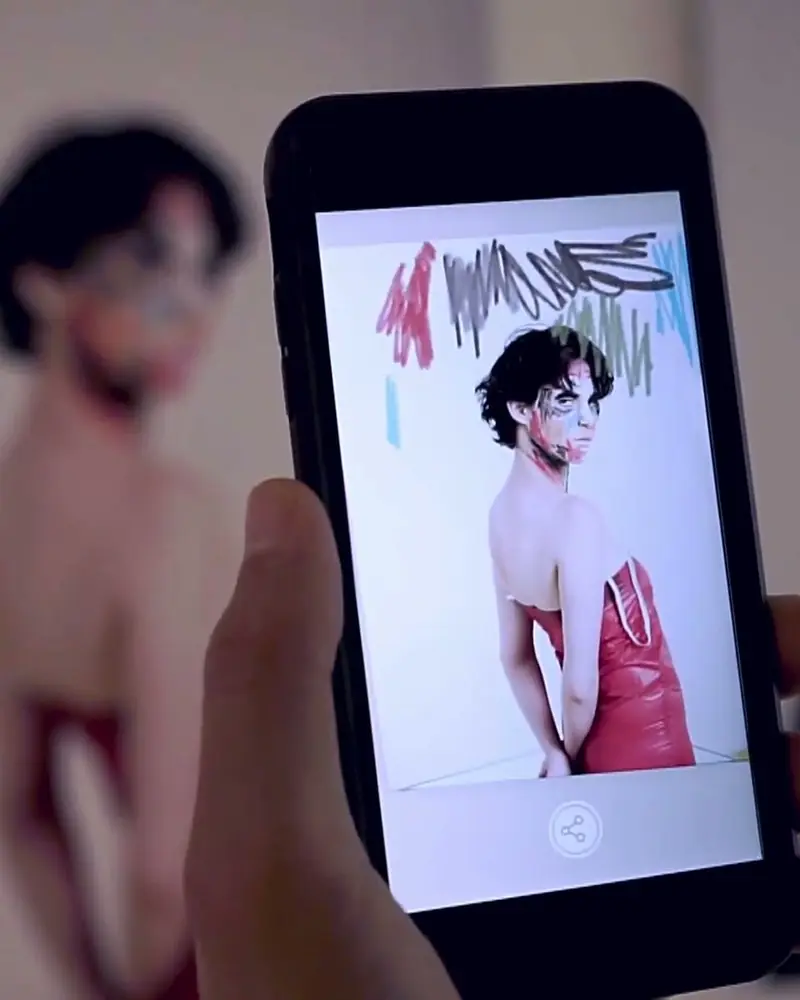 Take Festival: fashion posters that come to lifeThe festival campaign and the pieces in the show carry an AR layer.Elsa Okazaki, photographerWatch on Stories
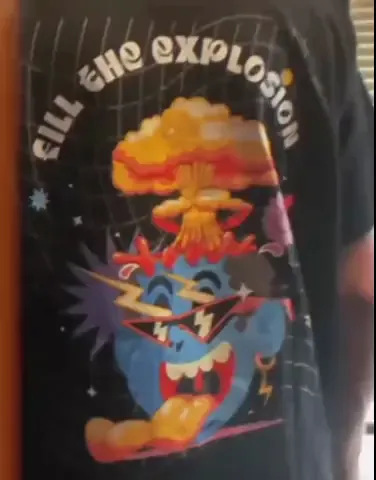
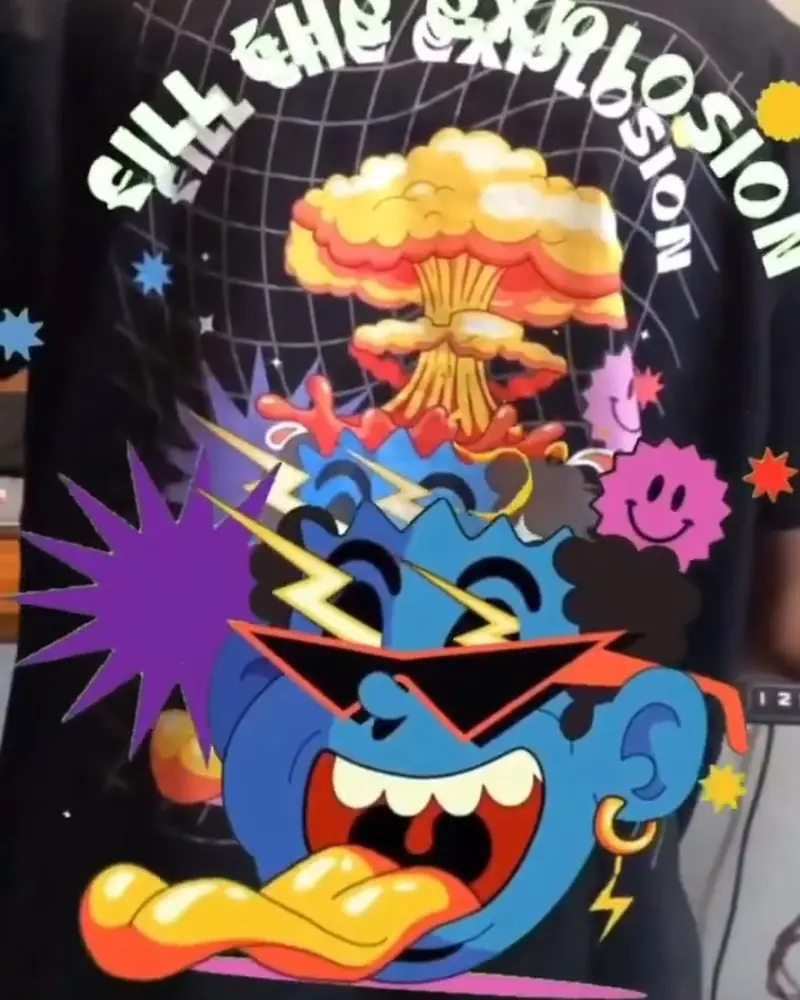 An AR t-shirt by Uniqon MediaThe lettering and characters on the chest come to life while the wearer stands still.Uniqon MediaWatch on Stories
Ideas to try
Pieces worth a second look
A graphic tee
The print on the chest plays a short animation while the wearer stands still, as on Uniqon Media’s shirt.
A scarf or a bag
A pattern that lifts off the fabric. Ahmet Rüstem Ekici prints his work on silk scarves.
Shoes and accessories
Painted sneakers, jewellery or a patch with a hidden animation. Superama paints shoes that carry their own.
A collection launch
Hang the collection like an exhibition and let each graphic come to life, as HOOD did in Vienna.
A lookbook or campaign
The printed lookbook plays the campaign film, as SIGHTLINE’s did.
Hang tags and labels
A tag that shows the making of, the material or the artist behind the print.
What you need
Before you start
A short checklist. Everything else happens in Bridge.
- A photo of the print A straight .jpg or .png of the printed piece, from the angle people will scan it. Optimise recognition.
- What plays on top Animation or video (.mp4, .mov or .gif) up to 100 MB, 3D models (glTF or GLB), sound and effects. File types.
- A plan that fits Basic is free to try. A brand selling pieces needs monthly views and the commercial licence on Business. See the plans.
- A cue on the tag A QR code for WebAR or a line on the label, so customers know there is more to see.
How to make it
Make yours in four steps
All in Bridge, the Artivive editor, in your browser. No code.
Pick the print
Choose a print, pattern or patch with clear shapes. Decide what it should do in AR.
Photograph it
Take a straight photo of the printed piece, from the angle people will scan it.
Upload and add layers
In Bridge, click Create Artwork, upload the photo, then add animation, video, 3D or effects.
Publish and scan
Publish and scan the real garment with the Artivive app. Try it worn and laid flat.
New to Bridge? Your first AR artwork, step by step, or the free course.
Tips
Small things that make it work
Flat areas scan best
Folds and stretch distort the print. Put the trigger where the fabric lies flat: the chest, a scarf, a tag.
Tell people to scan
A QR code on the tag or a short line on the label tells them there is more to see.
Refresh, don’t reproduce
Change the AR for a new season or a collaboration. The garment stays the same.
Questions
Questions and answers
Do I need to code?
No. Upload a photo of your design, add your layers and publish.
How do customers see it?
With the free Artivive app, or with a WebAR QR code that opens in the browser. On Basic and Pro, WebAR shows a small watermark.
How do customers know a piece comes to life?
Tell them on the tag or the label: a QR code and one line. Our templates help.
Does it work on shoes and accessories?
Yes, as long as the printed area has enough detail and is seen from roughly the angle you photographed.
Where can I find inspiration?
On Artivive Stories, in our artist interviews, and in Bridge’s templates and elements.
Can I use Artivive for a fashion brand?
Yes. The Business plan includes a commercial licence. Artivive for Business.