How-to guide
How to make photos come to life like magic
The portrait in the frame turns its head. The newspaper photo starts to play. All it takes is a phone.


What it is
A video inside the frame
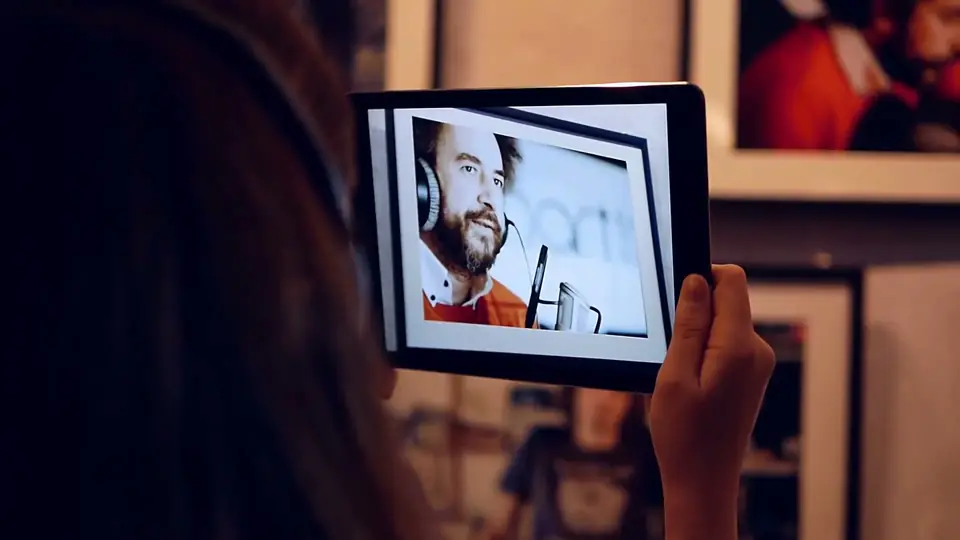
A magic photo is a print with a video playing on top of it. Through a phone, the people in the picture come to life, as in the living photos of a fantasy film.
The effect is simple: the photo is the trigger image, and a short clip with the same framing plays exactly over it.
Portraits, front pages, paintings and cards all work. Museums use the same effect: the Albertina let film stills play the scene they were taken from.
Why it works
Why it feels like magic
The still wakes up
People expect a photo to stay still. When it starts to play, they look twice and show it to the next person.
It is easy to make
One photo and one clip with the same framing. No special effects software needed.
It fits anything printed
Portraits, newspapers, magazine covers, playing cards and paintings can all carry a clip.
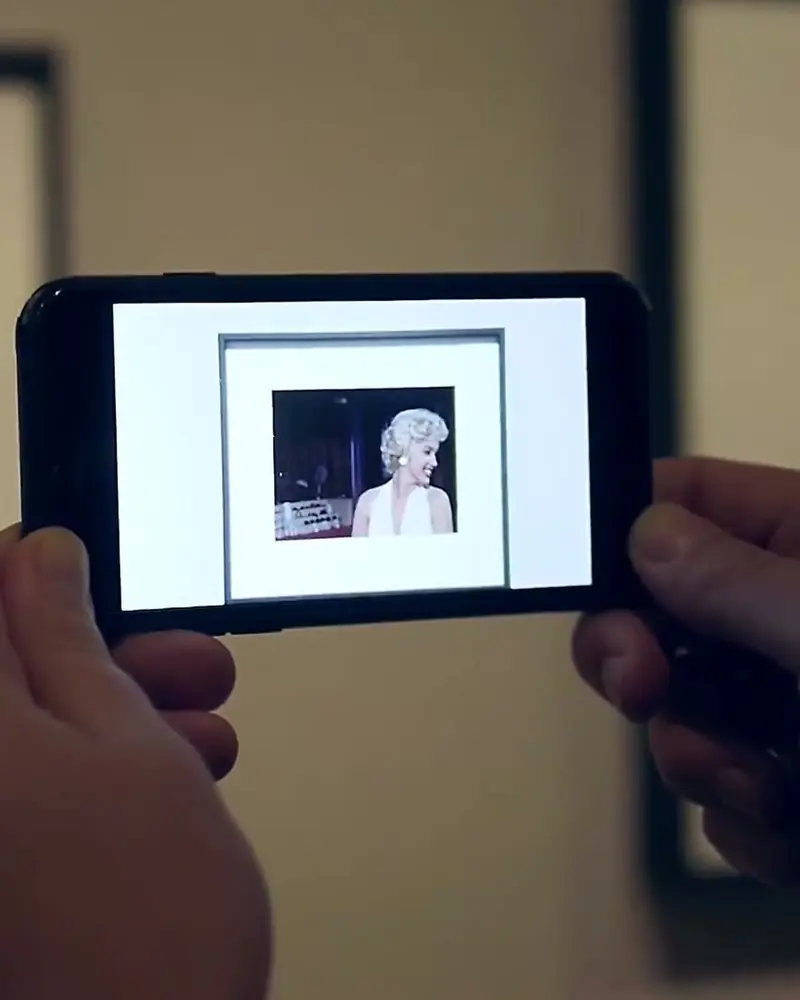 Film stills that start playingThe photographs stayed on the wall, and the film scene played over each print.Artivive for the Albertina Museum, ViennaWatch on Stories
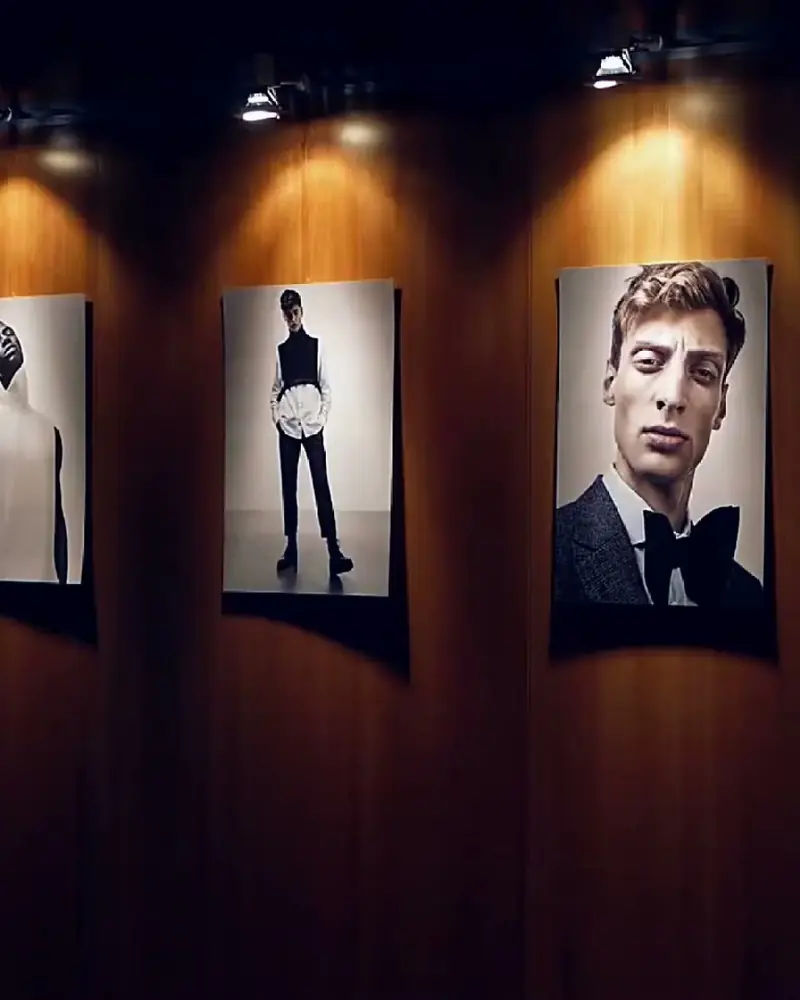 A magazine launch with pages that come to lifeGuests scanned the portraits on the walls and the printed magazine itself.Litto, Dimitrios Vellis and Markus C. Ender for VangardistWatch on Stories
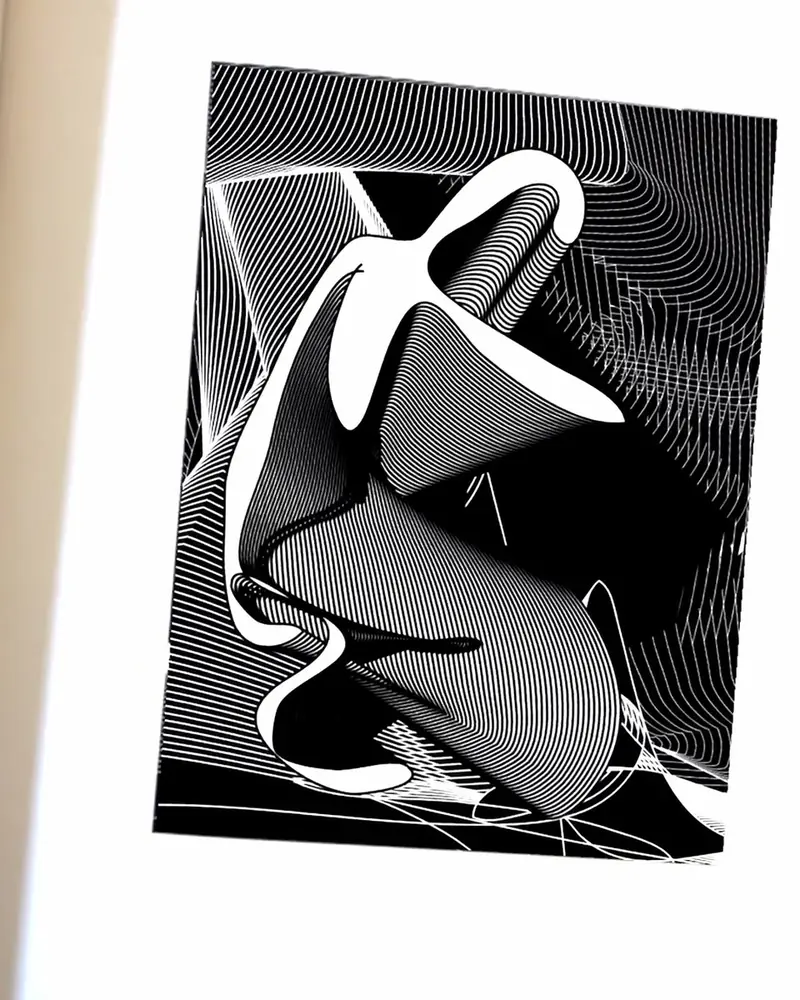 Goldberg: magazine pages that come to lifeReaders hold the phone over a spread and the drawing comes to life inside the page.Goldberg MagazineWatch on Stories
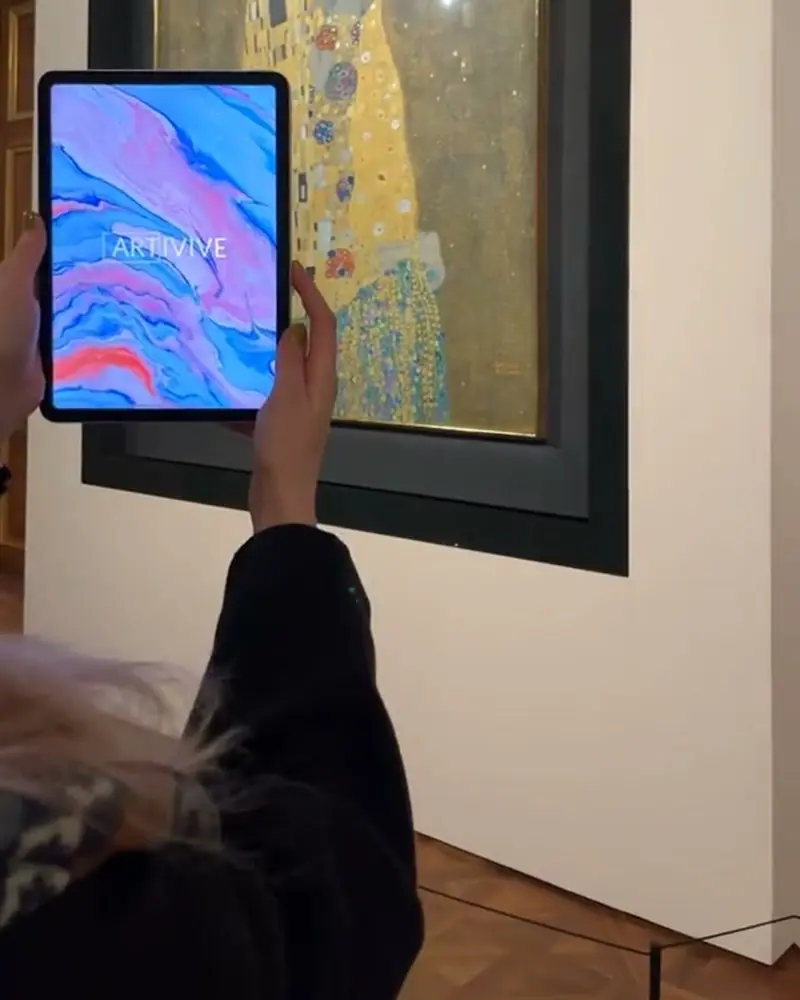 Klimt’s Kiss comes aliveThe gold leaf shifts and the couple comes to life inside the frame.Gustav Klimt, Belvedere Museum, ViennaWatch on Stories
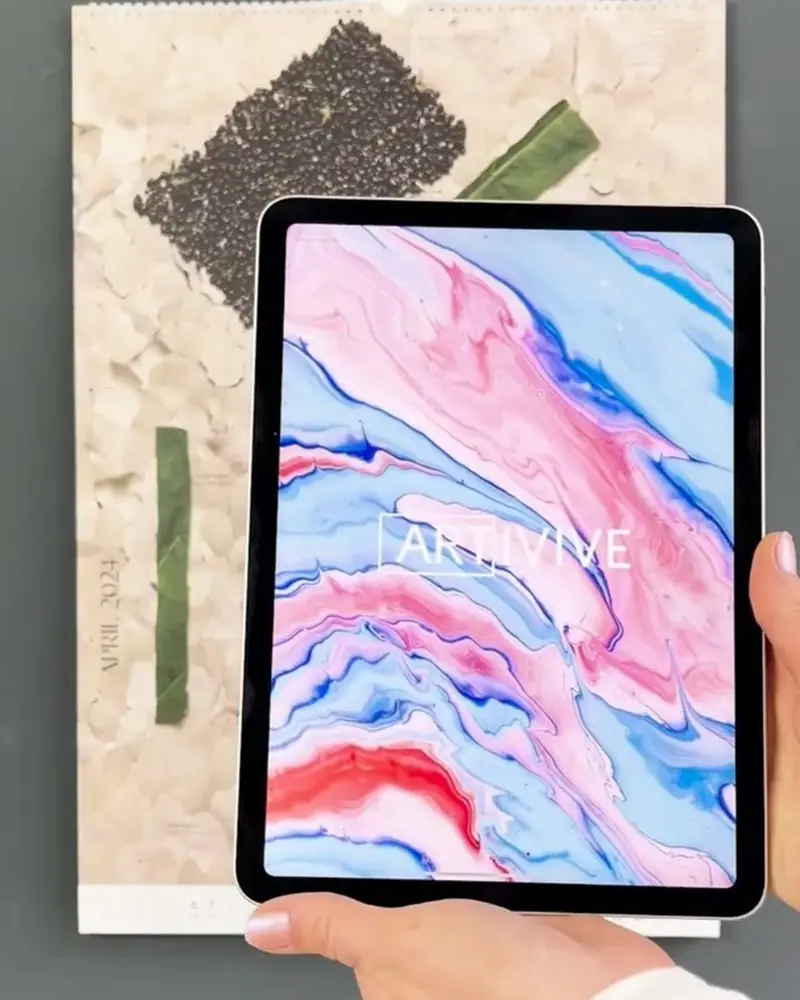 The WALD calendarFamous paintings rebuilt from leaves and moss. The AR plays how each picture was made.Pia Scharler and Craig Dillon for WALD MagazinWatch on Stories
Ideas to try
Spells to try
A living portrait
A framed portrait that blinks, smiles or turns its head when someone walks past with a phone.
A newspaper front page
Print your own front page, with a photo that plays the news like in a fantasy film.
A painting that wakes up
Give a painting a few seconds of life, as Klimt’s Kiss at the Belvedere.
Collectible cards
A set of character cards, each with its own short clip. Collect them all.
A magazine cover
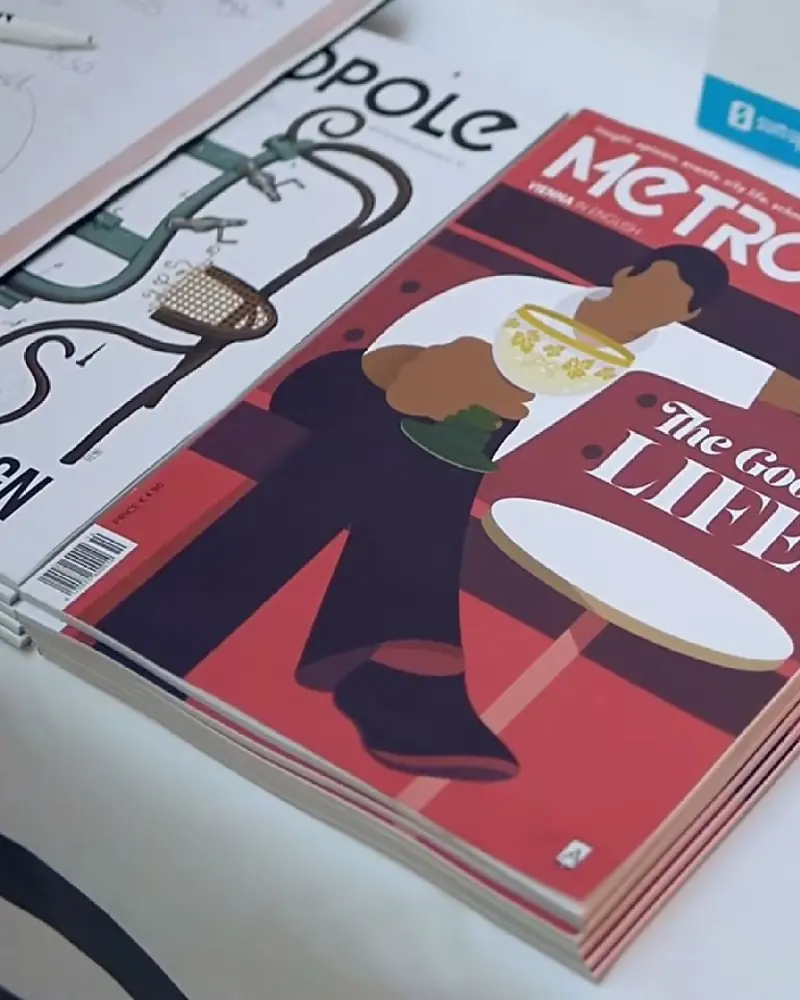
A cover that finishes its coffee, as Lilly Panholzer’s illustration for Metropole does.
Film stills
Stills that play the scene they were taken from, as at the Albertina’s film stills exhibition.
What you need
Before you start
A short checklist. Everything else happens in Bridge.
- The photo The printed photo as .jpg or .png, with detail and contrast. Optimise recognition.
- The clip A video with the same framing (.mp4, .mov or .gif), up to 100 MB. Under 45 seconds is best. File types.
- Some sparkle Particles, sound, 3D objects or templates from Bridge’s elements, if you want more.
- A plan that fits The free Basic plan has 50 views to try it out. WebAR without a watermark starts on Pro Plus. See the plans.
How to make it
Make yours in five steps
All in Bridge, the Artivive editor, in your browser. No code.
Choose the picture
A portrait, a group photo, a newspaper page or a painting. Print it, frame it, glue it in.
Film the clip
Record a short clip with the same framing as the photo, so the still and the film line up.
Upload to Bridge
Click Create Artwork, upload the photo as the trigger image, then add the clip as a video layer on top.
Add some sparkle
Particles, sound or a 3D object from Bridge’s elements and templates finish the effect.
Publish and scan
Name the artwork, publish, and point the Artivive app at the print.
New to Bridge? Your first AR artwork, step by step, or the free course.
Tips
Small things that make it work
Start and end on the still
If the first and last frame of the clip match the photo, the picture seems to wake up and fall asleep again.
Line it up exactly
Scale the video layer to cover the photo edge to edge. Bridge’s 2D view makes this precise.
If it won’t scan
Low contrast and repeating patterns make a weak trigger. How to optimise image recognition.
Questions
Questions and answers
How do other people see it?
With the free Artivive app, or with a WebAR QR code that opens in the browser. How to view AR.
Can the video have a transparent background?
Yes. Bridge can key out one colour of a video, and transparent GIFs work too. File types.
What else can come to life?
Paintings, playing cards, posters, book pages. Anything printed with enough detail can carry a video.
Can I add sound?
Yes. Music or a voice plays with the clip, as long as the phone is not on mute. You can also set sound to play only over headphones.
I can’t scan my artwork. What can I do?
Check the star rating in Bridge and avoid repeating patterns. Optimise image recognition.
My artwork shows an error after publishing. What now?
See problem solving in the knowledge base, or contact support.