How-to guide
How to create an Augmented Reality children's book
Children hold a phone over the page and the characters come to life, with songs and voices.


What it is
Story time, together
An AR children’s book is a picture book with a digital layer. Point a phone at a page and the characters come to life, sing or read the text aloud.
You can place layers in 3D around the page, so a dragon can fly above the book, not only across the picture.
The book still works without a phone. The AR turns reading into something parents and children do together, and it gives teachers a new way to explain.
Why it works
Why children keep reading
Reading becomes play
A dragon breathes fire, birds fly out of the book. The surprise makes children want the next page.
They learn by ear
A voice layer reads the text aloud first, then children try it themselves. It helps with a new language too.
Families do it together
The parent holds the phone, the child holds the book. Story time becomes something they share.
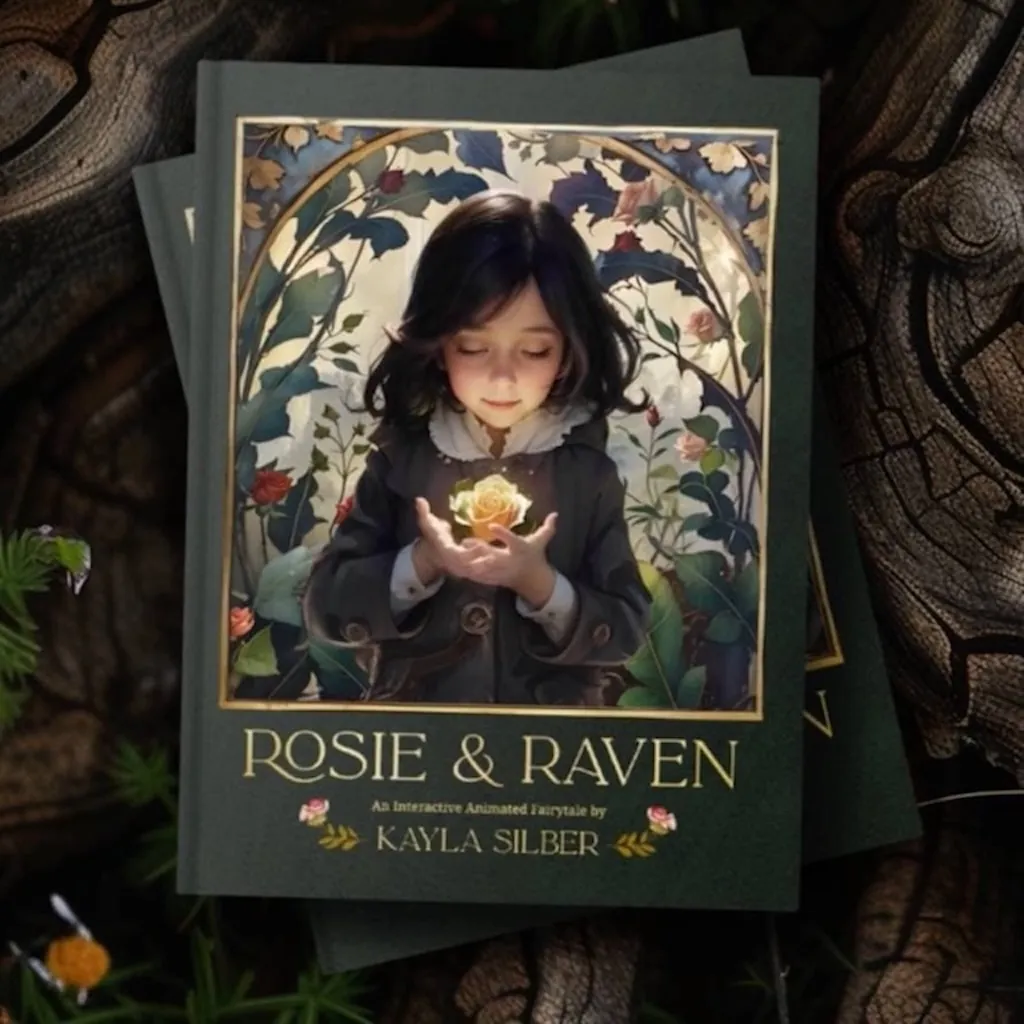
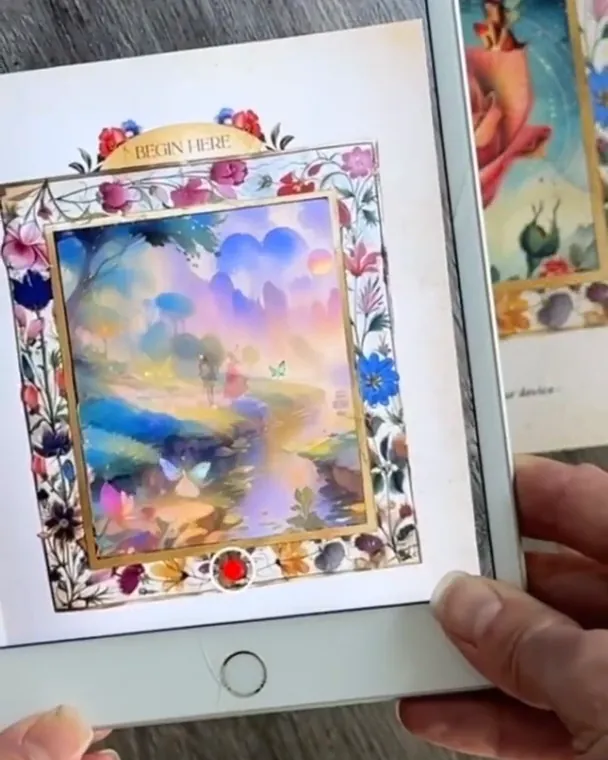 Rosie & Raven: a children’s book in ARMarked pages unlock animation and original songs that families open together.Kayla Silber, author and illustratorWatch on Stories
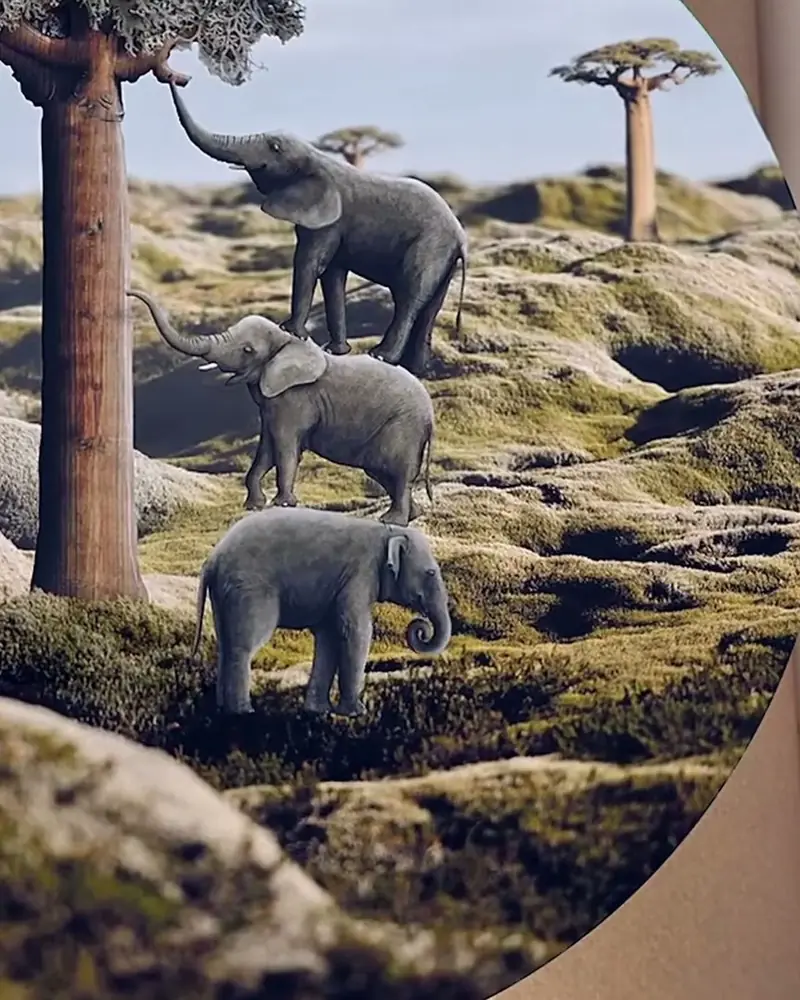 The Little Prince: an illustrated book in AREvery illustration has an AR layer: the fox, the rose and the small planet come to life.Eliška Podzimková, illustratorWatch on Stories
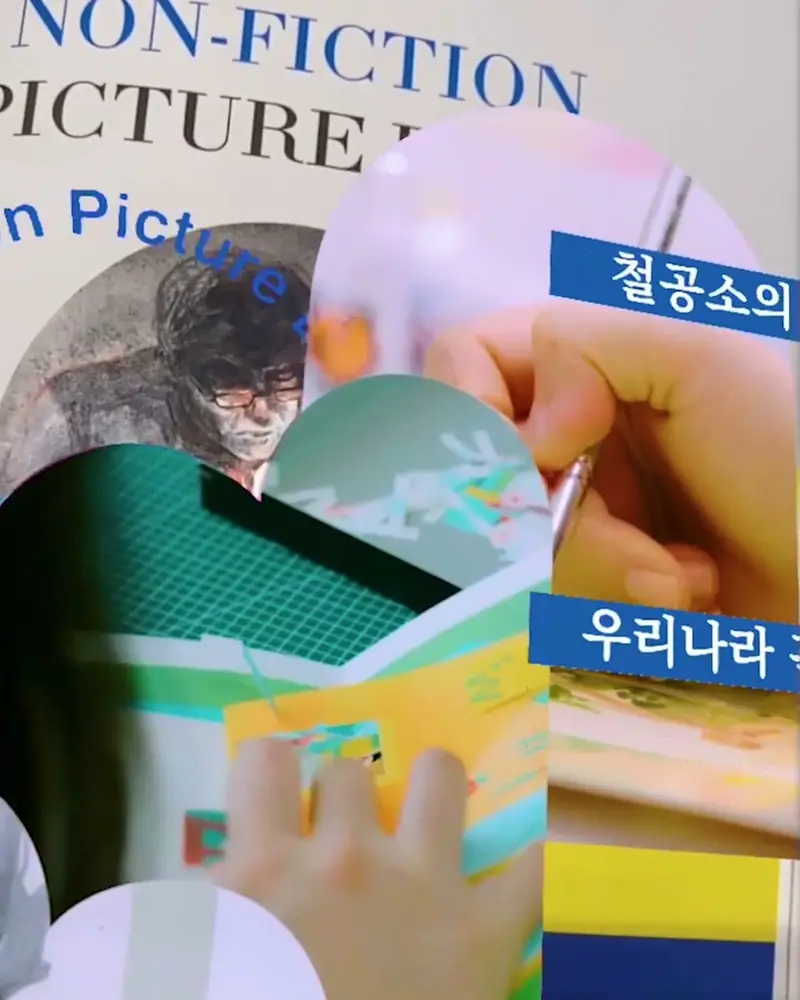 Un-printed Ideas: a children’s museum in KoreaChildren who cannot read wall texts yet scan the illustrations and watch them come to life.Hyundai Museum of Kids’ Books and ArtWatch on Stories
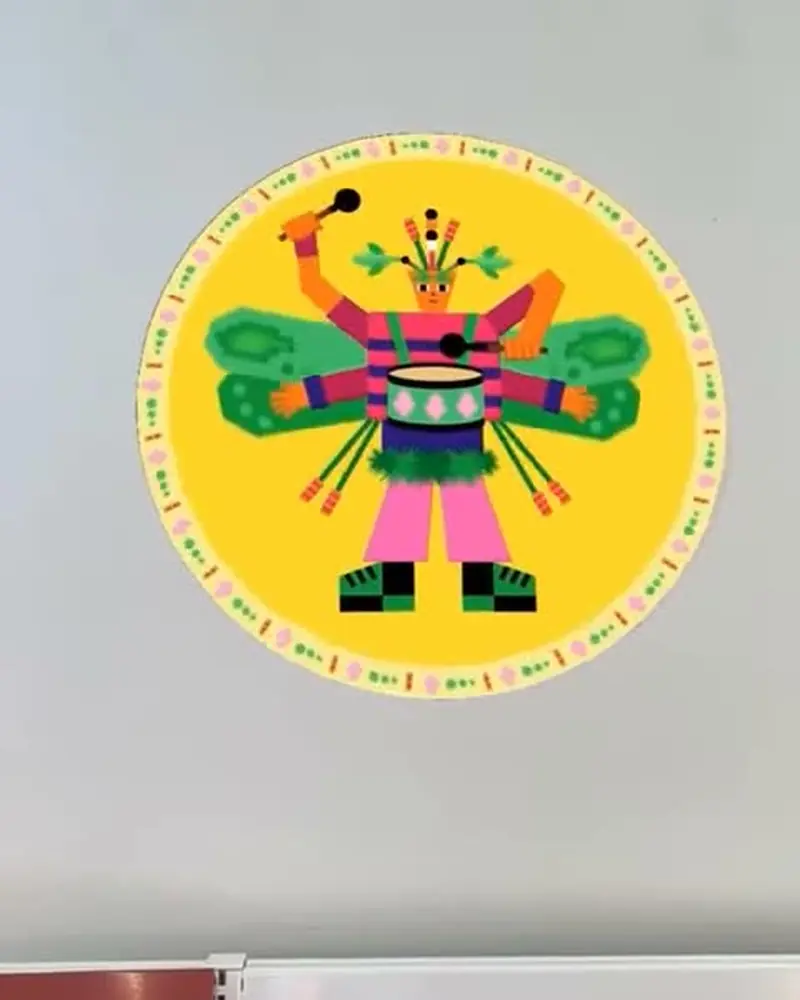 Play with insects in Brest’s librariesRound insect characters on stickers and cards that dance when scanned.Guillaumit for the Médiathèques de BrestWatch on Stories
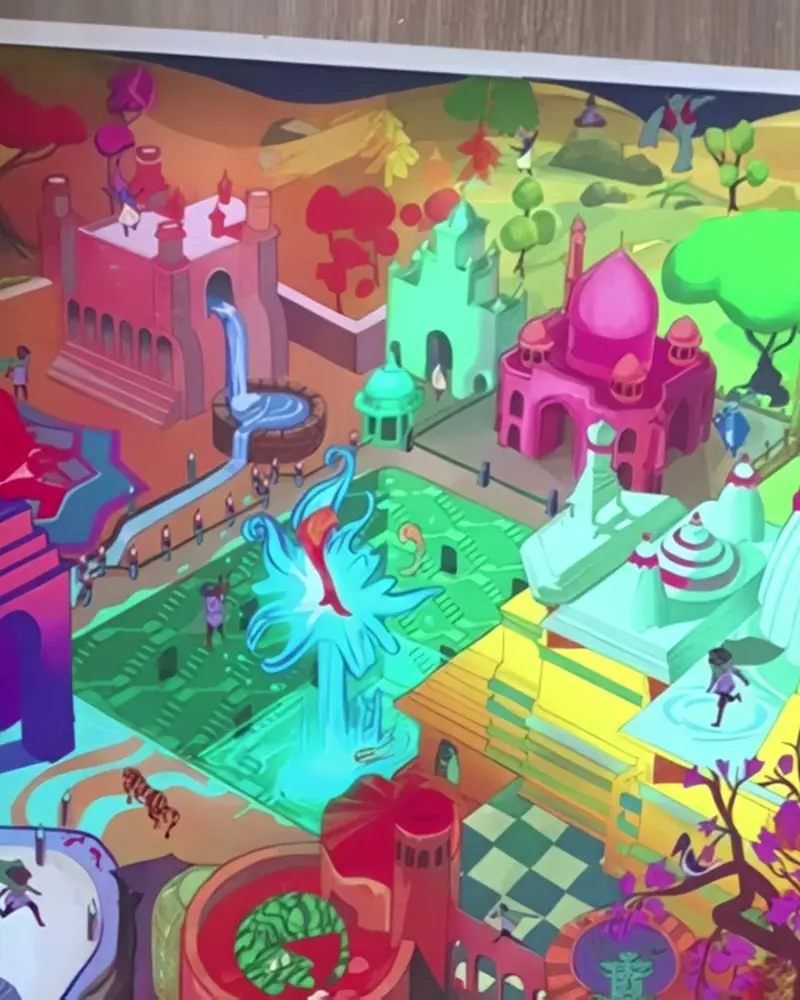 Priya’s World: a puzzle that comes aliveAssemble the jigsaw, then scan it and the finished picture turns into an animated scene.Syd Fini and Neda Kazemifar for Power of PriyaWatch on Stories
Ideas to try
Ideas for young readers
A read-aloud picture book
Every page with its own voice track, so children can follow the words while they listen.
A book with songs
Original songs on the marked pages, as in Rosie & Raven by Kayla Silber.
A how-it-works book
Show how a machine runs, how a seed grows or how to hold a guitar, with a short video on the page.
A language book
Hear each word spoken and see it as a picture. Audio layers are made for pronunciation.
A library treasure hunt
Characters on stickers and cards around the children’s section, as Guillaumit made for the libraries of Brest.
A puzzle or game
Assemble it first, then scan it: Priya’s World turns into an animated scene once the puzzle is complete.
What you need
Before you start
A short checklist. Everything else happens in Bridge.
- The illustrations Each AR page as a .jpg or .png, exactly as printed. Detailed, colourful pictures scan best. Optimise recognition.
- Sound and motion Animation or video (.mp4, .mov or .gif) up to 100 MB, songs and voice tracks, 3D characters (glTF or GLB). File types.
- A plan that fits Basic is free with 50 views to try it out. For a published book, Pro has 1,000 views a month and Pro Plus 5,000. See the plans.
- A page for parents A short how-to at the front and an icon next to each AR picture. Publication templates.
How to make it
Make yours in five steps
All in Bridge, the Artivive editor, in your browser. No code.
Choose the pictures
Pick the illustrations or characters that should come to life. Think about what children will do while they watch.
Upload each page
In Bridge, click Create Artwork and upload the illustration as the trigger image.
Add sound and motion
Add an animation, a song, a read-aloud voice or a 3D model. Templates and elements help you start.
Test it with a child
Scan a printed proof with the Artivive app. Watch how a child holds the book and the phone.
Publish and mark it
Publish and put a small icon next to every picture that comes to life.
New to Bridge? Your first AR artwork, step by step, or the free course.
Tips
Small things that make it work
Read it aloud
A voice layer lets children hear the text first, then try reading it themselves.
Keep it short
Short loops suit small hands. Under 45 seconds keeps the phone steady and the child on the page.
Think of the parent
The parent usually holds the phone. Explain scanning on the first page, and use our publication templates.
Questions
Questions and answers
How do families see the AR?
With the free Artivive app on a phone or tablet, no account needed. With WebAR, a QR code opens the pages in the browser. How to view AR.
How do readers know which pages to scan?
Put a small icon next to every AR picture and a short how-to at the front. Our publication templates are free.
How many layers can a page have?
Up to three videos of 100 MB each, plus images, sound and 3D models within your plan’s memory: 1 MB on Basic, 3 MB on Pro, 5 MB on Pro Plus. File types.
Can I add AR to a book that is already published?
Yes. Upload a scan or a sharp photo of the pages and start creating. The printed copies work as soon as you publish.
Do I need to know how to animate?
No. Bridge has templates, elements and effect layers. If you want an animator, we can make it for you.
Do families need an account?
No. Anyone can scan and view for free, in the app or in the browser. Only you, the creator, need an account.