How-to guide
How to make an Augmented Reality tattoo?
The ink stays as it is. Through a phone, the tattoo comes to life.


What it is
Ink with a story inside
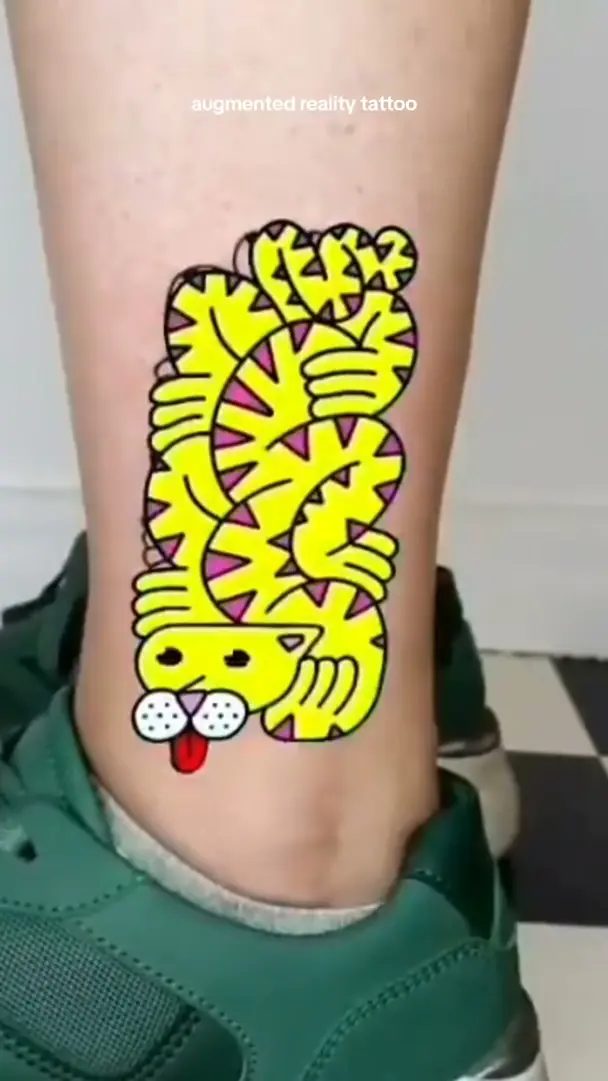
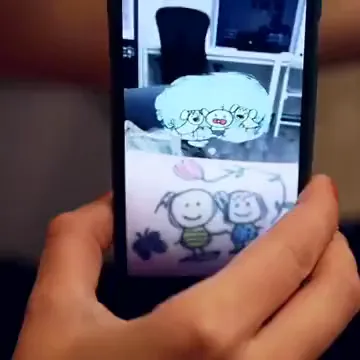
An AR tattoo is a tattoo with a digital layer. Point a phone at the ink and the design plays an animation, a sound or a memory.
Add a photo or video of someone you love, or a place you want to remember. Change it whenever you like, the ink stays the same.
The artist Litto made the first AR tattoo with Artivive in Vienna in 2017. Since then, tattoo artists like Verena Mack design their motifs for both the skin and the screen.
Why it works
Why ink gains a layer
It tells the story
A tattoo often stands for a person, a date or a place. The AR layer can show the photo, the video or the voice behind it.
It keeps changing
The ink is permanent, the AR is not. Swap the animation for a new season, a new memory, a new mood.
It starts conversations
Show it at a party or a meeting: a tattoo that plays an animation on a phone is something people remember.
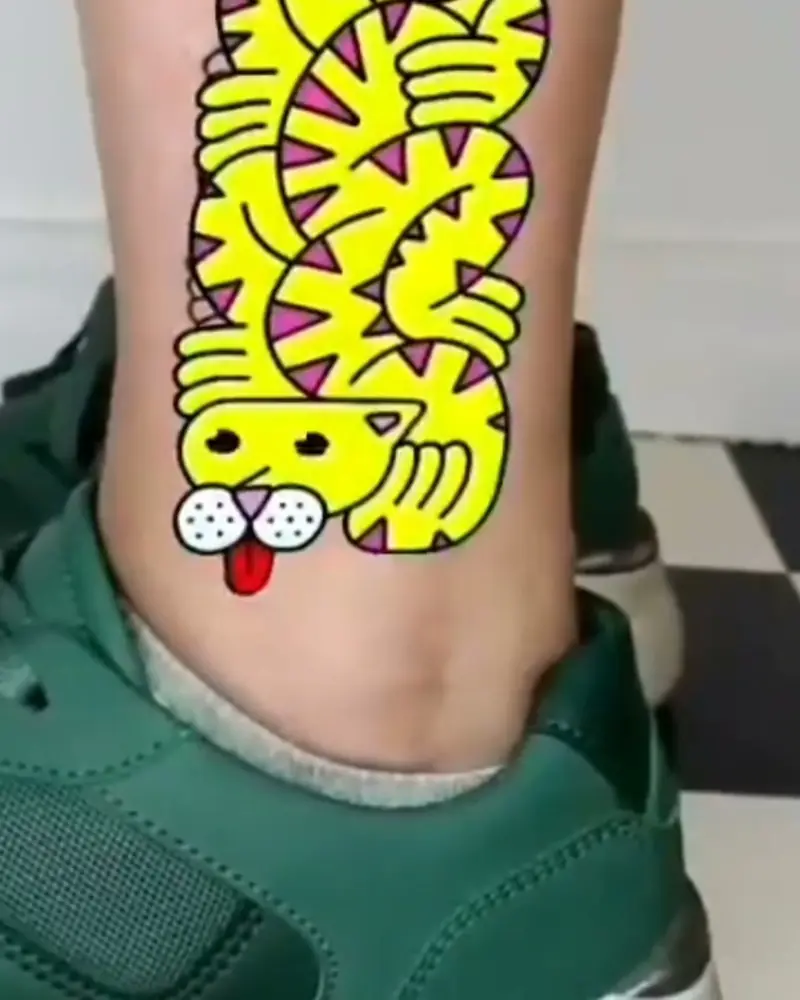 A tattoo with an AR layerPoint a phone at the ink and the motif plays its animation on skin.Verena Mack, tattoo artistWatch the film
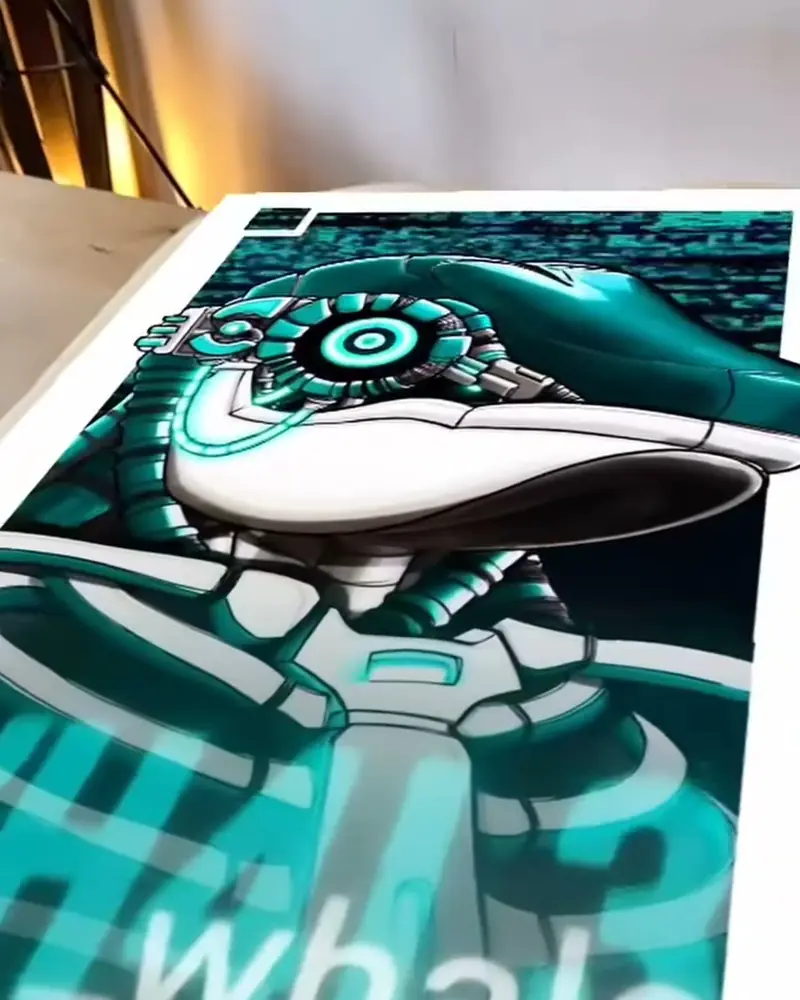 Skeenee: tattoo ink, animatedSkulls and skeletons in tattoo style, printed large, that light up when scanned.Skeenee, tattoo artistWatch the film
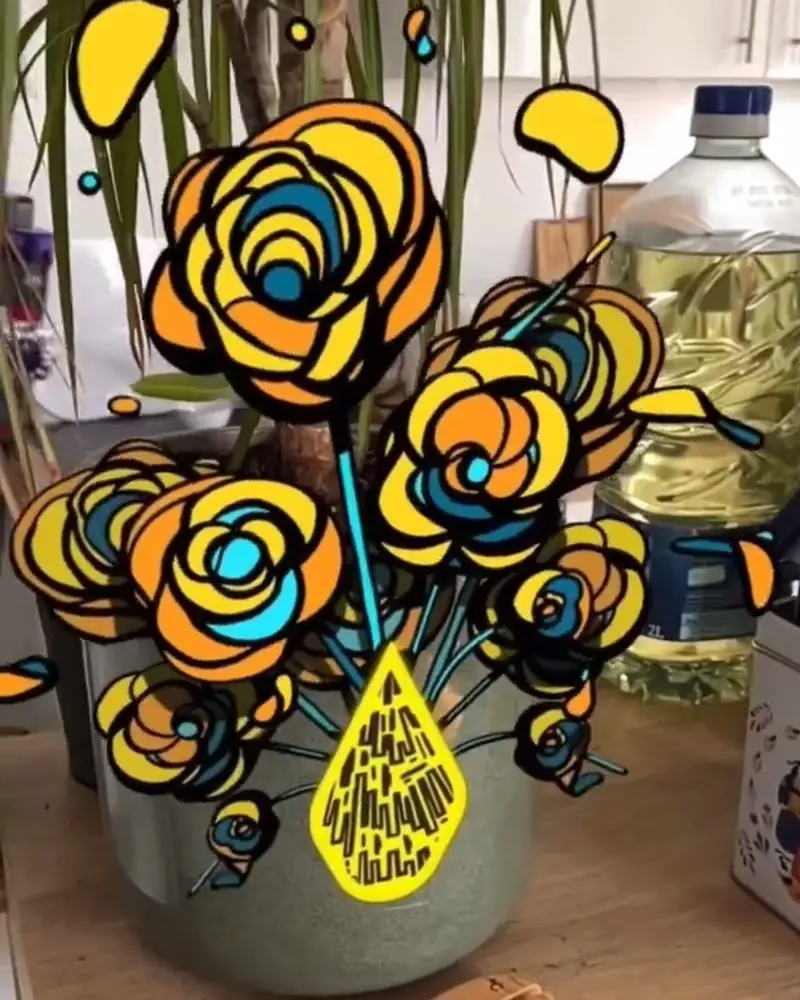 AR stickers that finish themselvesOn a laptop or a lamp post, the drawing completes itself when a phone gets close.Thomas Pablo Pons, illustratorWatch the film
Ideas to try
Tattoos with a second layer
In memory of someone
A portrait or a name, with a photo or a short video of the person you love.
A travel memory
A coordinate or a landmark that plays the film you shot there.
A character that walks
Draw a figure that walks, blinks or dances on the skin, as Verena Mack’s designs do.
A flash sheet for the studio
Tattoo artists can give their flash designs an AR layer, so clients see the idea in AR before the needle.
Try it as a sticker
Not ready for ink? A temporary tattoo or a sticker carries the same layer, like Thomas Pablo Pons’ AR stickers.
What you need
Before you start
A short checklist. Everything else happens in the Artivive editor (Bridge).
- The design or a photo The tattoo design, or a straight photo of the healed tattoo, as .jpg or .png. Bold lines scan best. Optimise recognition.
- What plays on top An animation, photo or video (.mp4, .mov or .gif up to 100 MB), sound or effects. File types.
- A plan that fits The free Basic plan has 50 views to try it out, which is plenty for showing friends. See the plans.
- A phone to show it The free Artivive app, or a WebAR QR code you can share. How to view AR.
How to make it
Make yours in four steps
All in the Artivive editor, in your browser.
Design the tattoo
Work with your tattoo artist on a design with clear lines and contrast. Plan what it should do in AR.
Upload the design
In the Artivive editor (Bridge), click Create Artwork and upload the design, or a straight photo of the healed tattoo.
Add your layers
Add the animation, a photo or video, sound or effects. Position, rotate and scale each layer.
Publish and scan
Publish, then scan the tattoo with the Artivive app in good light.
New to the editor? Your first AR artwork, step by step, or the free course.
Tips
Small things that make it work
Use a photo of the skin
Skin curves and changes colour. A photo of the healed tattoo, taken straight on, often scans better than the flat design.
Bold lines scan best
High contrast and clear shapes give the camera something to hold. Fine, faded lines do not.
Change it any time
The tattoo is forever, the AR is not. Swap the animation in the editor and publish again.
Questions
Questions and answers
Do I need special ink?
No. AR tattoos use regular tattoo ink. The AR layer lives in Artivive, not in the skin.
Do I need a real tattoo to try it?
No. A temporary tattoo or a body sticker works too, as long as the design matches the image you uploaded.
Can I add AR to a tattoo I already have?
Yes. Photograph it straight on in even light, upload the photo and add your layers.
How do other people see it?
With the free Artivive app, or in the browser through a WebAR QR code. How to view AR.
Can I change the AR later?
Yes. Edit the artwork in the editor and publish again. The next scan shows the new version.
Can I make it interactive?
Yes. With Timeline and Sequences on Pro Plus, the AR can change from one state to the next when the viewer interacts. How Sequences work.